

Phone Copier
Phone Copier screenshots (8)
Description Phone Copier
Effortlessly Migrate Everything to Your New Phone
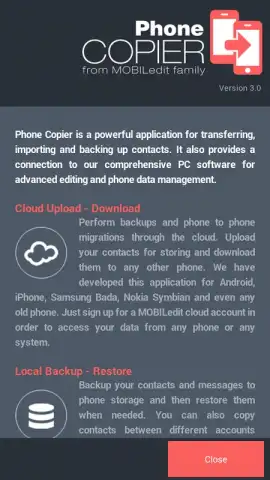
Switching to a new smartphone often means facing the tedious, error-prone task of manually moving your digital life. Lost contacts, missing messages, and fragmented photos can turn an exciting upgrade into a frustrating chore. Phone Copier by Compelson Labs eliminates this headache entirely, providing a professional-grade, multi-path data migration tool designed for a flawless transition between virtually any phone models, including Nokia, Samsung, Motorola, and Apple devices. Whether you're moving between Android phones or making the jump between Android and iOS ecosystems, this application ensures every critical piece of data makes the journey securely and completely.
Comprehensive Data Transfer Engine and Smart Management Suite
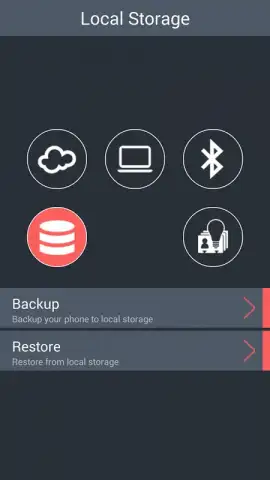
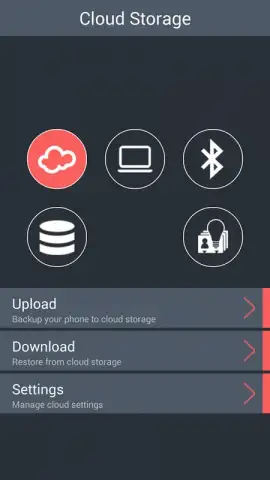
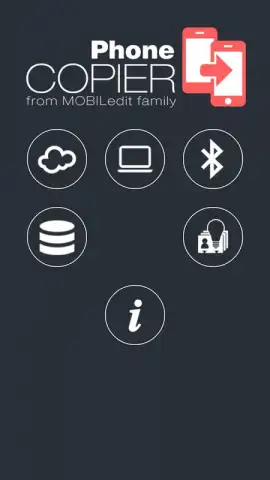
Phone Copiler operates as a complete data migration and device management hub. Its core functionality is built around three distinct, user-selectable transfer methods to fit any technical scenario or preference. You can initiate a direct, peer-to-peer phone-to-phone transfer using a local Bluetooth connection for offline speed and privacy. For a cloud-based approach, the secure Internet Storage function utilizes bank-grade encryption protocols—identical to those trusted by financial institutions—to safeguard your contacts, messages, and media during upload and download. For maximum control and PC integration, the software seamlessly connects with the MOBILedit desktop application, allowing you to use your computer as a management console and transfer bridge.
Beyond raw data copying, the app includes a powerful suite of intelligent management tools that activate after your migration. The Phone Book Optimizer automatically scans, deduplicates, and cleans your contact list. The dedicated SMS Manager lets you archive, sort, and bulk-manage message threads from a single, centralized inbox. Real-time status indicators for battery level and storage capacity provide at-a-glance device health monitoring. For power users, the in-app Pro upgrade unlocks the impressive Messages Archive, a feature that aggregates SMS and MMS history from multiple old devices into one unified, searchable database, enabling you to read, manage, and respond to conversations from a single chronological timeline without ad interruptions.
Key Advantages at a Glance
- Multi-brand compatibility (Nokia, Samsung, Apple)
- Three flexible data transfer methods
- Bank-grade encryption for cloud transfers
- Intelligent contact and SMS management tools
- Centralized message archive from multiple devices
- Real-time device status indicators
Getting started is an intuitive process: simply install Phone Copier on both your old and new devices, then follow the on-screen guide to select your preferred transfer path. For migrations involving an iPhone, ensure you download the dedicated "MOBILedit" companion version for full compatibility. Trusted by millions of users and recognized by elite technical agencies, Phone Copier has established itself as the gold-standard solution for mobile data migration. Stop risking your valuable data with manual methods.
Download Phone Copier now and experience a one-click, worry-free phone switch today!
Disclaimer: This application requires an internet connection for certain features like cloud storage and software updates. The app contains optional in-app purchases to unlock premium Pro features, including the Messages Archive. Functionality may vary depending on device model and operating system version.


