
Pink Keyboard
Pink Keyboard screenshots (17)
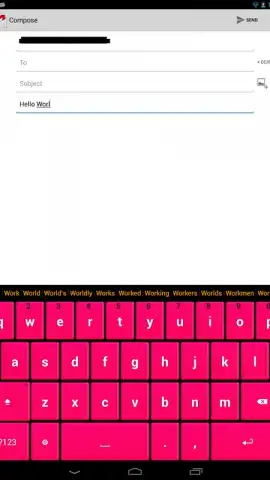
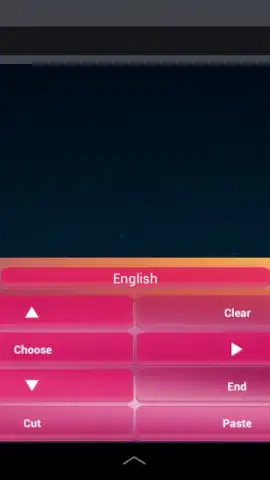
Description Pink Keyboard
A Functional Review of the Pink Keyboard App
In the landscape of mobile personalization, keyboard themes are a primary point of user interaction. The Pink Keyboard app by AndUtil presents itself as a specialized tool, moving beyond a simple color swap to offer a feature-rich alternative to a device's default input system. This review examines its operational mechanics, customization depth, and practical utility for users seeking both a distinct aesthetic and enhanced typing functionality. The application positions itself not merely as a visual overlay but as a comprehensive input solution with a focused thematic identity.
Core Features and Operational Analysis
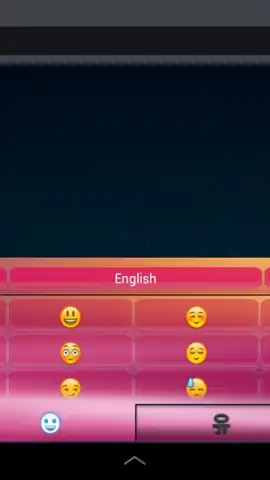
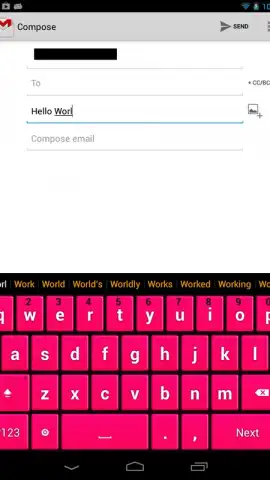
The application's primary function is to replace the standard system keyboard with a persistently pink interface. The core value, however, lies in its integration of standard and advanced typing aids. The AI-driven word prediction engine analyzes typing patterns to offer contextual suggestions, aiming to increase input speed. The voice-to-text dictation feature provides an alternative input method, converting speech with reasonable accuracy, which is a practical tool for hands-free operation or longer messages. Furthermore, the inclusion of dedicated emoji access buttons streamlines the process of inserting emoticons without switching keyboard layouts.
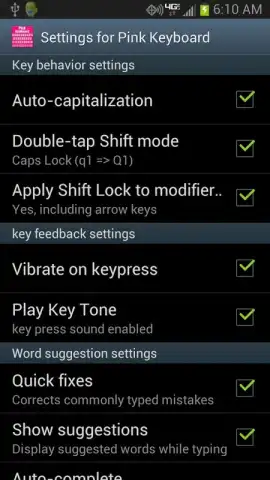
Beyond its namesake color, the app provides a suite of configurable settings that affect the tactile and auditory typing experience. Users can adjust parameters such as keypress sound profiles and haptic feedback intensity, allowing for a personalized sensory response. The auto-capitalization and spell-check systems work in tandem to reduce basic grammatical errors, functioning with a dictionary that appears extensive for general use. A notable claim is the absence of advertising within the keyboard interface itself, which is often a point of frustration in similar free applications, suggesting a cleaner user experience.
Detailed Feature Breakdown
- AI-Powered Word Prediction: Utilizes contextual learning to offer accurate text completions and next-word suggestions, streamlining the typing process.
- Comprehensive Customization Suite: Enables adjustment of auditory keypress sounds, haptic vibration feedback, and auto-correction sensitivity for a tailored feel.
- Integrated Voice Dictation: Features a built-in speech recognition system for instant conversion of spoken words into typed text directly within any app.
- Enhanced Language Tools: Combines an automatic spell-checker with a broad dictionary to assist with spelling and grammar during composition.
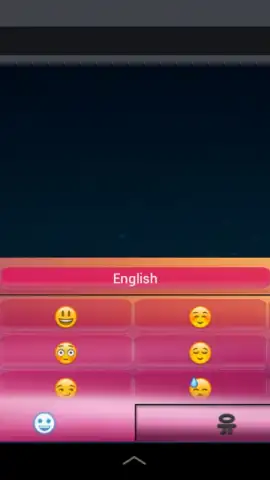
- Direct Emoji Integration: Includes one-tap emoji buttons on the main keyboard layout, facilitating quick emotional expression without menu navigation.
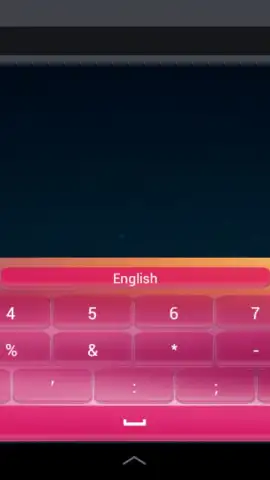
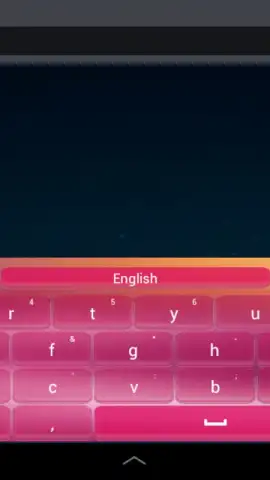
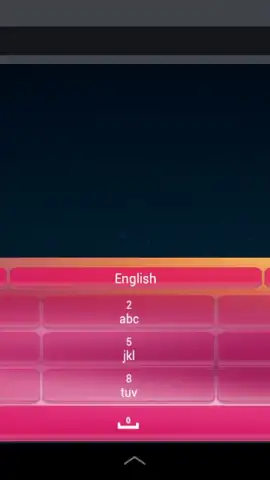
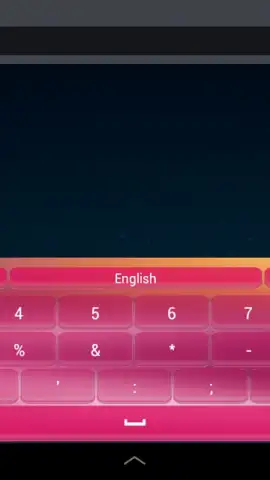
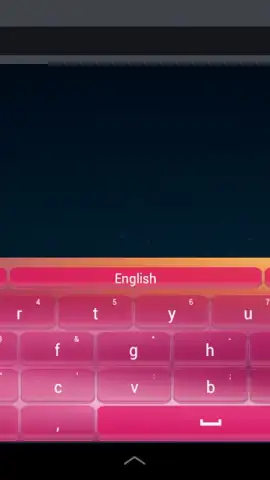
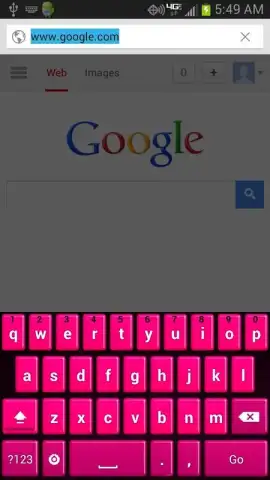
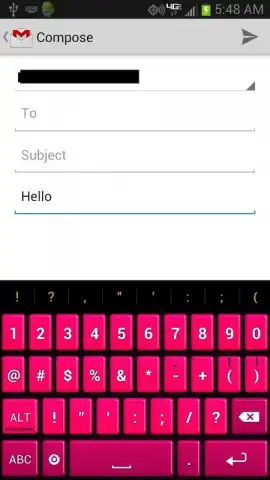
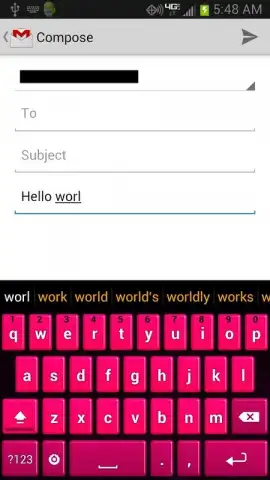
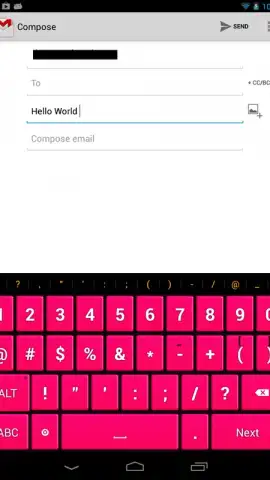
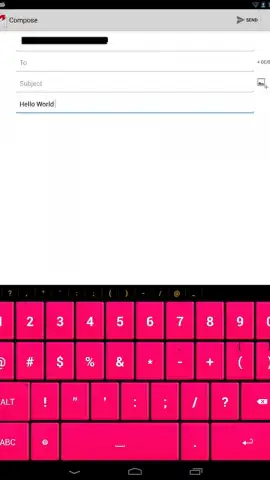
- Focused Aesthetic Design: Delivers a consistent, high-saturation pink theme across all keys and backgrounds for a unified visual experience.
The application differentiates itself from the default iOS or Android keyboards by bundling these features within a singular aesthetic package. Its performance in daily use hinges on the reliability of its prediction algorithms and the stability of the keyboard switching process. For users committed to a specific color theme who also require functional typing enhancements, this app consolidates both requirements into a single download.
Get your bonus of a personalized, efficient typing experience and start transforming your device interaction today.
Download mobile app now
Disclaimer: This application requires an internet connection for initial download, setup, and for certain features like voice dictation to function fully. It may request permissions to enhance functionality, such as microphone access for voice input. Data usage may apply depending on your activity. The app may contain in-app purchases for premium features or themes. Please be aware of any age restrictions set by the distribution platform and review the developer's privacy policy regarding data collection and usage before installation.


