
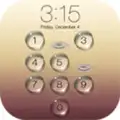
PIP Lock Screen
PIP Lock Screen screenshots (23)
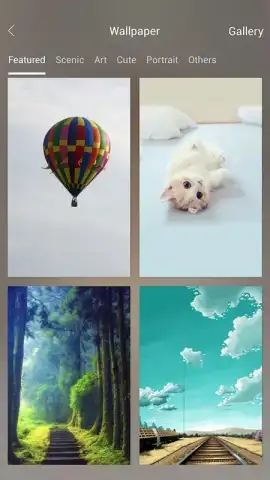
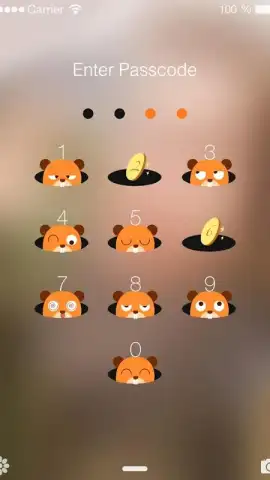
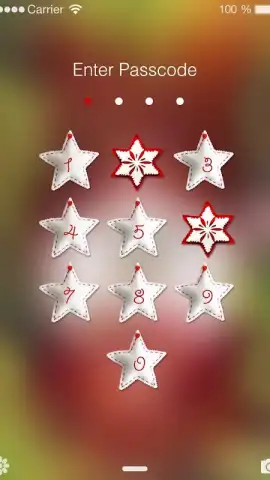
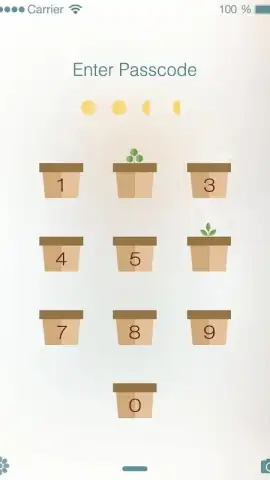
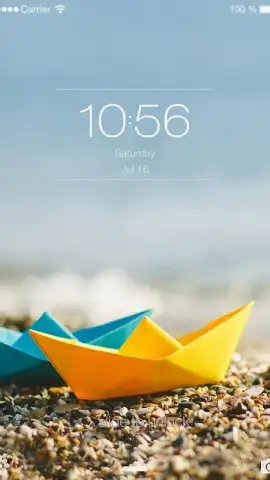
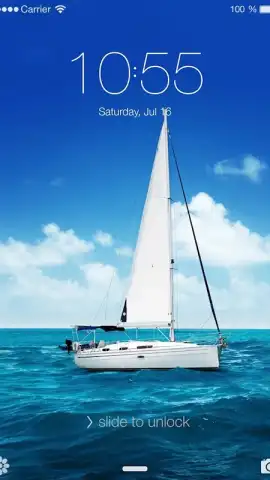
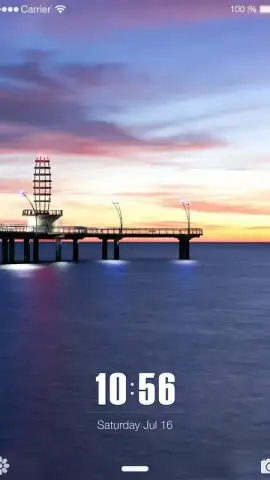
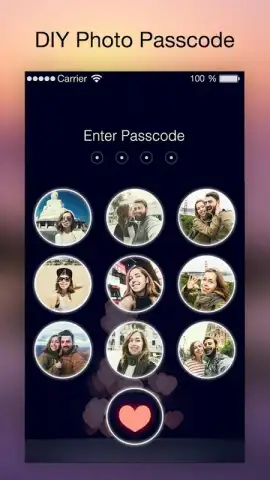
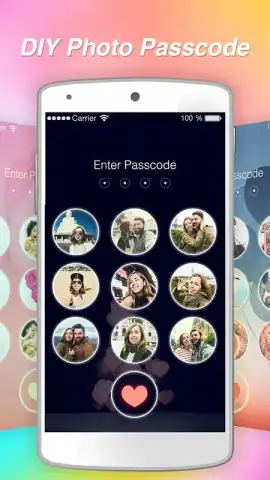
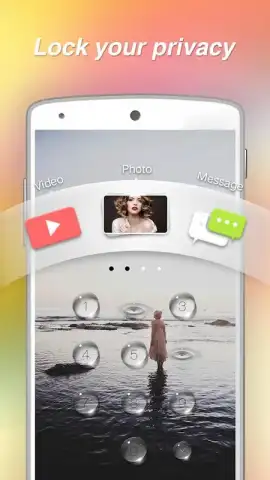
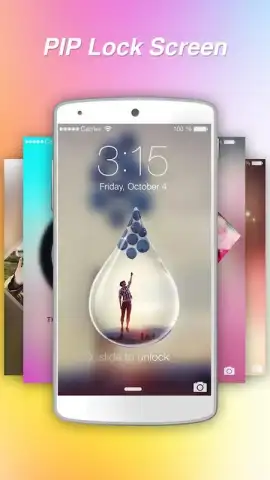
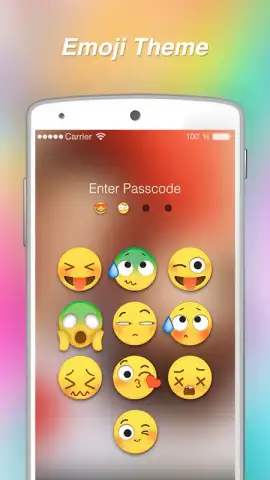
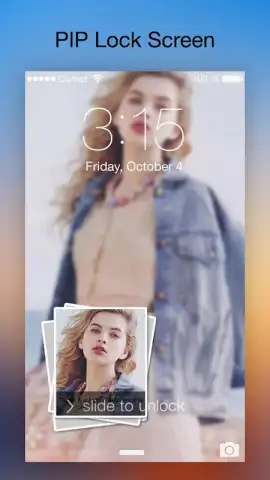
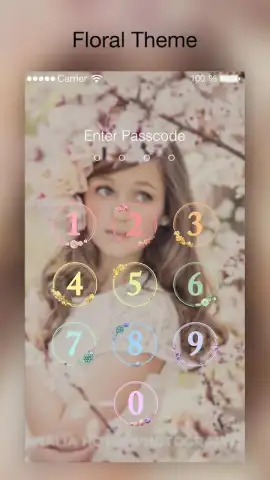
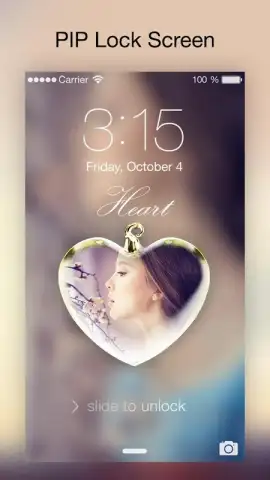
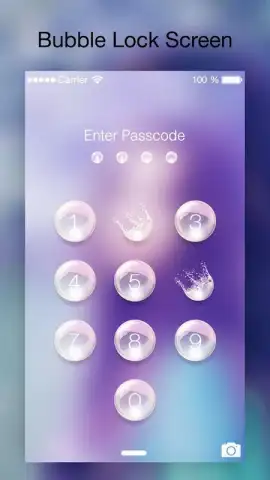
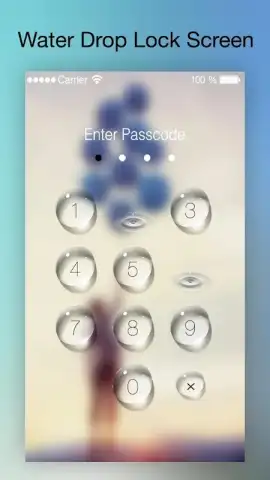
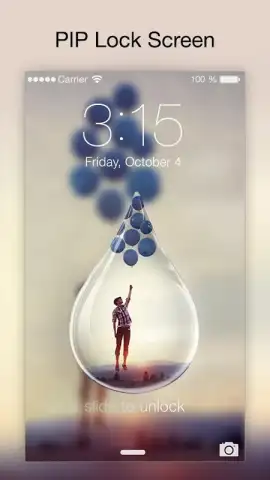
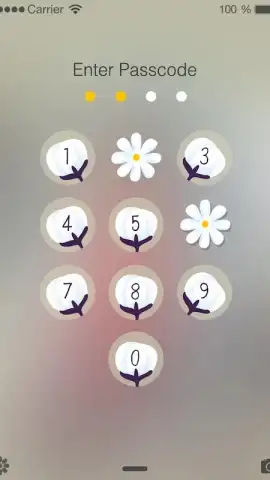
Description PIP Lock Screen
Is your lock screen just a static clock on a generic background?
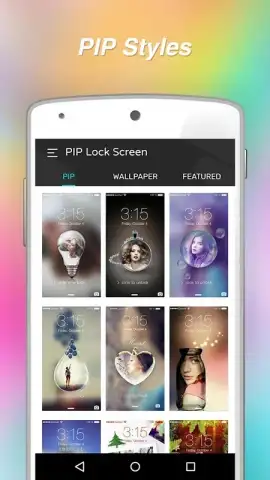
PIP Lock Screen transforms this overlooked space into a dynamic, interactive canvas. This utility app allows you to place a fully customizable, resizable picture-in-picture (PIP) window directly onto your lock screen. You can set this window to display a live feed from your front or rear camera, a specific photo from your gallery, or a looping video, creating a unique layer of personalization and function. The core mechanics involve granting the necessary accessibility permissions, after which you can drag, scale, and position the PIP frame anywhere on the screen, adjust its opacity, and choose its content source with a few taps. It effectively turns your lock screen into a live peek window or a persistent digital photo frame without needing to unlock your device.
Features and Customization
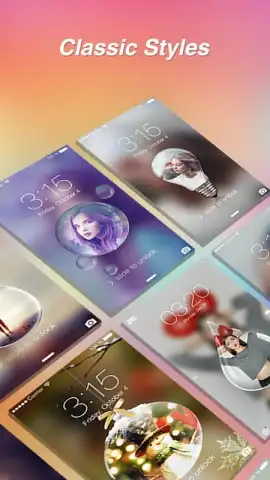
The app provides granular control over the PIP window's behavior and aesthetics. You can select from multiple aspect ratios and border styles for the frame, from clean lines to artistic edges. A key feature is the motion-activated display, which keeps the PIP window hidden to conserve battery until you pick up your device or tap the screen, at which point it smoothly fades into view. The content management is equally robust, allowing for instant switching between camera views and media files. For privacy, a one-touch shortcut can instantly disable the camera feed, turning the window black or into a static image.
Key Advantages
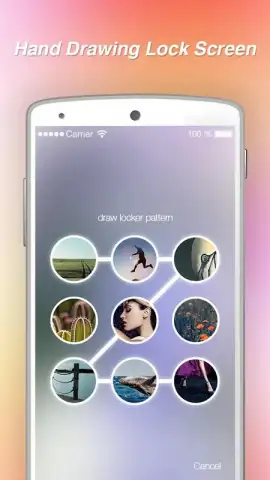
The primary strength of PIP Lock Screen is its seamless system-level integration that feels native, avoiding lag or interference with your existing security (PIN, pattern, fingerprint). The user experience is streamlined for one-handed operation, with all critical controls accessible from a persistent, unobtrusive notification. Visually, it enables a level of personalization that is both practical and artistic, merging utility with style. Performance is optimized to minimize battery drain, intelligently managing the camera and display resources only when actively in use.
- Live Camera Preview: Position a real-time feed from either camera on your lock screen for quick environment checks or vanity glances.
- Persistent Media Display: Showcase a favorite photo, GIF, or looping video in a floating window that never times out.
- Intuitive Gesture Controls: Use simple drag, pinch, and tap gestures to resize, reposition, or toggle the PIP window instantly.
Don't wait! Redefine the very first thing you see on your device. Get it immediately!
Download mobile app now!
Disclaimer: This app requires a persistent internet connection for initial functionality verification and access to certain cloud-based features. It contains In-App Purchases for premium frame styles and advanced customization options. Use may be restricted based on age ratings in your region. The app requires accessibility service permissions to draw over the lock screen and may collect anonymized usage data to improve performance. Continued use of background location and camera running in the background can dramatically decrease battery life.


