
Pixel Art - Color by Number Book
Pixel Art - Color by Number Book screenshots (11)
Description Pixel Art - Color by Number Book
From Photo to Pixel: A Methodical Review of Pixel Art - Color by Number Book
The digital coloring book genre is saturated with simple tap-to-fill applications, often offering little beyond static, pre-defined templates. Pixel Art - Color by Number Book by Easybrain enters this space with a structured, almost systematic approach to digital art creation. It positions itself not merely as a pastime, but as a procedural tool for generating and completing pixel art, with a particular emphasis on converting personal media into paintable projects. The core loop is familiar—assigning colors to numbered sections—but the implementation includes features that expand its utility beyond casual doodling. This review examines the application's mechanics, its asset library, and the practical use of its more advanced conversion and sharing tools.
Functional Analysis and Core Features
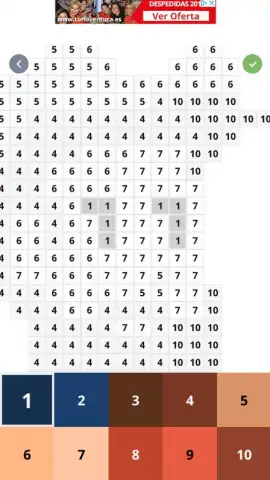
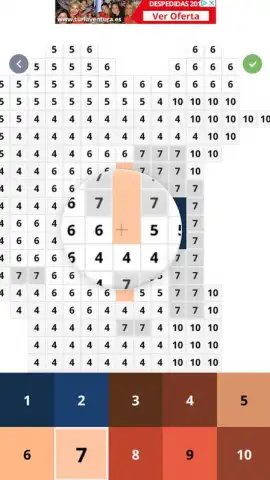
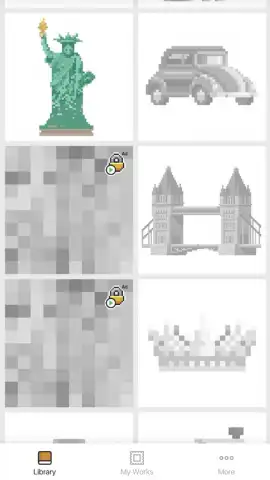
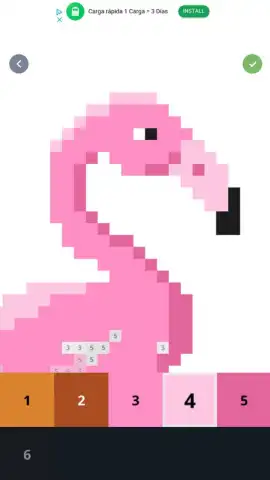
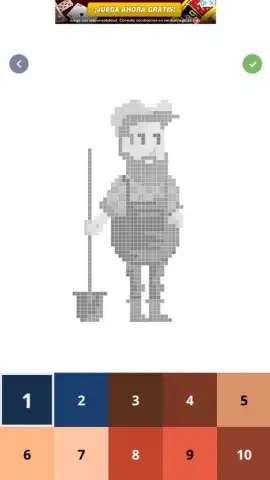
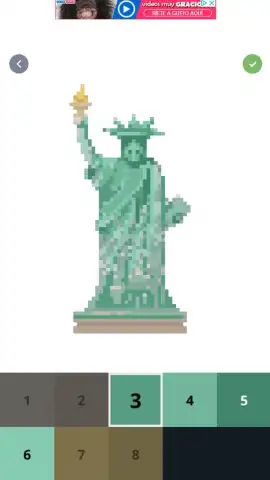
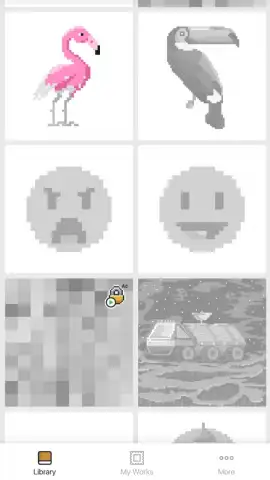
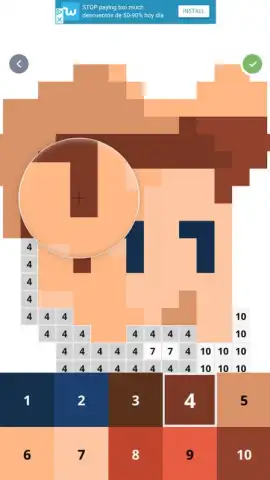
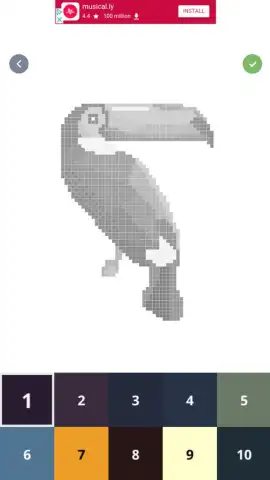
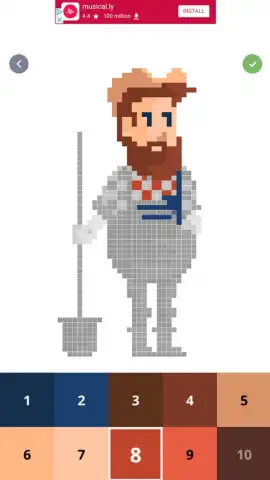
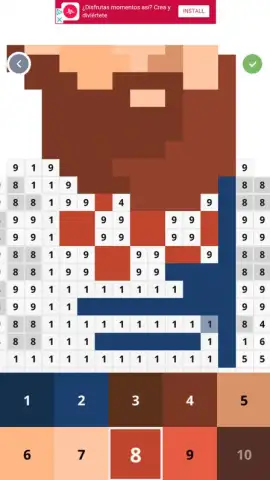
Upon launching, the interface presents a grid-based gallery of black-and-white pixel illustrations, categorized and searchable. Each artwork is deconstructed into a mosaic of numbered squares, requiring the user to select a corresponding color from a palette to fill them. The process is methodical and error-forgiving, suitable for developing focus. A distinct subset of these templates is marked for 3D rendering; upon completion, these artworks can be viewed with a simulated three-dimensional depth effect, adding a layer of visual feedback to the finishing step. Beyond the included catalog, the application's defining tool is a photo conversion system. This function algorithmically processes an image from a device's gallery, breaking it down into a simplified pixel art schematic complete with a numbered color guide, effectively allowing users to create custom coloring projects from any photograph.
The application operates on a freemium model. While a substantial library is accessible without payment, a subscription service, referred to here as Turbo, removes advertising and unlocks premium illustration packs and conversion features. A notable function for sharing progress is the automated time-lapse generator. Upon finishing any artwork, the app can compile a sped-up video replay of the coloring process, which can be exported directly to social media platforms or messaging apps. This feature documents the creative sequence from blank grid to finished piece in a shareable format.
- Custom Artwork Generation: Transform personal photos into detailed, color-by-number pixel projects using the integrated image conversion algorithm.
- Animated 3D Art Gallery: Select completed illustrations gain a dynamic three-dimensional perspective for an enhanced viewing experience.
- Automated Process Recording: Generate a time-lapse video of your coloring session for easy sharing on social networks or with friends.
The system provides a structured and expansive outlet for focused creativity, moving from pre-set designs to personalized creations.
Obtain Your Creative Toolkit Now
Download the mobile app now to begin converting your memories into paintable pixel art and building your own digital gallery.
Requires a persistent internet connection for initial access to content and features. The app offers optional in-app purchases for a subscription to remove ads and access premium content.
 GooglePlay


