

Pixel Launcher
Pixel Launcher screenshots (13)
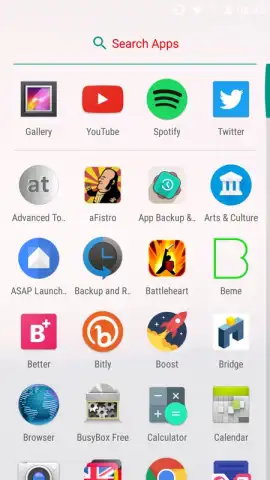
Description Pixel Launcher
A Closer Look at Google's Native Interface Engine
For users seeking the definitive Android experience as intended by its creators, the Pixel Launcher represents more than just a home screen replacement. It is the foundational interface software extracted directly from Google's Pixel devices, offering a pure, unadulterated version of the Android operating system. This review examines the mechanics and practical considerations of deploying this system-level application outside its native hardware ecosystem, analyzing its feature set, inherent limitations, and the specific value it provides to enthusiasts of stock Android aesthetics and deep Google service integration.
Core Functionality and Integration Analysis
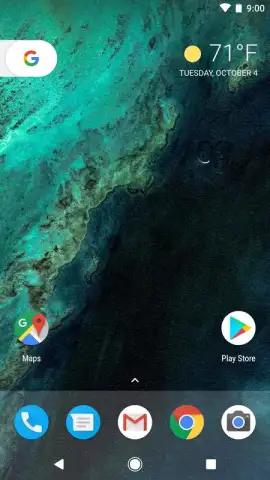
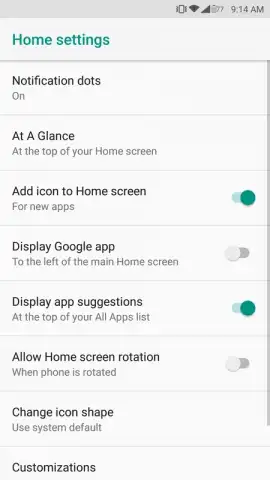
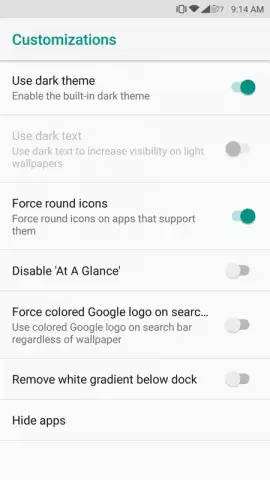
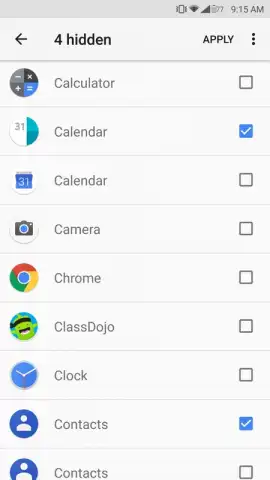
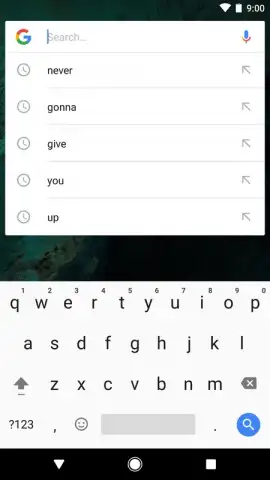
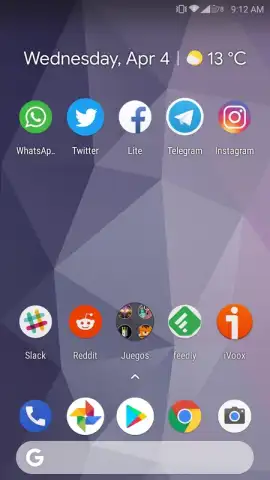
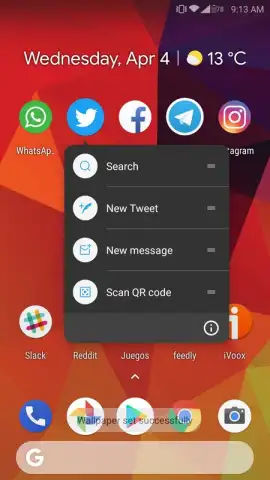
The Pixel Launcher's primary function is to deliver the clean, gesture-driven navigation and information-dense home screen familiar to Pixel phone owners. It operates on a principle of contextual awareness and predictive convenience. The "At a Glance" widget is a central component, dynamically surfacing relevant data like calendar appointments, weather updates, flight information, and traffic conditions without user intervention. Application management is streamlined, allowing users to hide infrequently used apps from the drawer for a decluttered experience. Direct integration with Google services is fundamental; the persistent search bar offers instant access to web queries and Assistant commands, while long-pressing app icons can reveal shortcuts powered by the device's AI. It is crucial to understand that this launcher is intrinsically tied to the Pixel Framework and Google Mobile Services. On non-Pixel hardware, the absence of specific low-level system components and optimizations can lead to instability, including force closes, broken animations, or incomplete feature functionality, such as the "Now Playing" song identification or certain adaptive battery behaviors.
Feature Set and Operational Considerations
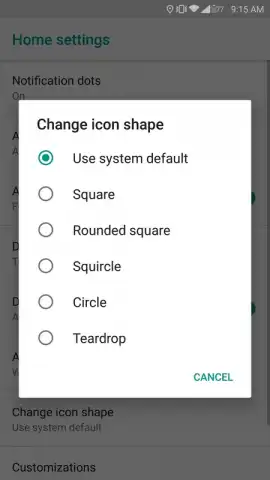
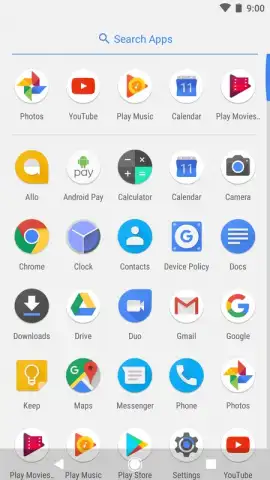
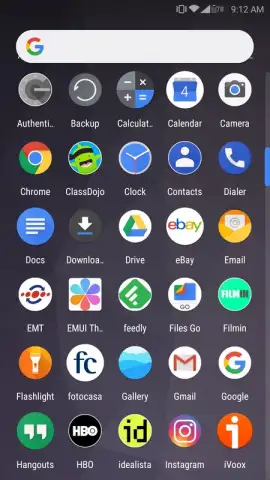
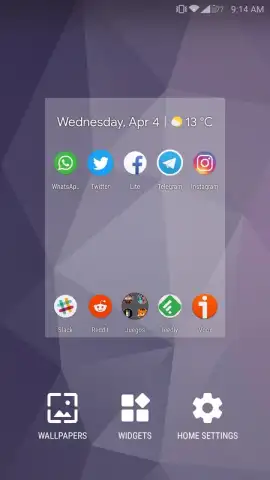
Beyond basic icon rearrangement and widget placement, the launcher emphasizes a cohesive digital environment. The app drawer features a translucent background and smooth scrolling, with the top row suggesting frequently used applications. The dock is customizable, allowing quick access to essential apps, and supports a swipe-up gesture to reveal the full drawer. Thematic consistency is maintained through adaptive icons that conform to a unified shape across the home screen. However, its most significant features are its deep ties to the Google ecosystem. The Google Discover feed is accessible with a simple swipe right from the primary home screen, providing a personalized stream of articles and updates. Voice control via Google Assistant is deeply embedded, often accessible through a corner swipe or a long press on the home button area. Users must note that while the APK can be sideloaded, full compatibility and stability are never guaranteed on devices without the specific Pixel software stack, and some proprietary Pixel-exclusive features will remain unavailable.
- Pure stock Android interface and navigation
- Dynamic "At a Glance" information widget
- Deep Google Assistant and Discover integration
- Adaptive icons and streamlined app management
Experience the benchmark Android interface designed by Google. Install the Pixel Launcher APK to integrate this cohesive system experience onto your device now.
Disclaimer: This application requires a stable internet connection for full functionality of services like Google Discover and Assistant. It is primarily designed for and guaranteed to be compatible only with Google Pixel devices. Installation on other Android devices may result in system instability, crashes, or limited feature availability. The APK must be sourced from a reputable provider. This is a system-level application; modifying your device's launcher carries inherent risk. Use at your own discretion. This product integrates with Google services, which collect and use data as per their privacy policy. Ensure your device meets any potential version requirements.


