

Pixel Studio: pixel art editor
Pixel Studio: pixel art editor screenshots (21)


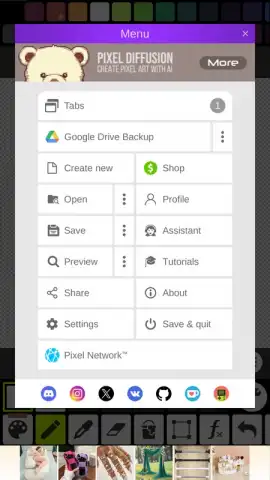
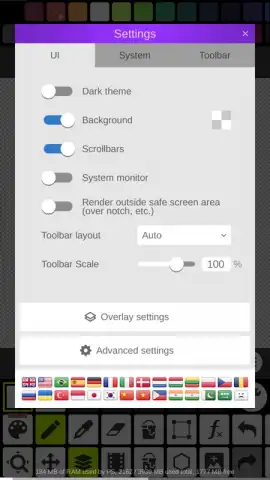
Description Pixel Studio: pixel art editor
Imagine a quiet evening, the glow of your screen a canvas. You’re not just drawing; you’re placing individual blocks of color, constructing a digital world one tiny square at a time. This is the precise, methodical craft offered by Pixel Studio: pixel art editor from Hippo. It transforms the complex art of sprite and pixel art creation into a surprisingly accessible and focused digital workshop, built for both spontaneous sketching and deliberate design projects.
A Focused Toolkit for Pixel Precision
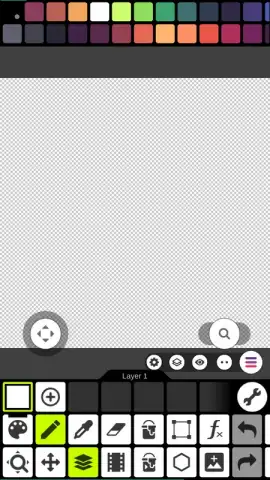
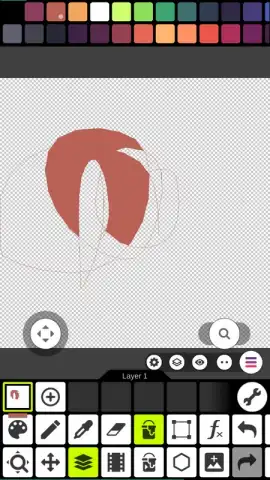
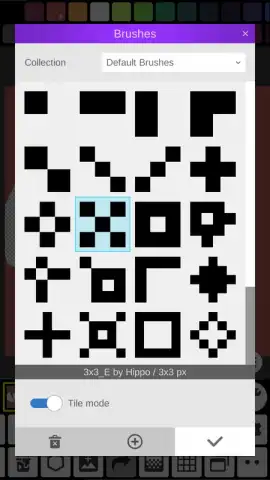
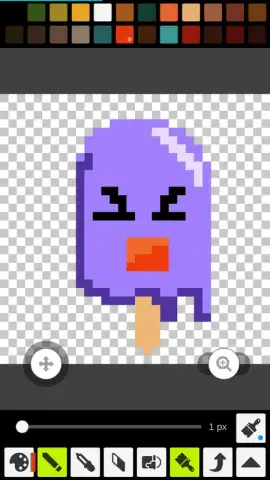
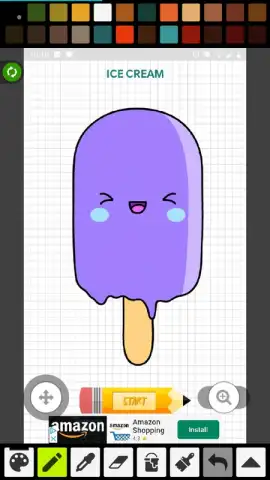
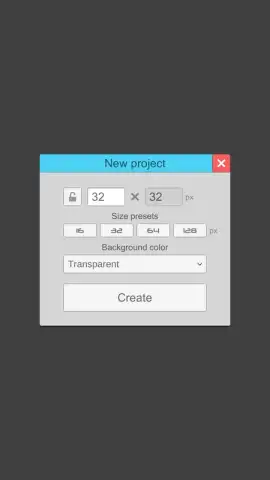
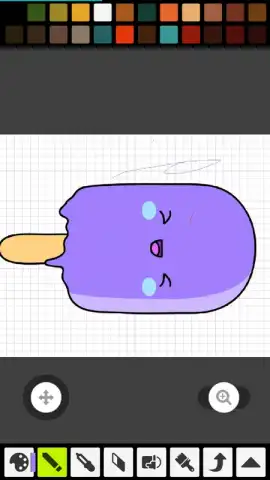
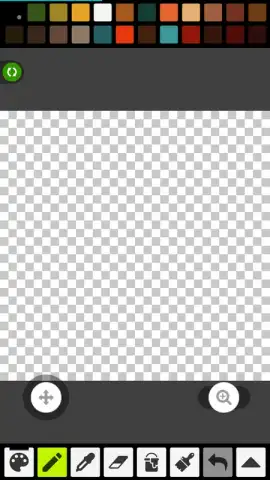
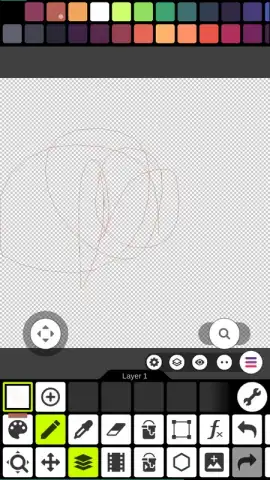
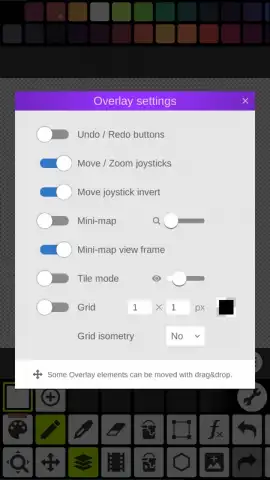
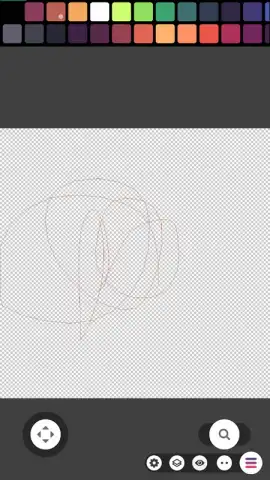
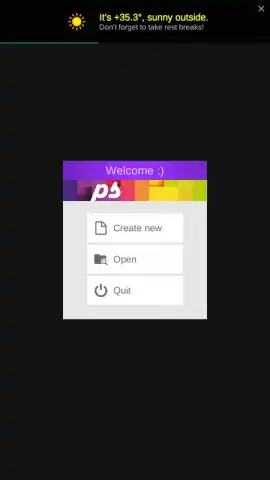
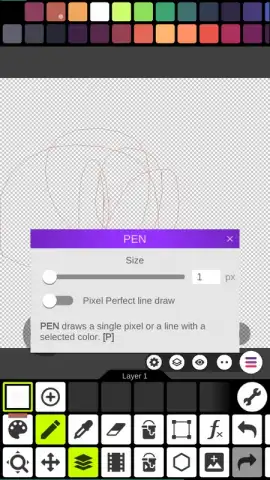
The application operates on a principle of clarity. Upon launching, you are presented with a fundamental choice: begin with a blank, gridded canvas of customizable dimensions or import a photograph to use as an underlay for tracing or pixel conversion. This immediate, binary decision sets the tone for the entire experience—there is no clutter, only purpose. The workspace is dominated by the pixel grid, with a thoughtfully arranged toolbar providing access to the essential instruments. The core mechanics are robust: the Pencil tool responds with clean, single-pixel lines, the Eraser functions with a satisfying immediacy, and the Paint Bucket performs fills bounded by the grid’s logic with consistent reliability. A comprehensive color palette sits within easy reach, functioning not just as a static selection but as a dynamic library where you can save and name custom swatches for any project.
From Concept to Shareable Asset
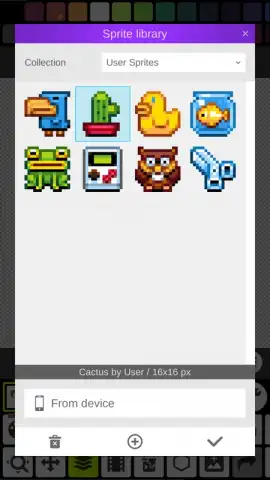
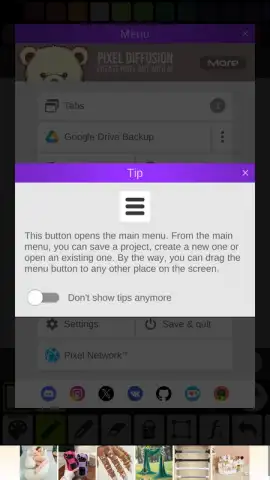
Where Pixel Studio excels is in its seamless workflow from creation to export. Every action is supported by multi-level undo and redo functions, allowing for risk-free experimentation. Completed artworks are not lost in a labyrinth of folders; they are automatically cataloged within the app’s built-in gallery. This library provides a visual history of your work, enabling quick retrieval and review. When you are ready to share your creation, the export process is straightforward. You can save the pixel art directly to your device’s storage in standard image formats or use the integrated sharing menu to publish your work to social platforms or messaging apps with minimal friction, preserving the crisp, scaled-up quality of your pixel work.
The environment is notably free of disruptive video or banner advertisements, which is a significant advantage for maintaining creative focus. This is largely facilitated by the optional ‘Turbo’ access, which unlocks a suite of advanced capabilities for users who wish to expand their toolkit beyond the solid foundational features provided for free.
- Utilizes a clean, grid-based canvas for creating sprites and art from scratch or over photos.
- Features core pixel art tools including a precise Pencil, Eraser, and boundary-aware Paint Bucket.
- Includes a dynamic color palette with robust custom swatch creation and management.
- Offers a built-in gallery library for automatic organization and quick access to all projects.
- Provides seamless export options to save to device or share directly to social media platforms.
Download Pixel Studio: pixel art editor now—this limited-time offer ensures you get the premium, ad-free core experience today. Exclusive access for first users to the full suite of creative tools is just a tap away.
Heads up: you'll need wifi for initial download and accessing some community features. The optional Turbo mode unlocks additional advanced tools and assets.
 GooglePlay


