

Pixels: Resolution+DPI Changer
Pixels: Resolution+DPI Changer screenshots (8)
Description Pixels: Resolution+DPI Changer
Tired of Your Phone's Display Feeling Outdated or Unresponsive?
Modern smartphones ship with fixed display settings, but your needs evolve. Pixels: Resolution+DPI Changer provides direct system-level control over your screen's pixel density and scaling, allowing you to fundamentally alter the visual real estate and touch responsiveness of your Android device. This tool is designed for users who require a tailored interface, whether for improved readability, enhanced gaming performance, or fitting more content on the screen.
Core Functionality and Control Interface
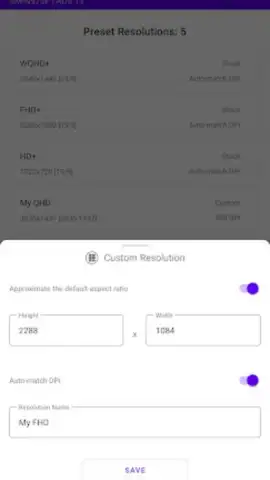
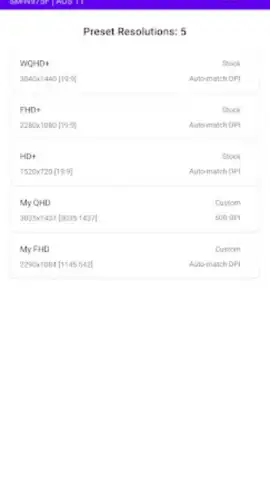
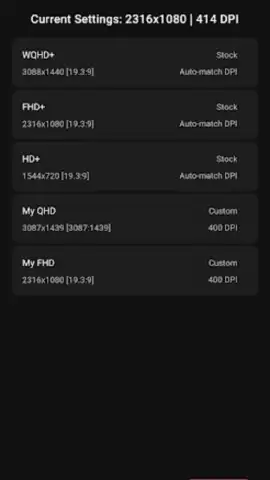
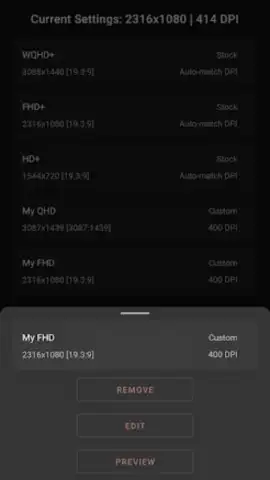
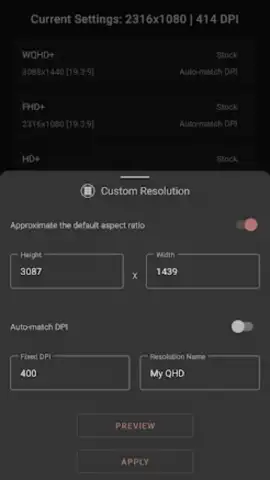
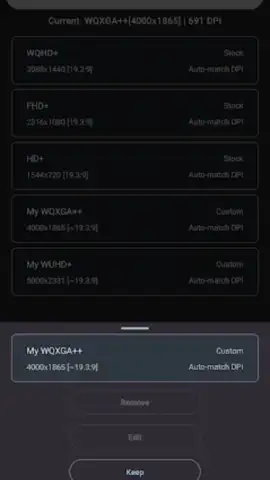
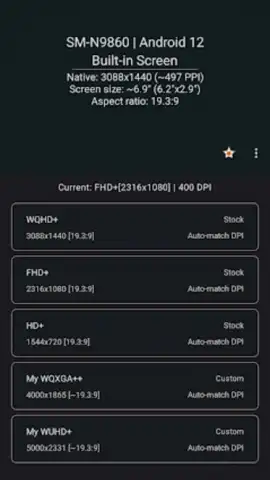
The application grants administrative access to modify two key system parameters: screen resolution and DPI (dots per inch). Changing the resolution alters the total number of pixels used to render the display, which can significantly impact performance and on-screen element size. Adjusting the DPI changes the system's scaling factor, making interface elements and text uniformly larger or smaller without altering the resolution. The interface presents separate, precise sliders for each setting, alongside predefined profiles for common configurations. A real-time preview window shows the visual impact of changes before they are applied, and a one-touch safe mode recovery option is integrated to revert settings in case of instability.
Key Technical Advantages
The primary advantage is the granularity of control offered for system personalization that is typically locked away. Users can decrease resolution to reduce GPU load and potentially improve game frame rates or battery life. Conversely, increasing the DPI scaling on a high-resolution display can make text and icons more legible without sacrificing sharpness. The application operates with a minimal background footprint, requiring no persistent services, and applies changes system-wide, affecting every application and the system UI consistently after a mandatory restart.
- Dual-Parameter Control: Independently adjust screen resolution and DPI scaling for combined visual and performance tuning.
- Real-Time Preview Panel: Visualize changes to icon size, text layout, and element density before applying them system-wide.
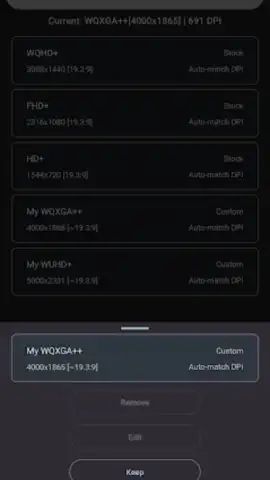
- One-Click Profile System: Save and instantly load custom configurations for different use cases like gaming, reading, or productivity.
- Safe Mode Recovery: Built-in failsafe to instantly revert to your device's default stable display settings if needed.
- System-Wide Application: Changes affect the entire Android interface and all installed applications uniformly after a reboot.
Download this essential tool now and stop compromising with your phone's factory display settings!
Disclaimer: This application requires an internet connection for initial download. It requires root access or specific ADB permissions on non-rooted devices to function. Modifying system display settings carries a risk of instability; the developer is not responsible for any soft-brick scenarios or unintended behavior. Use at your own risk. Data usage is minimal. This utility is intended for advanced users familiar with Android system modifications.
 GooglePlay


