

Popcorn Time Remote
Popcorn Time Remote screenshots (8)
Description Popcorn Time Remote
Control Your Entertainment from Anywhere
Transform your smartphone into a dedicated remote for the Popcorn Time media player. This utility provides direct, wireless control over playback, navigation, and library management on your primary viewing device, eliminating the need to constantly reach for your keyboard or mouse.
Core Functionality and Tools
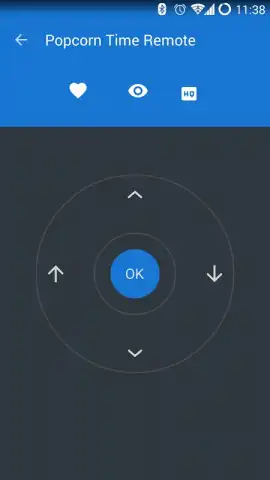
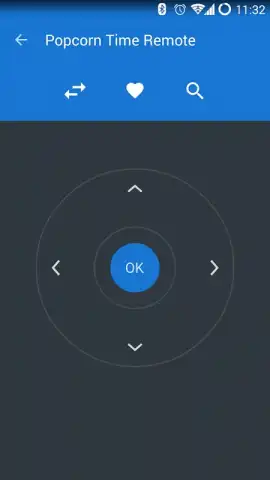
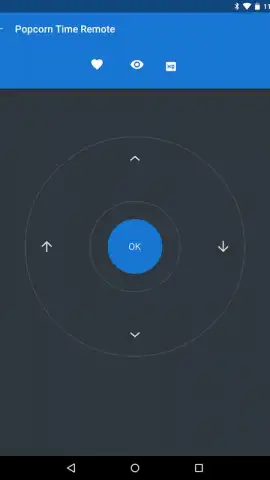
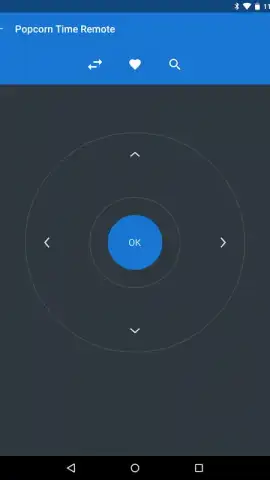
The mobile app establishes a seamless connection with Popcorn Time running on your desktop or home theater PC. Once paired, it mirrors the player's interface, allowing for comprehensive remote management. You can browse your entire media library by title, genre, or year directly from your phone. The mobile app transmits standard playback commands—play, pause, stop, rewind, and fast-forward—with minimal latency. It also features a direct search function, enabling you to type queries on your phone's keyboard to find specific movies or TV shows on the main screen. An integrated playback progress bar and volume control slider offer precise media manipulation.
Key Operational Advantages
The interface is designed for clarity and quick access, with large, tactile buttons that facilitate use in low-light environments typical for home theaters. Connection is streamlined through automatic network discovery, requiring no complex port forwarding or manual IP entry for most home networks. The mobile app maintains a stable connection with low battery consumption, ensuring it remains ready as a controller without frequent recharging. Its layout is optimized for one-handed use, putting all essential controls within thumb's reach.
- Direct Playback Control: Manage play, pause, volume, and seeking with dedicated, responsive buttons.
- Full Library Navigation: Browse and search your entire Popcorn Time catalog remotely from your mobile device.
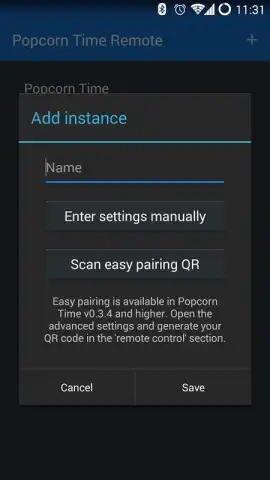
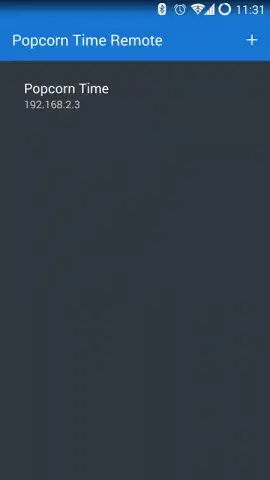
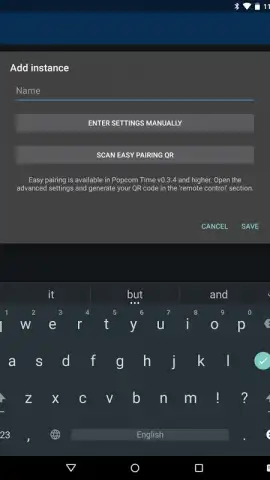
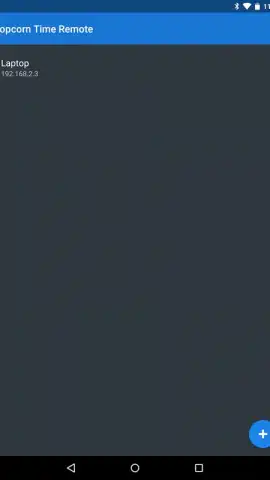
- Simplified Connection: Automatically detect and pair with Popcorn Time on your local network for quick setup.
We suggest trying Popcorn Time Remote to add a new layer of convenience to your media viewing sessions.
Consider downloading the mobile app now to unlock wireless control of your entertainment center.
Disclaimer: This mobile app requires an active internet connection and Popcorn Time software to be installed and running on a compatible device on the same local network. The developer is not affiliated with the official Popcorn Time project. Use of this remote utility is subject to your local laws regarding media consumption. This mobile app may contain advertisements or offer in-app purchases. Data usage applies. Suitable for all ages.


