

Portal - WiFi File Transfers
Portal - WiFi File Transfers screenshots (5)
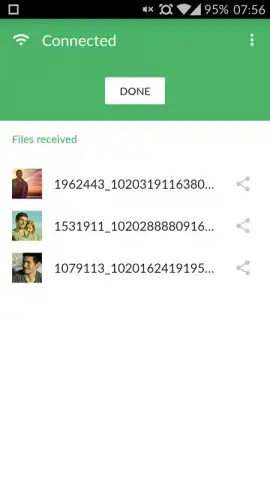
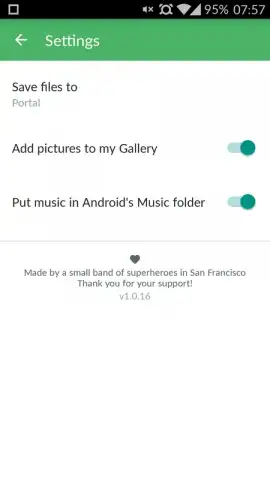

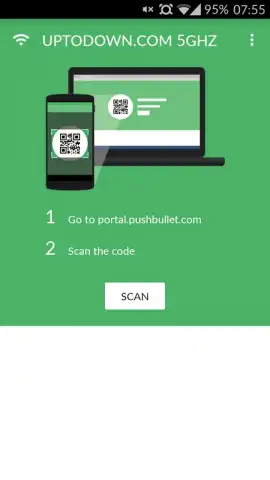
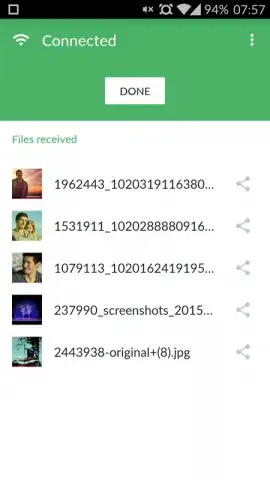
Description Portal - WiFi File Transfers
Effortless File Management Without the Cables
Managing financial documents, receipts, and reports across devices often involves a tangle of cables, cloud uploads, or compromising emails. Portal by Pushbullet addresses this by enabling direct, high-speed file transfers over your local Wi-Fi network, turning a common administrative headache into a streamlined, cable-free process.
Core Functionality and Transfer Mechanics
Portal operates by creating a direct connection between your computer and your Android device on the same Wi-Fi network. You visit a simple web address on your computer's browser, which then becomes a drag-and-drop target for any files you need to send. The app handles the transfer in the background, depositing files directly into your device's storage or a designated Portal folder. This method bypasses internet data limits, cloud storage intermediaries, and physical connectors, focusing purely on local network speed.
The interface is deliberately minimal, presenting only the necessary connection code and transfer progress. For financial use, this means sensitive documents like bank statements, invoice PDFs, or spreadsheet models move directly between your workstation and mobile device without ever passing through an external server. The transfer is a direct device-to-device link, leveraging the full bandwidth of your local network for rapid movement of large batches of files or single, critical documents.
Key Operational Advantages
- Local Network Transfers: Utilizes your Wi-Fi for fast, cable-free file movement without using mobile data.
- Browser-Based Simplicity: Initiate transfers from any computer browser by entering a simple code—no software installation required on the desktop side.
- Direct File System Access: Received files are saved directly to your device's storage, allowing immediate access and organization in your preferred finance app.
- High-Speed Performance: Leverages local network bandwidth to transfer large PDF reports, spreadsheet files, or image batches quickly.
- No Account Required: Operates without mandatory user registration or cloud account dependencies for straightforward use.
We suggest trying Portal for a more efficient workflow when handling financial documents between your computer and Android device. Consider downloading it to eliminate the friction of email attachments or cloud sync delays for your daily file transfers.
Internet required. IAP available.


