
Power Shade: Notification Bar Changer & Manager
Power Shade: Notification Bar Changer & Manager screenshots (10)
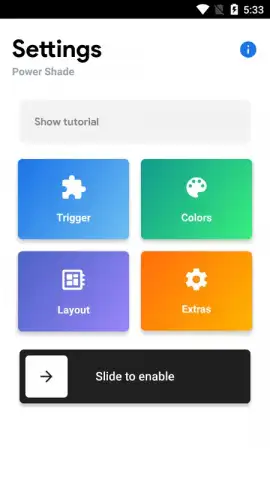
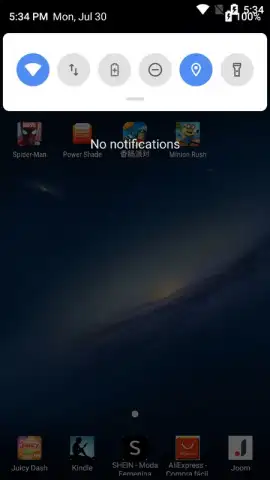
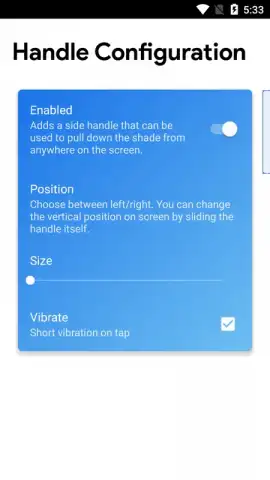
Description Power Shade: Notification Bar Changer & Manager
Tired of a Boring, Cluttered Notification Bar?
Your phone's notification shade is one of the most frequently seen parts of your interface, yet it's often the most neglected. You deal with it dozens of times a day, but it never feels like your own. It's a generic, often cluttered space that doesn't reflect your style or your needs for organization. What if you could transform that functional strip into a personalized command center that looks and behaves exactly how you want?
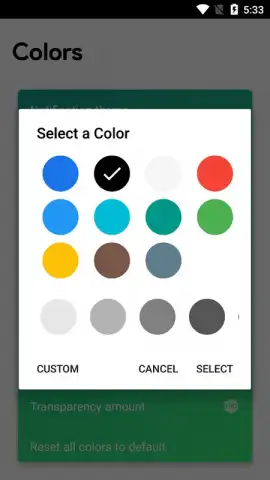
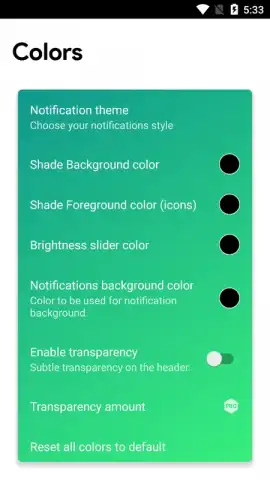
Power Shade: Notification Bar Changer & Manager hands you complete creative control over this essential Android feature. This is not just a simple color tweak; it's a comprehensive toolkit for deep system personalization. You begin by altering the very fabric of the notification panel, selecting from an extensive palette of colors to match your wallpaper, theme, or mood. Adjust the transparency to create a sleek, layered look or a solid, bold statement. The customization extends to individual notifications themselves, allowing you to set specific background colors for different apps, making your alerts visually distinct and easier to prioritize at a glance.
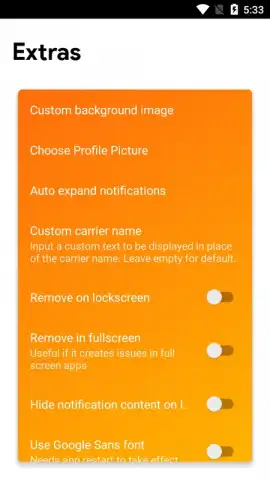
Beyond aesthetics, you gain practical authority over where and how the panel appears. You decide if the notification shade is accessible on your lock screen for quick checks, or if it should remain hidden for added security. When you're immersed in a game or watching a video in full-screen mode, you can configure the panel to stay out of the way, ensuring an uninterrupted experience. This level of detailed management streamlines your interaction with your device, making every swipe down feel intentional and efficient. The application builds upon the solid foundation of its predecessors, Material Notification Shade and Material Status Bar, bringing a refined and feature-rich experience.
- Total Visual Overhaul: Apply a unified color scheme or mix and match. Choose from dozens of colors for the main panel and customize the background of each notification for ultimate visual sorting.
- Precision Transparency Control: Fine-tune the opacity of your notification shade, from completely solid to elegantly see-through, to complement your home screen beautifully.
- Context-Aware Display: Manage the panel's visibility on the lock screen and in full-screen applications. Keep it handy for convenience or hidden for focus and security.
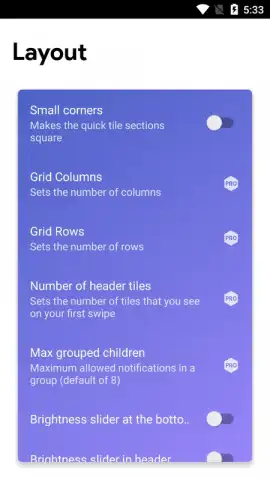
- Advanced PRO Features: Unlock an even greater suite of customization tools with the PRO version, taking your personalization beyond the basics for a truly unique setup.
- An Ad-Free Experience: The Turbo version removes all advertisements, offering a clean, uninterrupted environment for you to design your perfect interface.
We suggest trying Power Shade: Notification Bar Changer & Manager to finally design a notification panel that works for you, not the other way around. Consider downloading it to see how a few simple changes can make your entire phone feel more personal and organized.
Heads up: you'll need wifi for the initial download and for accessing some cloud-based theme elements. Some of the coolest advanced customization features are part of the optional PRO upgrade.
 GooglePlay


