
Powerwall Companion
Powerwall Companion screenshots (14)

Description Powerwall Companion
Transforming Spare Devices into a Dedicated Home Energy Dashboard
For owners of a Tesla Powerwall 2 battery system, accessing clear, real-time energy data often requires checking a mobile app, which interrupts daily workflow. This creates a gap for continuous, at-a-glance monitoring without dedicating a primary personal device. The Powerwall Companion application addresses this by repurposing an old smartphone or tablet into a persistent, wall-mounted energy command center, providing a specialized and cost-effective alternative to expensive proprietary hardware.
Core Functionality and Operational Analysis
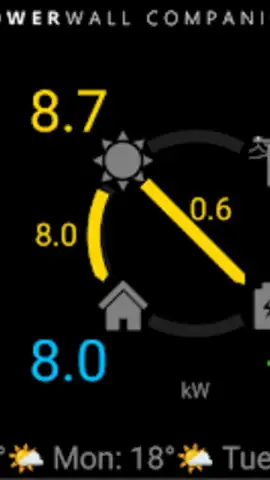
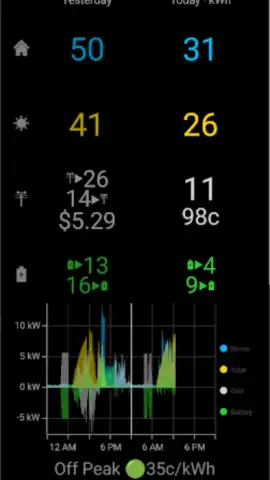
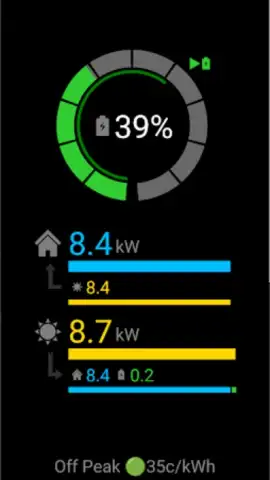
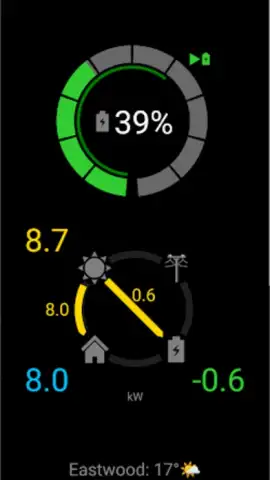
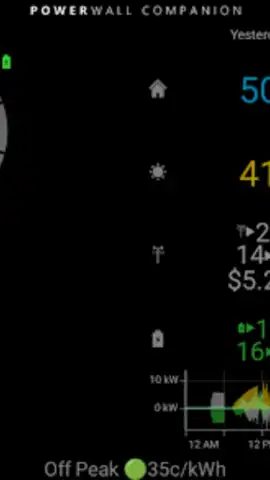
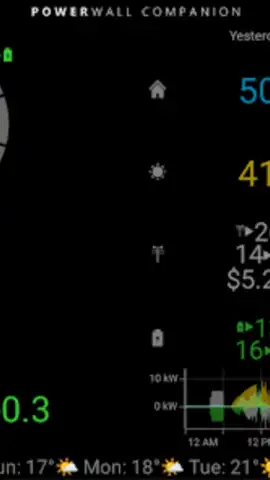
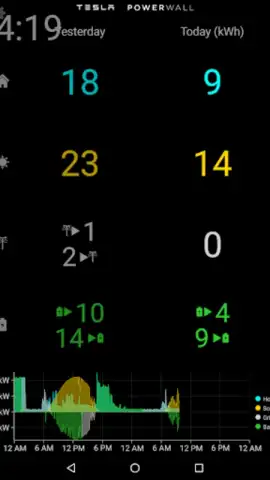
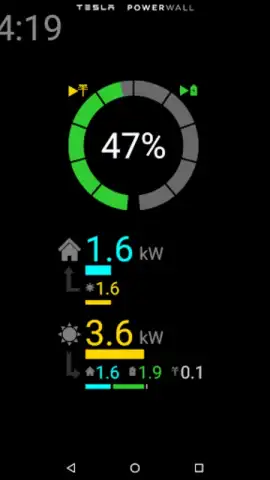
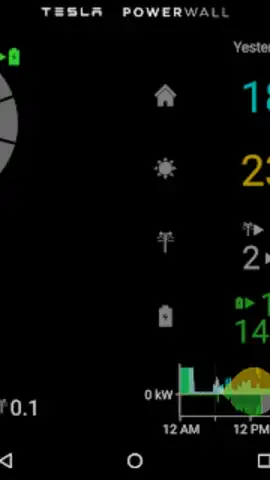
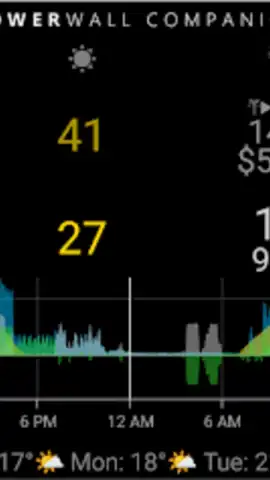
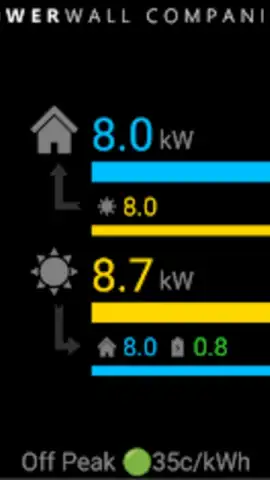
The application establishes a direct connection to the user's local Tesla Powerwall 2 system via the home Wi-Fi network. It functions as a dedicated display, parsing and presenting live data streams into a simplified, always-on interface. The primary dashboard visualizes three key metrics concurrently: current solar generation from photovoltaic panels, the instantaneous power draw of the home, and the status of the Powerwall battery—including its charge level and whether it is charging or discharging. This configuration turns an unused device into a focused instrumentation panel, eliminating the need to navigate through other applications for a status update.
The utility is defined by its persistent operation mode. Once configured, the application can maintain its display indefinitely, preventing the host device from sleeping. This feature is central to its value proposition, enabling placement in a utility room, workshop, or kitchen wall where energy flow can be monitored passively. The design prioritizes legibility from a distance, with clear numerical readouts and intuitive graphics. It operates independently of Tesla's official ecosystem, developed as a third-party tool that accesses the locally available API data from the Powerwall gateway.
Detailed Feature Overview
- Persistent, Always-On Energy Dashboard: Maintains a constant, real-time display of home energy dynamics, showing solar production, household consumption, and Powerwall battery status without screen timeout interruptions.
- Legacy Device Repurposing Engine: Transforms decommissioned smartphones or tablets into dedicated, wall-mountable monitoring stations, offering a sustainable and economical hardware solution.
- Streamlined, Single-Purpose Interface: Presents complex energy data through a simplified, glanceable layout designed for clarity and continuous accessibility, removing unnecessary menus and features.
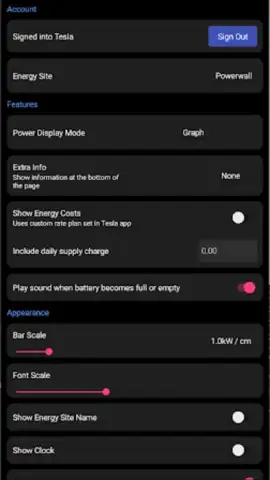
The application requires an initial one-time setup to connect to the local Powerwall system, after which it operates autonomously. It serves a specific niche, providing no control functionality—such as changing Powerwall modes—but excels as a focused monitoring window. For users managing solar self-consumption, tracking energy import/export patterns, or simply wanting visibility into their home's energy heartbeat, it delivers concentrated data in a format suited for constant reference.
Obtain Your Dedicated Energy Monitoring Hub Now
Install Powerwall Companion today to activate your spare device and gain an uninterrupted visual stream of your home's energy performance. Start optimizing your consumption awareness with a dedicated dashboard.
Disclaimer: This application requires a stable internet connection and a functional Tesla Powerwall 2 system on your local network. It is a third-party utility and is not an official Tesla product. The developer is not responsible for system configuration or compatibility issues.
 GooglePlay


