

Qgis
Qgis screenshots (3)
Description Qgis
Need a professional-grade GIS toolkit that fits in your pocket? QGIS for Android delivers the full analytical power of the renowned desktop platform directly to your mobile device. This is a complete port, enabling you to create, edit, analyze, visualize, and publish geospatial data from anywhere. Manage complex projects on-site, perform critical spatial analysis in the field, and maintain total control over your geospatial workflows without being tied to a desk.
Core Functionality & Mobile Capabilities
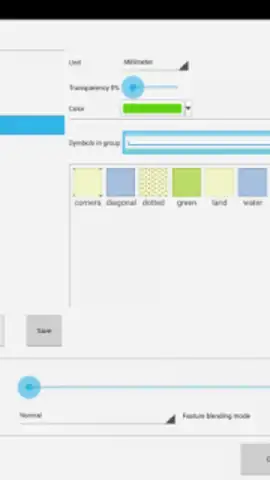
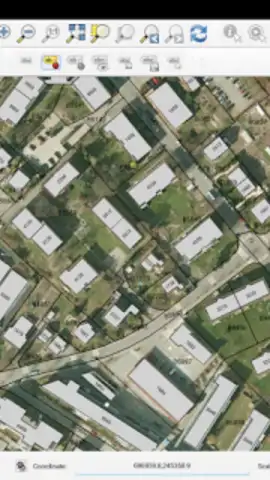
This application is a direct, feature-complete translation of the desktop QGIS experience. It provides a comprehensive suite of tools for professional geospatial data management. You can load multiple vector and raster layers, apply sophisticated symbology, and execute geoprocessing operations. The app supports a wide range of data formats for both input and output, ensuring compatibility with your existing projects and data pipelines. While the interface presents the full depth of desktop menus and toolbars, which offers unparalleled functionality, users accustomed to touch-optimized mobile apps may note the learning curve for efficient navigation on a smaller screen.
For users prioritizing a touch-first, streamlined mobile field workflow, considering dedicated companion apps like QField is recommended, especially for legacy Android versions. However, for professionals who require the absolute fidelity of the desktop QGIS environment in a mobile form factor—with all its advanced analytical and visualization tools—this app is an exceptionally powerful solution. It transforms your Android device into a serious GIS workstation.
Key Features & Tools
- Complete Data Management: Create, edit, visualize, and publish complex geospatial projects directly from your mobile device, handling numerous layer types and formats.
- Advanced Spatial Analysis: Perform detailed geoprocessing and spatial analytics on-the-go, utilizing core QGIS algorithms for real-time field decision support.
- Desktop Fidelity & Control: Access the full suite of QGIS desktop functionality, offering unmatched flexibility and precision for managing all aspects of your geospatial data tasks.
Take command of your spatial data anywhere, anytime. Transform your mobile device into a powerhouse GIS studio and elevate your field productivity.
Download QGIS for Android now and unlock professional geospatial power in the palm of your hand.
Internet required. IAP available.


