

Qubism
Qubism screenshots (6)
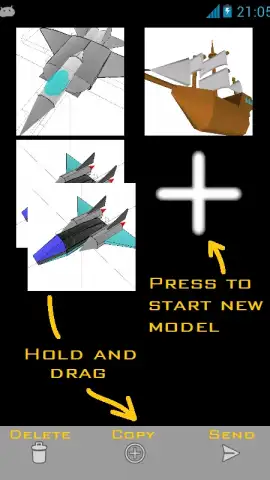
Description Qubism
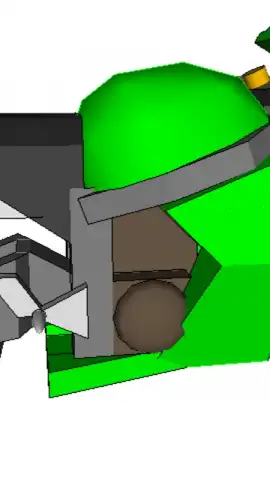
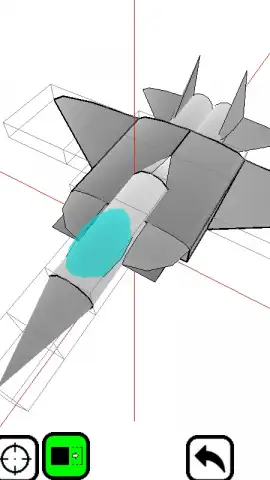
Imagine a blank canvas that extends in every direction, waiting for your first touch. With Qubism, that canvas is a limitless 3D space, and your tools are simple, intuitive cubes. This mobile application transforms your touchscreen into a direct portal for 3D creation, where complex modeling is distilled into the fundamental acts of placing, moving, and coloring digital blocks. It is built from the ground up for touch, turning pinch-to-zoom and drag gestures into precise instruments for building tangible digital objects.
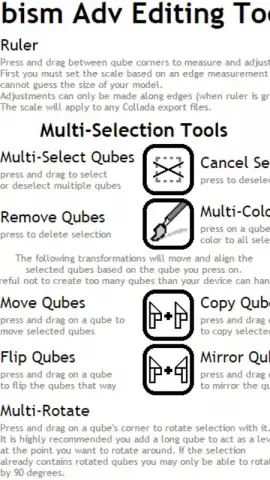
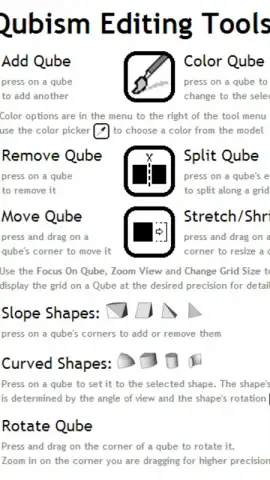
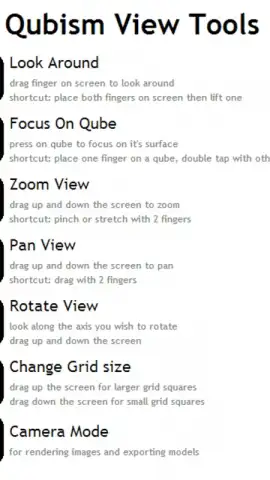
The core experience is defined by tactile control and meticulous attention to detail. You manipulate your scene with multi-touch gestures for rotation and zoom, allowing you to focus on a single corner of your structure or view the entire assembly from a distance. Each cube can be individually selected, recolored from a full spectrum palette, or deleted with a tap. The interface removes traditional software clutter, channeling all interaction into the direct manipulation of your model. This focus on precision ensures that your creative intent is translated into the model without intermediary steps or complex menus.
Your creations are not trapped within the app. Qubism provides multiple export pathways to share, archive, or further develop your designs. You can capture a high-resolution PNG image of any model to instantly share on social platforms. For portability between devices, models can be saved and shared as JSON files via email or cloud services. For advanced users, the app supports export in the DAE (Collada) format, enabling you to import your Qubism creations into professional 3D suites like Blender or SketchUp for texturing, animation, or integration into larger projects. Every project is automatically saved in the background, safeguarding your progress against accidental closure.
The application leverages OpenGL for rendering, providing smooth visual performance for complex scenes. Users should note that very large models with extensive transparent elements may encounter standard rendering limitations related to alpha sorting and available device memory. A suite of built-in tips and keyboard shortcut guides accelerates the design process, helping you master efficient navigation and block manipulation.
- Touch-First 3D Modeling
- Multiple Export Formats
- Automatic Progress Saving
This is a limited-time opportunity for early adopters. Download Qubism today to secure exclusive, ad-free access to a professional-grade modeling toolkit optimized for mobile. Transform your ideas into tangible 3D art before this introductory offer expires.
Internet required. IAP available.


