

QuickShare
QuickShare screenshots (6)

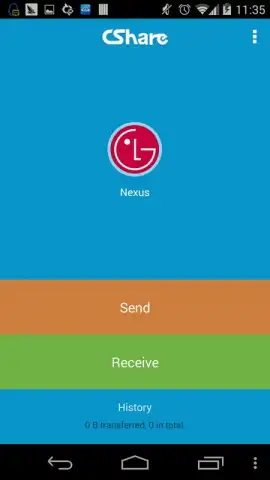
Description QuickShare
A Seamless Bridge for Your Digital Files
In the routine of managing a smartphone, transferring files between devices often becomes a procedural bottleneck. Whether moving photos from an old phone, sharing a document with a colleague's tablet, or sending a video to a laptop, the process typically involves searching for cables, navigating cloud storage uploads, or compromising on quality. QuickShare, developed by mobogenie.com, addresses this core utility gap by establishing a direct, high-speed wireless transfer channel that operates independently of internet connectivity or mobile data. This application functions as a dedicated file conduit, turning what is often a multi-step task into a straightforward, one-touch operation.
Core Functionality and Transfer Mechanics
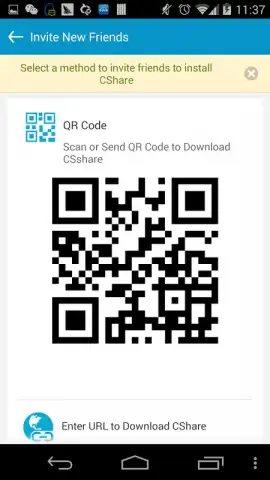
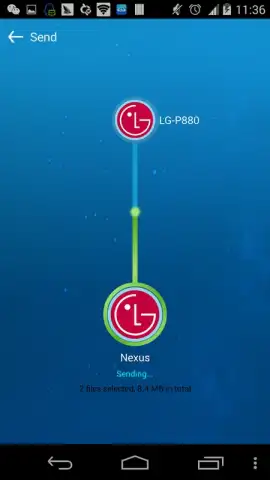
QuickShare operates on a peer-to-peer Wi-Fi Direct or hotspot-based connection framework. The application creates a local wireless network between devices, allowing for the direct transfer of files without routing data through external servers. The user initiates a send session, generating a QR code or a connection PIN. The receiving device scans this code or enters the PIN within the QuickShare application to establish a secure, temporary link. Once paired, users can select multiple files of various types—including photos, videos, documents, applications, and music—and initiate a transfer. The interface typically displays real-time progress, transfer speed, and a queue for multiple files. A key operational feature is its cross-platform capability, designed to facilitate transfers between devices running different Android versions, starting from the legacy Android 2.3 (Gingerbread).
Analytical Review of Key Advantages
The utility of QuickShare is defined by its focus on solving a specific problem with efficiency and minimal friction. Its design prioritizes function over aesthetic flourish, presenting a clean, navigable interface that centers on the transfer process. The absence of internet dependency is its primary technical advantage, ensuring transfers are not limited by data caps, cloud storage quotas, or upload speeds. Performance is contingent on the Wi-Fi hardware of the devices involved, but in optimal conditions, it can significantly outpace Bluetooth-based solutions for larger files. The application’s broad compatibility with older Android systems provides a practical solution for migrating data from aging devices, a common yet underserved user scenario.
- High-speed wireless transfers without using mobile data or internet bandwidth.
- Cross-platform compatibility between a wide range of Android devices and versions.
- Support for multiple file formats, including APKs, documents, media, and archives.
- Simple connection process using QR code scanning or a numeric PIN for pairing.
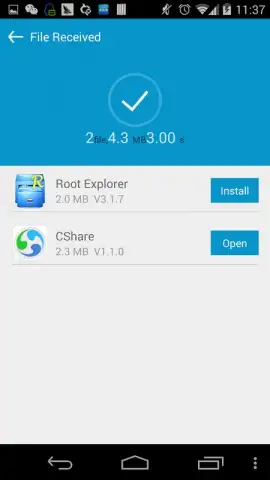
- Real-time progress tracking with detailed speed and remaining time indicators.
We suggest trying QuickShare if you frequently need to move batches of files between Android devices locally. Consider downloading it for a straightforward solution to device migration or everyday sharing.
An internet connection may be required for initial download. The application may contain advertisements and offer optional in-app purchases for enhanced features.


