

RAR
RAR screenshots (22)
Description RAR
The Definitive File Archive Manager for Android Has Arrived
The official RAR application for Android delivers the core compression engine of the legendary WinRAR software directly to mobile devices. This tool transforms your smartphone into a capable workstation for handling archived files, enabling you to open, create, and convert between numerous compression formats without requiring a desktop computer. Its operation is focused on utility, providing direct access to advanced archive management functions that are typically reserved for PC software.
Core Functionality and Format Support
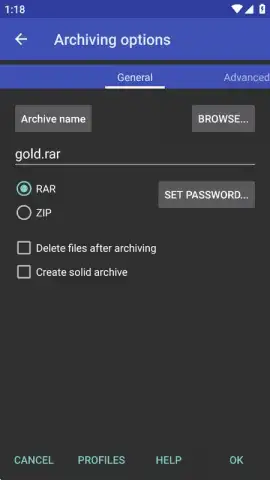
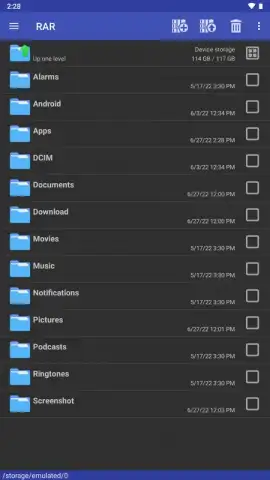
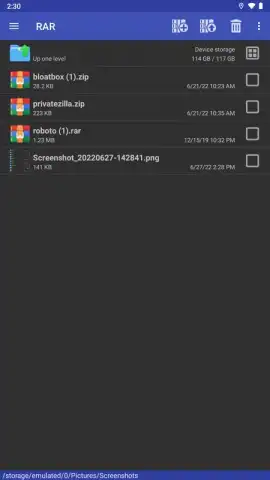
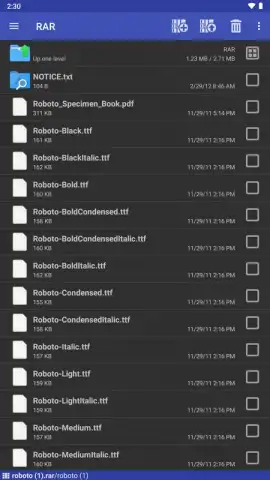
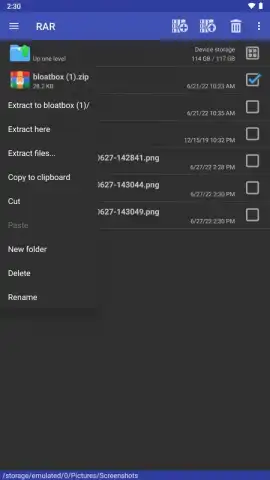
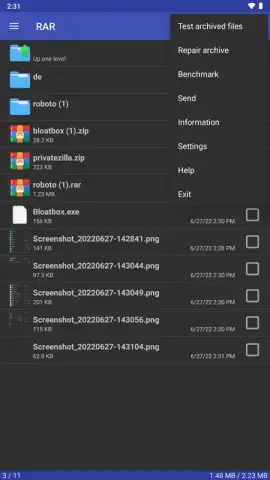
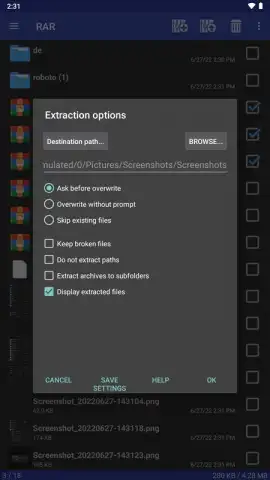
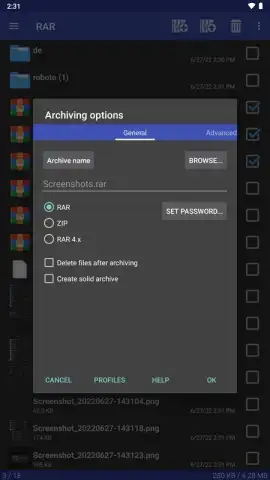
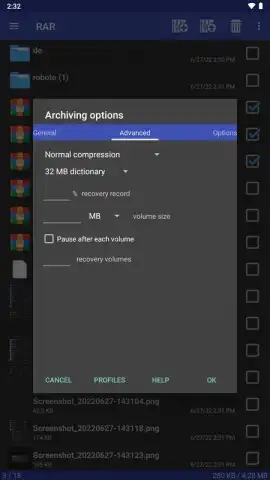
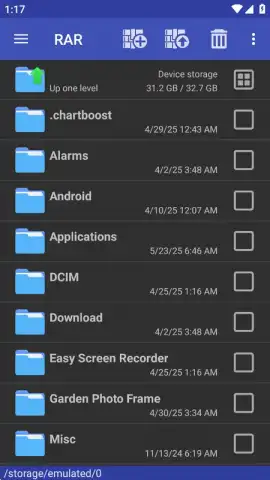
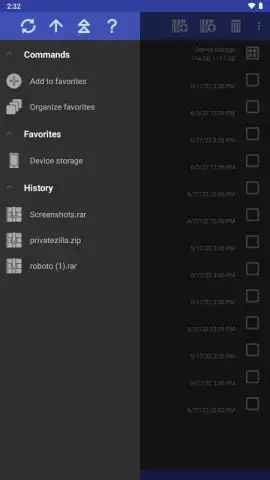
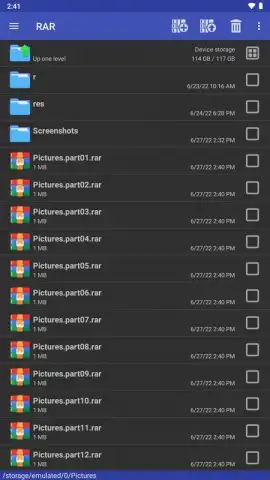
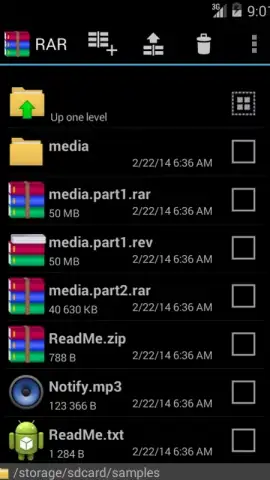
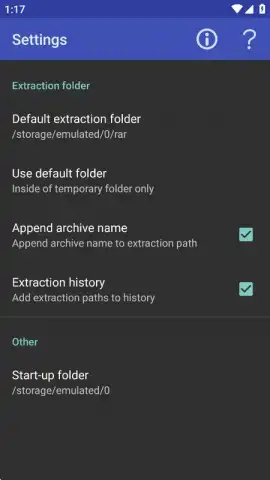
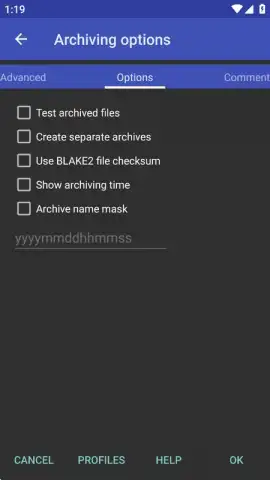
The application's primary function is to decompress a wide array of archive formats. It provides native support for RAR, ZIP, TAR, GZ, BZ2, XZ, 7z, ISO, and ARJ files. For archive creation, the options are intentionally focused, allowing compression into either RAR or ZIP formats only. A detailed file browser within the app lets you inspect archive contents before extraction. The software includes a history log tracking all compression and decompression activity, and offers configuration settings for process priority, including the ability to select the number of CPU cores utilized during compression tasks to balance speed and device performance.
Advanced File Protection and Recovery Features
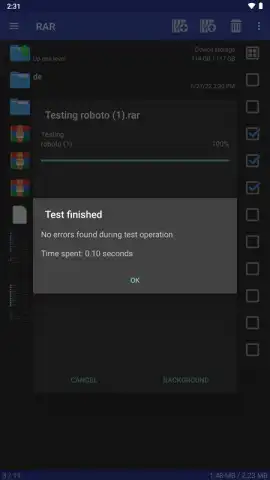
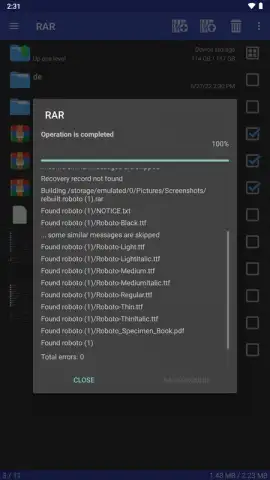
Security is handled through robust encryption protocols. When setting a password during archive creation, you can choose to encrypt both the file data and the archive headers. This dual-layer encryption obscures filenames and file types from view without the correct password, providing a significant layer of privacy. The application also incorporates a repair function designed to attempt reconstruction of physically damaged archives. It is important to note that successful recovery is dependent on the extent of the corruption and is not guaranteed. The strength of the encryption also means password recovery is virtually impossible if the credential is forgotten.
Performance and Operational Considerations
A key operational distinction lies in the choice between RAR and ZIP formats. While ZIP maintains broader universal compatibility across operating systems, the RAR format often achieves higher compression ratios, resulting in smaller file sizes. The 7z format is noted by advanced users for its own high compression efficiency. The Android application processes all format conversions locally on the device, with speed contingent upon the file size and the processing power of the hardware. The interface is presented without advertising, and a proprietary 'Turbo' mode is available to accelerate compression speeds under specific conditions.
Practical Application and System Integration
This tool serves as a essential utility for managing files downloaded from the internet or for organizing local device storage. Users can create compressed archives from photos, videos, and documents directly on their Android device, facilitating easier storage, encryption, and sharing. The application can handle APK file installation and integrates with cloud storage services for direct archive management from remote sources.
- Multi-format archive extraction
- RAR and ZIP creation
- Header and data encryption
- Archive repair utility
Download the official RAR mobile app now to access professional-grade file compression. This is a limited-time offer for unrestricted access to the full version of this essential tool.
Disclaimer: This application requires an internet connection for initial download and potential update checks. The software is free but may contain in-app purchases for enhanced features. It is intended for users over a standard age of digital consent; parental guidance is advised. Use of the repair function does not guarantee data recovery. The app may require access to device storage for core functionality. Please review the developer's privacy policy for details on data collection and usage.
 GooglePlay


