

ReadEra
ReadEra screenshots (20)

Description ReadEra
Tired of juggling multiple apps just to read your own books?
You have a collection of ebooks, PDFs, and documents scattered across your device, each trapped in its own format. Opening one means one app, opening another requires something completely different. The experience is fragmented, cluttered with ads, and often forces you into manual organization you never asked for. What if a single, intelligent space could not only open everything you throw at it but also organize your entire digital library for you, letting you focus solely on the joy of reading?
ReadEra is built to be that definitive reading environment. It removes the technical friction between you and your books, offering a streamlined, powerful platform that handles the logistics so you can immerse yourself in the text. The core philosophy is practical elegance: stripping away unnecessary complexity and prioritizing a smooth, distraction-free journey from your library shelf to the last page you read.
A Universal Reader That Actually Understands Your Library
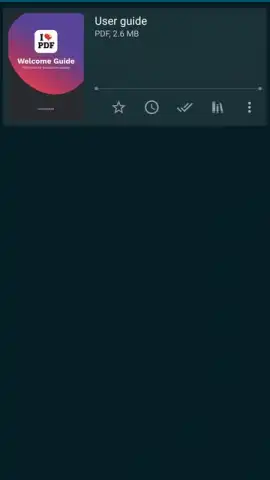
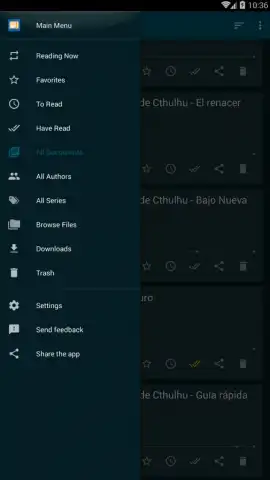
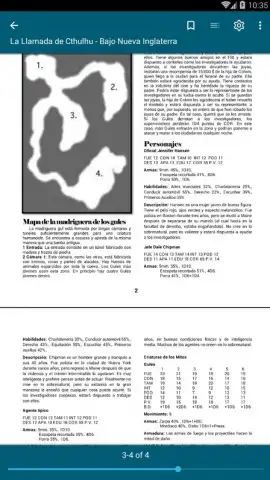
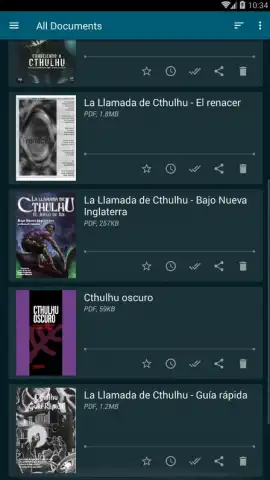
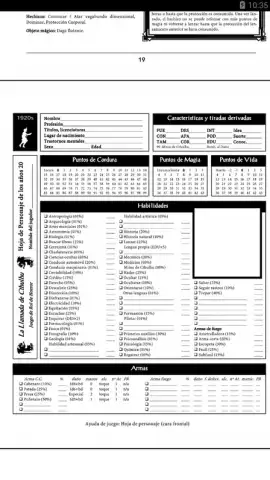
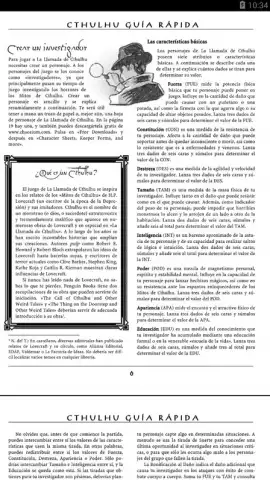
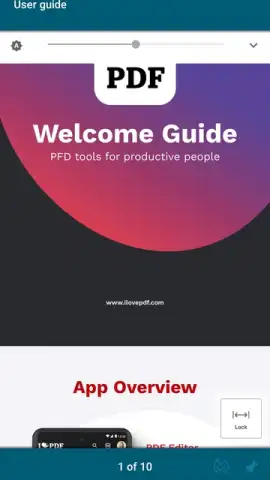
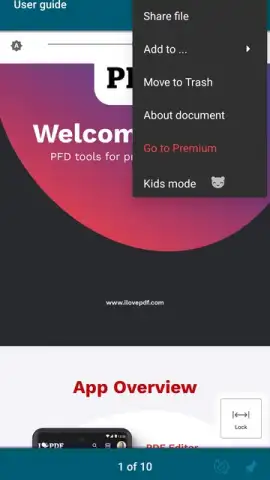
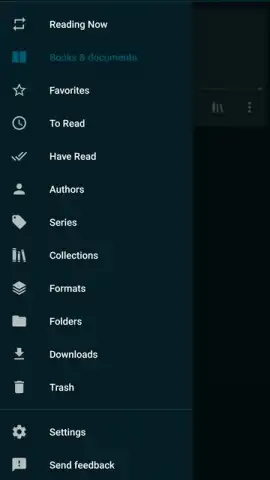
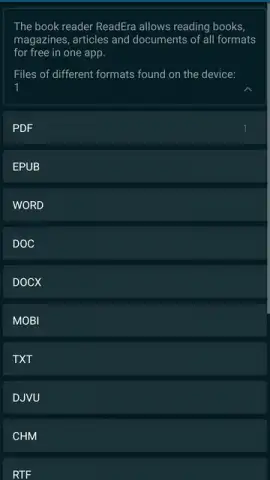
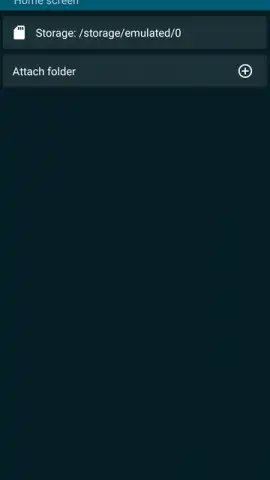
The foundation of ReadEra is its exceptional compatibility. The app seamlessly opens EPUB, MOBI, and FB2 ebooks alongside PDF files, Microsoft Word documents (DOC, DOCX), and even plain text files. This eliminates the hunt for specialized readers, allowing you to consolidate every article, novel, textbook, and comic into one central, personal digital library. Upon launch, ReadEra intelligently scans your device, automatically detecting these files and importing them into a visually clean, organized library. It goes a step further by identifying duplicate files and intelligently grouping different editions of the same title, proactively decluttering your collection from the start.
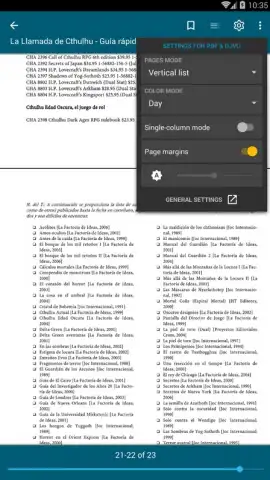
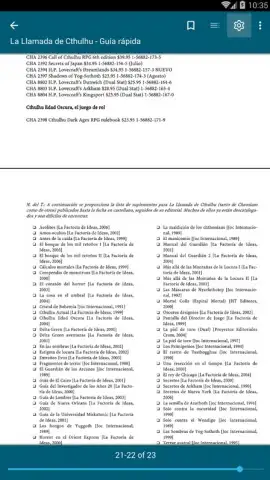
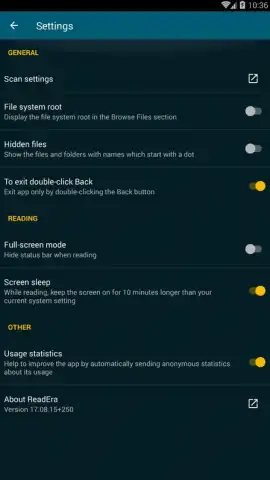
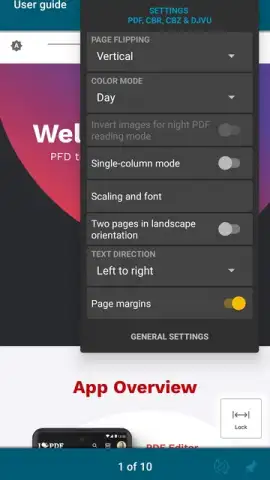
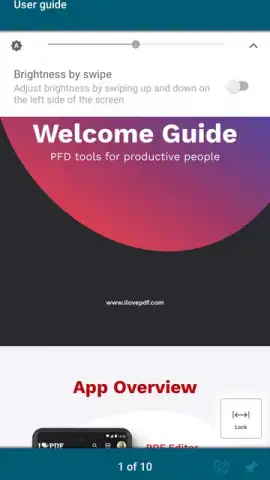
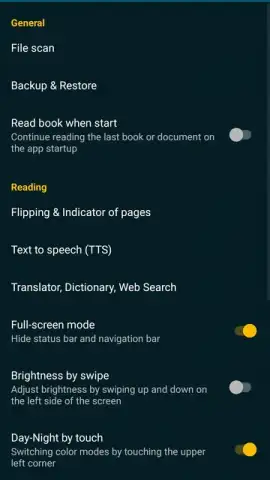
Your reading experience is fully customizable to match your comfort and the time of day. Adjust font type and size, line spacing, and margins to perfect the text block. To reduce eye strain during long sessions, you can fine-tune brightness and switch between color modes, including a true night mode with dark backgrounds and a sepia tone for a warmer, paper-like feel. For graphic novels and PDFs, dedicated viewing modes ensure comics and formatted documents look exactly as intended.
The app maintains your progress effortlessly across every single item in your library. Each time you close a book or document, your exact position is bookmarked automatically. You can jump between a dozen different reads, and returning to any one will place you right where you left off, with no manual bookmarking required. This creates a fluid experience where you follow your curiosity without ever losing your place.
- Truly Universal Format Support: Read EPUB, MOBI, FB2, PDF, DOC, DOCX, TXT, and more without conversion.
- Automatic, Intelligent Library Management: Auto-imports books, finds duplicates, and groups book series smartly.
- Fully Customizable Reading Interface: Personalize fonts, spacing, margins, and choose from day, night, or sepia themes.
- Automatic Progress Saving: Always resumes exactly where you stopped, across all your books and documents.
- Optimized Viewing Modes: Includes specific layouts for a perfect comic book and PDF reading experience.
- Ad-Free Core Experience: Read without disruptive advertisements interrupting your flow.
Consider downloading ReadEra to transform your device into a unified, powerful, and serene reading hub. It’s the straightforward solution for anyone who reads widely across formats and values a clean, organized, and highly personal reading experience.
Download the ReadEra mobile app now.
Heads up: you'll need wifi for initial book downloads and cloud library syncing. Some advanced features and themes are part of optional premium packages.
 GooglePlay


