

RealityScan - 3D Scanning App
RealityScan - 3D Scanning App screenshots (16)

Description RealityScan - 3D Scanning App
From Phone to Polygon: Capturing the Physical World in 3D
Imagine needing a digital model of a unique seashell, a piece of vintage machinery, or a scale model you've built. Traditionally, this required expensive laser scanners or painstaking manual modeling. RealityScan by Epic Games fundamentally changes that equation. This application transforms the sophisticated process of photogrammetry—creating 3D models from photographs—into a task you can perform with the smartphone in your pocket. It demystifies professional-grade 3D asset creation, removing the barrier of specialized hardware and placing a powerful scanning studio in your hand, operable from your living room, workshop, or any location with adequate lighting. This shift is not merely convenient; it represents a democratization of 3D content creation for a new wave of creators.
A Detailed Look at the Scanning Workflow and Tools
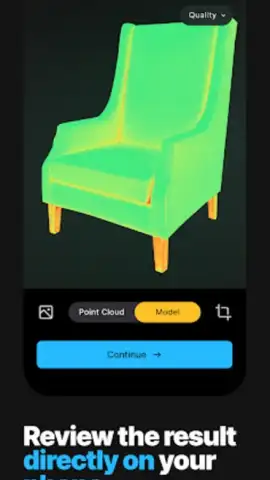
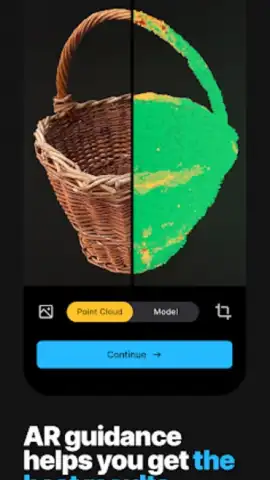
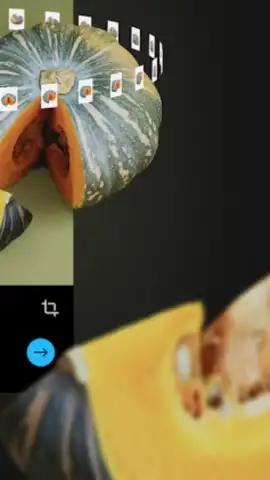
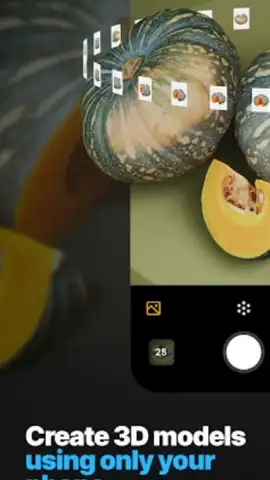
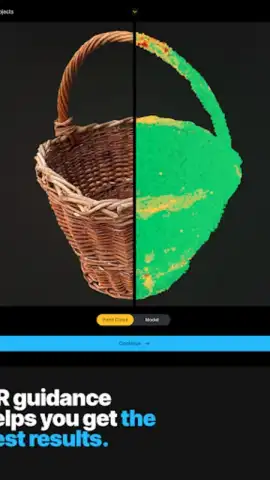
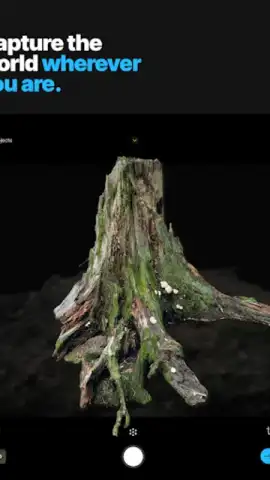
The core of RealityScan is a guided capture process that uses your phone's camera to take a series of overlapping images around an object. The application's intelligence lies in its real-time processing and user feedback systems. During a scan, a live color-coded preview overlay is projected onto your camera view. This isn't just a visual aid; it's a critical quality control mechanism. Areas covered in green indicate sufficient photographic data, while blue or red highlights signal gaps that need more images, allowing you to methodically improve coverage before committing to the final processing stage. This iterative, informed capture is what separates it from simple photo apps.
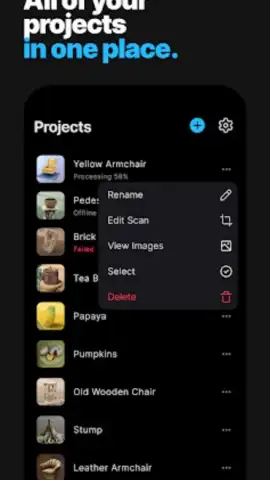
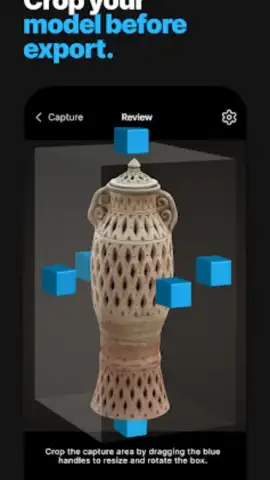
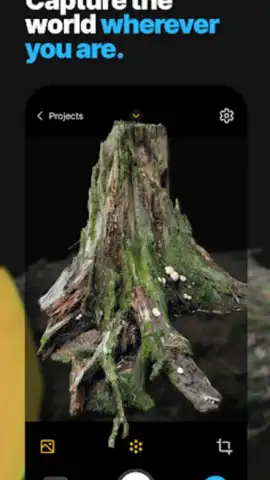
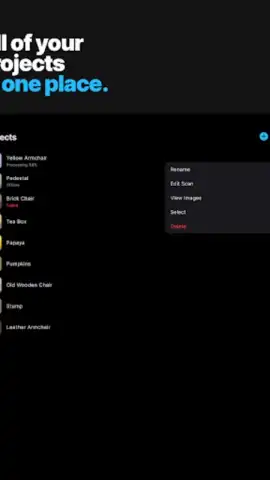
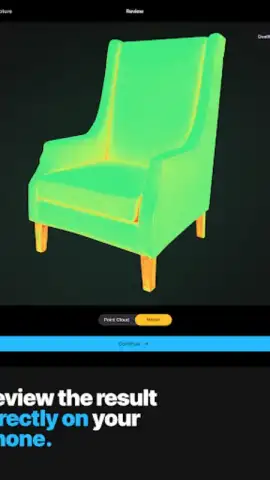
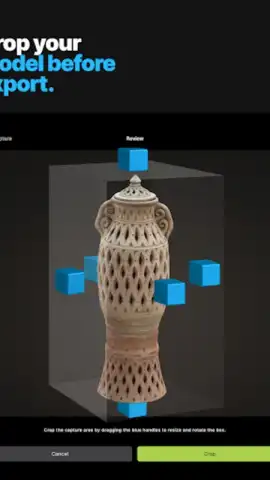
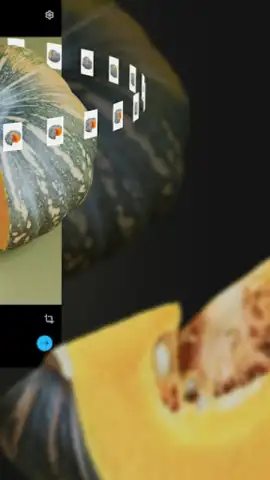
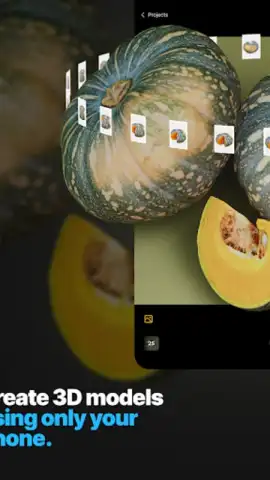
Once capture is complete, the processing happens in the cloud, leveraging Epic's computational power to align your photos and reconstruct a detailed mesh and texture. The resulting model can then be refined within the app using an intuitive cropping tool to isolate the desired object from any background noise. All your projects are neatly organized within an updated library system, allowing for efficient management, storage, and review of your growing portfolio of scans. The end goal is a clean, textured 3D model ready for digital use.
Core Functionalities for Creative and Professional Use
- Guided Photogrammetry Capture: Utilizes your phone's camera with real-time visual feedback to ensure complete object coverage for high-fidelity model generation.
- Live Preview & Quality Control: Features a color-coded overlay (green/blue/red) during scanning to instantly identify well-captured areas and those needing more images.
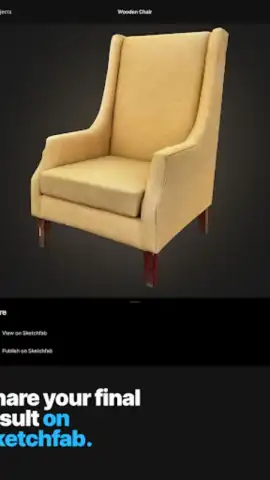
- Direct Sketchfab Integration: Enables one-tap upload of finished 3D models to Sketchfab for sharing, embedding in portfolios, or selling as digital assets.
The practical applications are vast and cross multiple disciplines. For game developers and VFX artists, it provides a rapid pipeline for sourcing unique, realistic assets directly from the physical world. Hobbyists in 3D printing can digitize objects for replication or modification, while architects and designers can capture site elements or prototypes. Beyond professional use, it serves as a powerful tool for personal archiving, allowing you to preserve detailed 3D memories of meaningful objects, sculptures, or locations. While the community anticipates future integrations with other platforms in the Epic ecosystem, the current direct pipeline to Sketchfab—a leading hub for 3D, VR, and AR content—already offers a robust endpoint for publishing and collaboration.
Start building your unique 3D asset library today. Download the RealityScan mobile app now and turn your surroundings into digital creations.
Heads up: you'll need a stable wifi connection for uploading images and processing scans. The core scanning functionality is free, but exporting high-polygon models or using certain advanced cloud processing features may require credits.
 GooglePlay


