
Remote Control Collection
Remote Control Collection screenshots (9)
Description Remote Control Collection
Turn Your Phone into a Universal Remote for Your Entire Computer
Imagine controlling your computer from the comfort of your couch, your bed, or even another room—without ever touching the keyboard or mouse. That’s the freedom Remote Control Collection delivers directly to your Android device. This ingenious app transforms your phone or tablet into a powerful wireless command center for your PC, making tedious tasks feel effortless and adding a layer of convenience you never knew you needed.
Experience Seamless Control at Your Fingertips
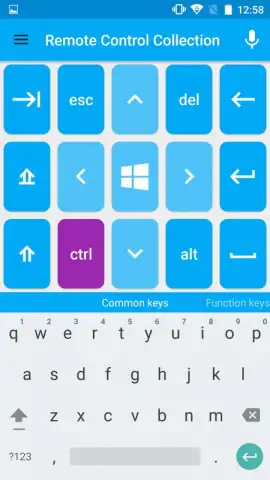
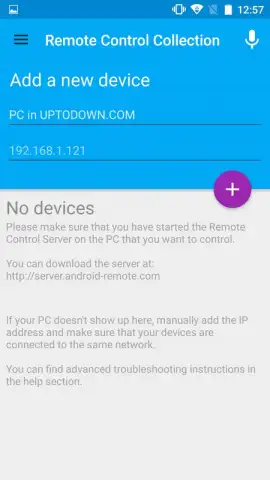
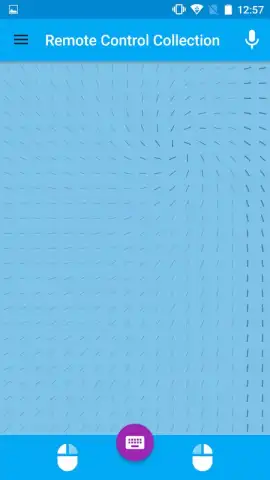
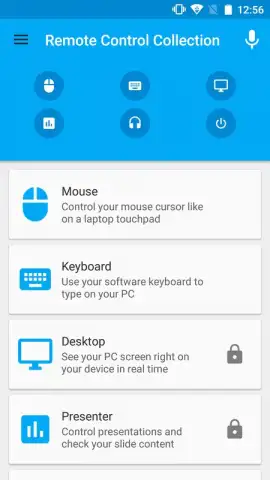
The core magic of this app lies in its elegant simplicity. After a quick, one-time setup of a companion program on your computer, a world of remote operation opens up. The free version immediately upgrades your Android device into a fully functional touchpad mouse and keyboard. Navigate documents, browse the web, or control presentations from across the room. While the screen isn’t mirrored in the free tier, your commands are transmitted instantly, giving you direct control over your PC’s functions.
Unlock the true potential with the feature-rich PRO version. This is where the experience becomes truly immersive. Not only do you get an ad-free environment, but you also gain real-time screen mirroring. See your computer’s desktop directly on your mobile device. This visual feedback is a game-changer, allowing for precise control and transforming your phone into the ultimate media remote. Play, pause, skip, and adjust volume for your music and movies without interrupting your relaxation.
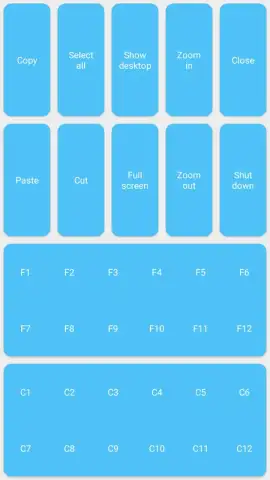
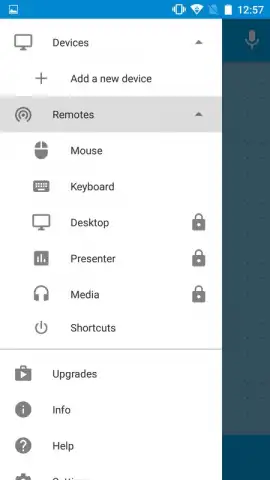
- Wireless PC Control: Use your Android device as a precise touchpad mouse and a responsive keyboard from anywhere within your network.
- Real-Time Screen Viewing (PRO): Stream your computer’s display directly to your phone or tablet for visual feedback and pinpoint accuracy.
- Advanced Media Remote: Take full command of your entertainment. Control video playback and music players like VLC, Windows Media Player, and more with a dedicated remote interface.
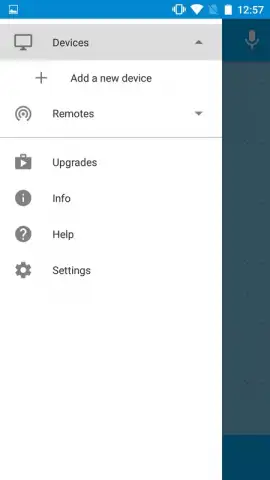
- Elegant, User-Friendly Interface: Navigate through a clean, intuitive design that makes remote control feel simple and sophisticated, not complicated.
- Turbo-Powered Performance (PRO): Enjoy a smoother, faster connection with enhanced responsiveness and zero advertisements for an uninterrupted experience.
- One-Time Simple Setup: Just install the small desktop server application once, and your devices are ready to connect whenever you need them.
Download the Ultimate Remote Control App Today
Why juggle multiple remotes or get up repeatedly when the solution is in your pocket? Remote Control Collection is your exclusive pass to a smarter, more relaxed digital life. For a limited time, new users can explore the robust free features and upgrade to PRO for an unparalleled, ad-free command experience. Don’t just control your computer—redefine how you interact with it.
Download Remote Control Collection now and claim your exclusive access as a first user!
Disclaimer: This application requires a stable internet connection (Wi-Fi recommended) for operation between your Android device and computer. The PRO version is a paid upgrade with a one-time purchase and may contain additional in-app purchases for future premium features. The companion desktop software is required for functionality.
 GooglePlay


