
Remote Mouse
Remote Mouse screenshots (4)

Description Remote Mouse
Tired of Being Tethered to Your Desk?
Imagine controlling your entire computer from the comfort of your couch, without needing to reach for a single wired peripheral. Remote Mouse transforms that idea into your everyday reality. This clever app reimagines your Android phone or tablet, turning it into a fully functional wireless keyboard and touchpad for your laptop or PC. It dissolves the physical barrier between you and your computer, offering a new level of convenience for presentations, media consumption, or simply navigating from across the room.
Your Pocket-Sized Command Center
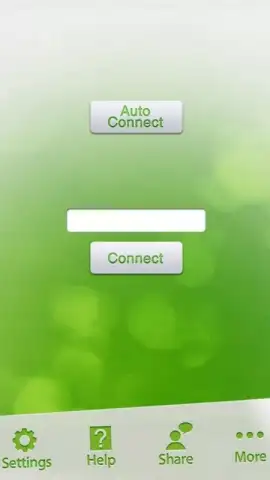
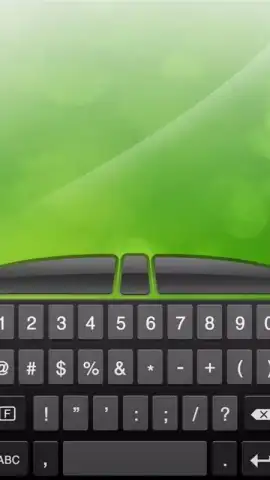
The core experience is built around seamless, intuitive control. Your device's screen becomes a responsive touchpad, where finger movements directly translate to cursor actions on your computer monitor. A simple tap executes a click. When you need to type, a full keyboard instantly appears on your screen, allowing you to input text just as you would on any smartphone. The application intelligently adapts to your preference, supporting both portrait and landscape orientations to match your grip and the task at hand. Setup is a straightforward two-step process: install the companion software on your computer, connect both devices to the same Wi-Fi network, and they pair instantly. The interface is designed for immediate understanding, eliminating any complex configuration so you can focus on what matters—effortless control from anywhere in the room.
- Transform your Android device into a precise wireless touchpad and keyboard for any PC or laptop.
- Enjoy an ad-free, streamlined control experience with responsive touch gestures and typing.
- Switch seamlessly between portrait mode for cursor control and landscape for a better typing view.
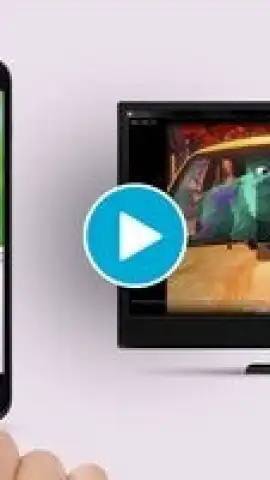
- Control media playback, presentations, and browsing from your couch or across the room.
- Establish a stable connection over your local Wi-Fi network for reliable, lag-free performance.
We suggest trying Remote Mouse to unlock a new level of comfort and convenience in how you interact with your computer. Consider downloading it today and cut the cord for good.
Heads up: you'll need Wi-Fi for most features. Some cool stuff is extra.
 GooglePlay


