

RS File Manager
RS File Manager screenshots (8)

Description RS File Manager
Navigating Your Android's Storage with Precision
Every Android device accumulates files over time—photos from a weekend trip, downloaded PDFs, APK installers from sideloaded apps. Without a clear map, finding a specific item can feel like searching through an unmarked archive. RS File Manager addresses this core frustration by functioning as both a detailed cartographer and an efficient librarian for your device's storage. It transforms the opaque directory structure into a navigable, searchable space, providing direct control over every document, media file, and application package. This tool is designed for users who prefer a methodical, hands-on approach to digital housekeeping, moving beyond the limitations of basic system file viewers.
A Systematic Approach to File Management
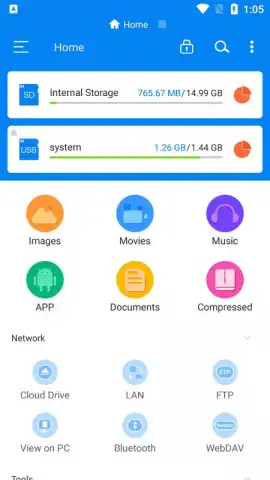
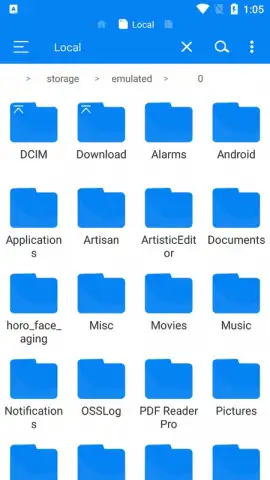
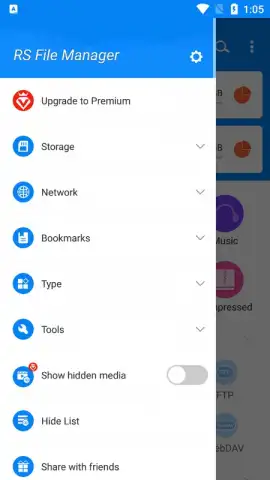
The application operates on a principle of direct manipulation and logical organization. Its interface presents a classic directory tree, allowing for intuitive forward and backward navigation through folders with familiar gestures. The core set of file operations—copy, paste, cut, rename, create, and delete—is executed with deliberate precision. A significant functional highlight is the integrated sharing module, which seamlessly hands off files to your device's other installed applications, such as email clients or messaging platforms, for rapid distribution. This eliminates the need to first locate a file within another app's own limited gallery system.
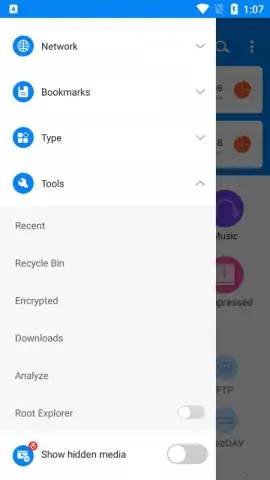
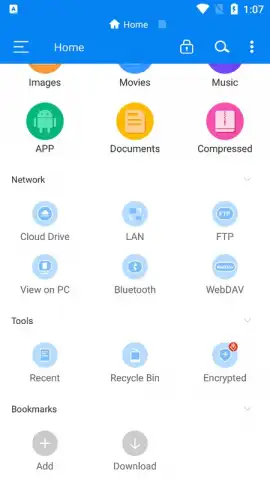
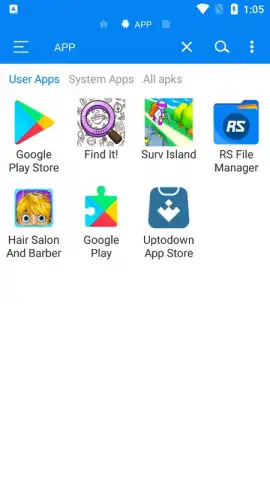
Beyond basic organization, RS File Manager incorporates a robust search engine with filtering capabilities. This system allows you to isolate files by type—such as images, videos, or specifically APK files—dramatically accelerating retrieval. The ability to quickly locate and purge residual APK installers is a practical example of its utility, reclaiming valuable storage space with a few taps. The experience is streamlined further by the absence of display advertising, a notable advantage that minimizes interface clutter and potential distractions during file management tasks.
- Comprehensive File Operations: Execute copy, paste, cut, delete, rename, and create actions on any file or folder with reliable accuracy.
- Integrated Search with Filters: Rapidly locate images, videos, documents, or APK files using a dedicated search bar and type-specific filtering tools.
- Direct Application Sharing: Send any file directly to your other installed apps for email, messaging, or cloud upload without intermediary steps.
Take command of your device's digital inventory and streamline your workflow.
Download RS File Manager now to organize your storage with expert precision.
Disclaimer: This application requires an internet connection for certain sharing functions and potential updates. It requests necessary permissions to access device storage for file management. Please be aware of your device's age restrictions for tools access. Data usage depends on file sharing activities. The developer, RS Mobile Group, is responsible for content and data practices.
 GooglePlay


