

Samsung Call
Samsung Call screenshots (6)
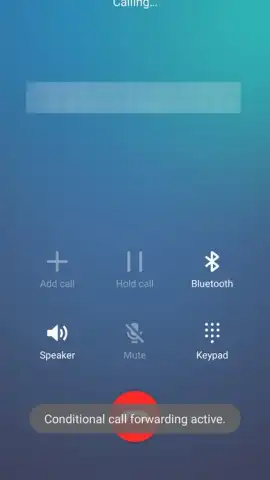
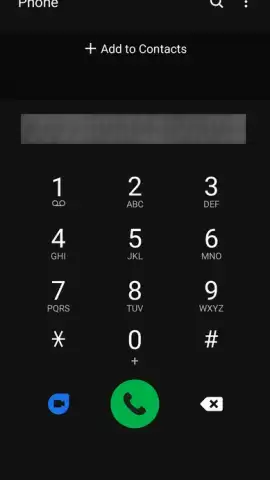
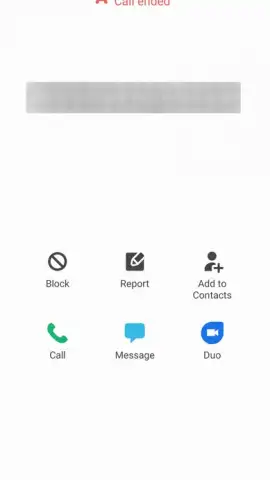
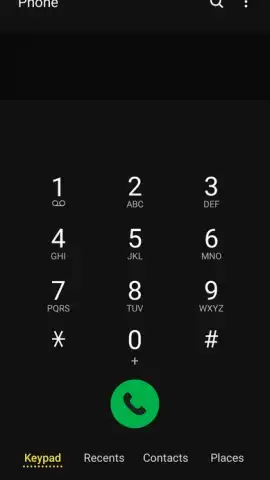
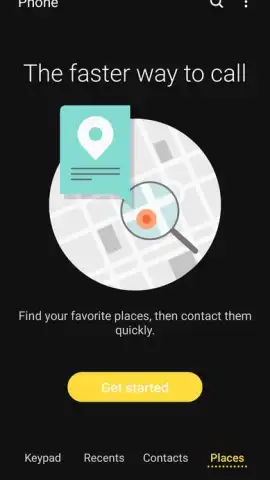
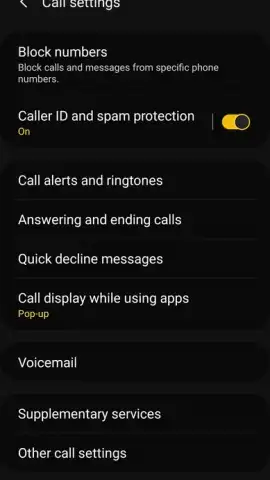
Description Samsung Call
Your Phone, Reimagined: The Call Experience Built Into Your Samsung
Imagine picking up your Samsung phone. The act of making a call should be effortless, a seamless extension of your intent. That’s the reality crafted by Samsung Call, the integrated dialer engineered specifically for your device. This isn’t just an app you download; it’s the fundamental communication layer of your phone, designed to connect you to any number worldwide with clarity and control. It transforms your device from a piece of technology into a direct line to your world, ensuring you never miss a connection.
Designed for Clarity, Engineered for Control
Samsung Call provides a foundation of powerful features that manage your conversations. The interface presents a clean, intuitive layout that makes dialing numbers and searching through your contacts a fluid experience, eliminating friction when you need to connect quickly. A defining tool within the app is the integrated call recording function. You gain the ability to preserve important conversations with a single tap during a call. For complete automation, dive into the settings menu to configure recording for all calls or only specific contacts, ensuring you have a verifiable log of crucial discussions.
A significant advantage is the non-intrusive call management system. When an incoming call arrives, a compact floating window appears over whatever app or game you’re using. This smart overlay allows you to accept or decline the call immediately without forcing you to switch contexts or leave your current task. You maintain full control over your communication flow without interruption.
Core Benefits at a Glance
- Native Samsung Integration: Experience a dialer optimized for your device’s hardware and software, ensuring stable performance and clear call quality.
- Intelligent Call Recording: Manually record any call instantly or set automatic recording rules for specific contacts or all conversations directly within the app settings.
- Floating Call Interface: Manage incoming calls with a small, versatile pop-up window that appears over other applications, allowing you to answer or reject calls without leaving your current screen.
- Streamlined Contact Management: Enjoy a simplified interface for dialing, searching your contact list, and viewing call history with minimal taps.
- No Advertisements: The experience is focused purely on your calls, free from disruptive banners or video ads.
Exclusive Access: Download Your Optimized Dialer Now
This is the call experience designed for your device from the ground up. Why settle for a generic alternative when the optimized solution is already part of your Samsung? For a limited time, ensure your app is updated to the latest version to access the most stable and feature-complete build. Transform how you connect. Download and update Samsung Call directly through the Galaxy Store today.
Technical Disclaimer: Samsung Call is a system application for compatible Samsung Galaxy devices. Functionality, including call recording, may be subject to local laws and regulations; verify legality in your region before use. An internet connection is not required for standard voice calls but may be needed for certain network-dependent features or updates. The application may request permissions for contacts, phone, and microphone to enable core calling and recording functions. Data usage may apply for calls made over internet protocols (VoIP). Parental guidance is advised.


