
Samsung Record screen
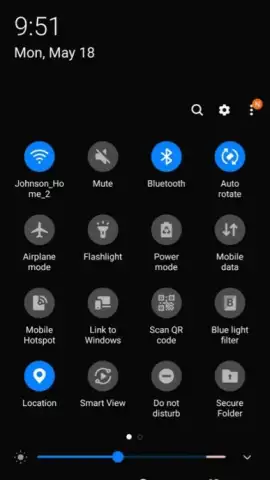
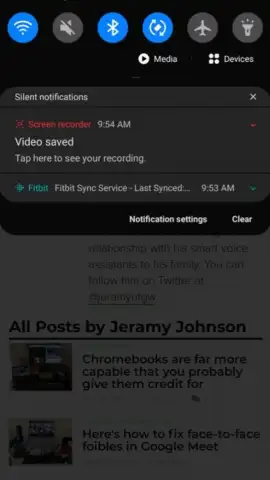
Samsung Record screen screenshots (5)
Description Samsung Record screen
Capture every moment on your screen with professional-grade recording directly from your Samsung device. Samsung Record screen transforms your smartphone into a versatile capture tool, enabling you to create flawless videos for tutorials, gameplay, or memorable content without needing complex external software.
Core Functionality & Tools
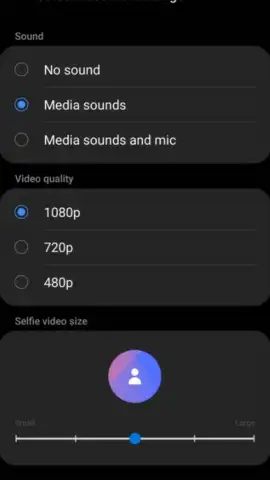
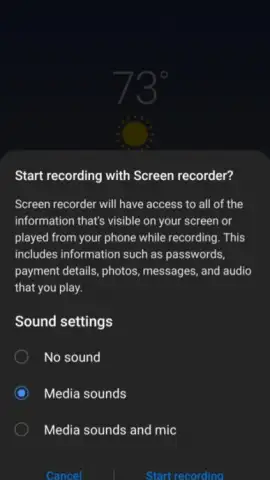
This utility provides a comprehensive suite of screen recording controls accessible from your quick settings panel. Initiate recordings in Full HD resolution with the option to include audio from your device's microphone, system sounds, or both simultaneously. The interface offers a floating control widget for pausing and resuming your capture during a session, allowing for the creation of seamless, edited videos in a single take. Recordings are automatically saved to your gallery in a standard MP4 format for easy sharing and further editing in any compatible video application.
Key Operational Advantages
The application is optimized for system-level performance, ensuring minimal impact on device battery life and processing power during use. It integrates directly with the Samsung One UI, providing a stable and reliable experience without third-party app permissions or watermarks. The tool supports recording at variable frame rates to balance video quality and file size, giving you control over the output for different sharing platforms.
- Flexible Audio Capture: Choose to record microphone commentary, system audio, or a mix of both for complete audio control.
- Floating Control Widget: Pause and resume recordings on the fly with an always-accessible on-screen control menu.
- Direct Gallery Integration: Automatically saves high-quality MP4 files to your device for instant access and sharing.
Download this essential utility now and start creating perfect screen recordings today!
This application requires an internet connection for initial download and may involve in-app purchases for potential future premium features. Data charges may apply. The app requires Android 9.0 or higher. Screen recording may not be available for all content due to digital rights management (DRM) protections.



