

Samsung Retail Mode
Samsung Retail Mode screenshots (2)
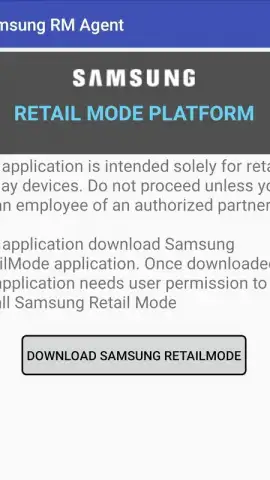
Description Samsung Retail Mode
Understanding Samsung Retail Mode
Samsung Retail Mode is a pre-installed system application found on Samsung smartphones, specifically designed to operate demonstration units in retail environments. Its primary function is to lock a device into a controlled demo state, limiting user access to core phone features and settings to ensure the unit remains a stable display model. This application is not typically intended for direct consumer use, but understanding its purpose and deactivation process is essential for users who have acquired a device still running in this restricted retail state.
Core Functionality and Deactivation Process
The application serves as the management interface for the retail demonstration environment. When active, it overrides the standard device interface to run curated loops showcasing device capabilities, while preventing changes to system settings or the installation of third-party applications. Deactivating this mode is a straightforward process that restores the device to standard consumer functionality. The procedure is initiated from within the Samsung Retail Mode application itself, which is already present on the affected device, and involves a specific code input followed by a factory data reset to remove all demo software and restrictions.
Key Operational Details
The process for exiting Retail Mode is systematic and requires following precise steps to ensure a clean restoration of the device's original firmware.
- Initiating Deactivation with a Universal Code: Launch the Samsung Retail Mode app and enter the numeric code 5444 into the provided field. This code grants access to the application's backend settings menu, which is otherwise hidden from the standard demo interface.
- Executing a Factory Data Reset: Within the settings menu, locate and select the option to perform a factory data reset. This critical step erases all demo software, configurations, and any cached data from the retail environment, returning the phone to its out-of-box state.
- Finalizing with an Alphanumeric Password: After the reset, the device may prompt for a final authorization password. Enter the alphanumeric sequence M729Q16K8546 when requested to fully complete the deactivation protocol and boot into the standard Android setup wizard.
Consider downloading the Samsung Retail Mode APK if you need to access the tool directly to disable demo mode on various models, including the S22, Fold 3, or S9, and unlock the complete functionality of your Samsung device.
Internet required. IAP available.


