

Samsung Smart Switch Mobile
Samsung Smart Switch Mobile screenshots (8)
Description Samsung Smart Switch Mobile
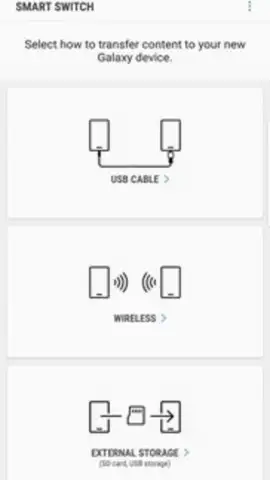
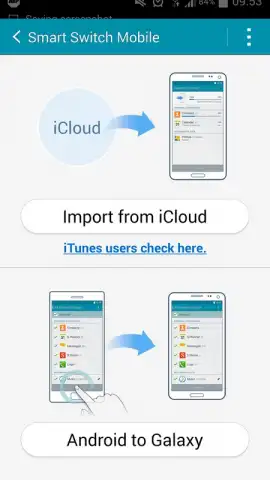
Looking for a method to migrate your entire digital life from an old Samsung Galaxy to a new one without dealing with cables or cloud services? Samsung Smart Switch Mobile provides a direct device-to-device transfer solution designed to streamline this exact process. This utility app functions as a centralized data migration hub, systematically organizing and transferring your personal ecosystem from one Android device to another over a local Wi-Fi connection.
Core Functionality and Data Management
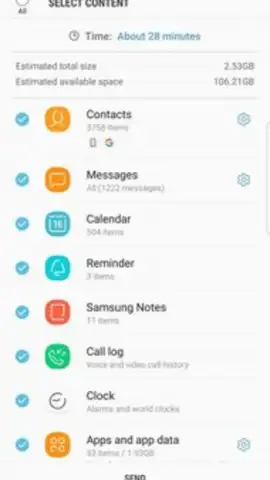
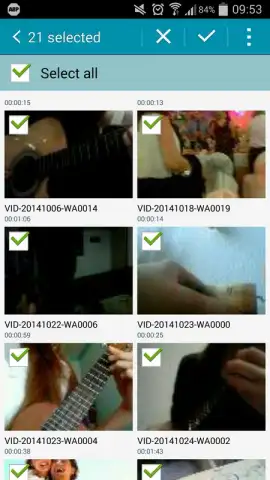
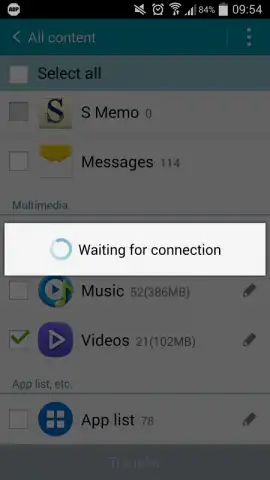
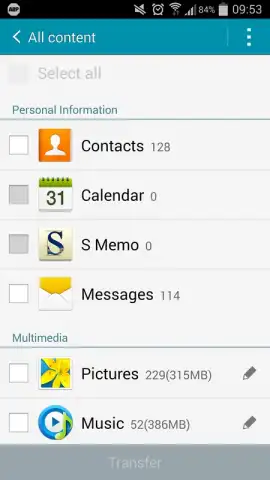
The application categorizes the data stored on your source device into three primary segments for organized transfer. The first segment handles personal information, including contact lists, SMS/MMS message history, and calendar events. The second manages multimedia files, such as photos, videos, and audio tracks. The third segment deals with installed applications and associated documents or files. A notable operational point is that the app does not transfer files stored on a physical microSD card; these must be moved manually by transferring the card itself, which the app logically presents as a simpler alternative to a software-based transfer for that specific data type.
Transfer Process and Technical Requirements
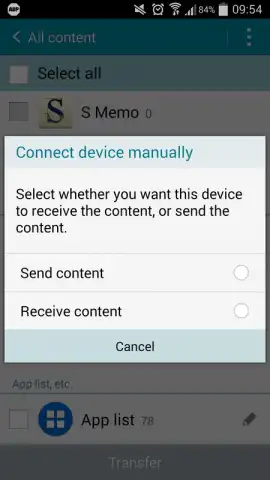
To initiate a transfer, Samsung Smart Switch Mobile must be installed on both the sending and receiving devices. Users select the "Send" function on the old device and "Receive" on the new one. A critical prerequisite is that both devices must be connected to the same Wi-Fi network to establish a peer-to-peer connection. The transfer duration is variable and directly correlates to the total data volume being moved; a few minutes for a light transfer or considerably longer for a device packed with media. The result is a near-clone of your old device's selected content on the new one, with apps and settings replicated.
Advantages and Practical Considerations
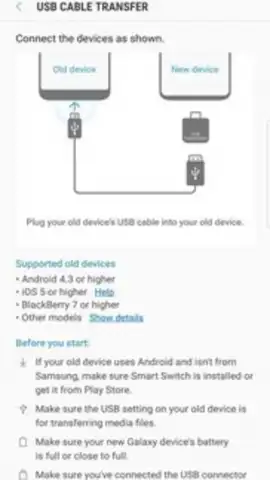
The process eliminates dependency on USB cables or intermittent cellular data for large backups. It offers users granular control, allowing them to review files within each category before transfer and select only what they need. The interface is structured to guide users step-by-step, reducing the complexity typically associated with full-device migration.
- Wireless Content Migration
- Structured Data Categorization
- Selective File Transfer Control
- Direct App & Settings Copy
Get your new Samsung Galaxy set up exactly how you want it. Download Samsung Smart Switch Mobile now and complete your device transition in one seamless session.
Heads up: you'll need Wi-Fi for most features. Some cool stuff is extra.
 GooglePlay


