

Screen Recorder by AppSmartz
Screen Recorder by AppSmartz screenshots (8)
Description Screen Recorder by AppSmartz
What if you could capture every moment on your Android screen with studio-level control?
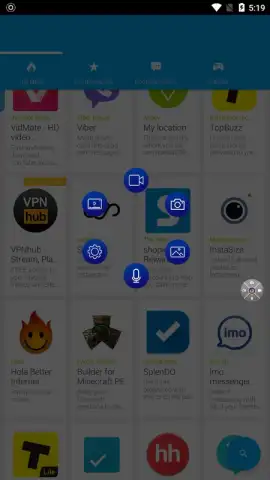
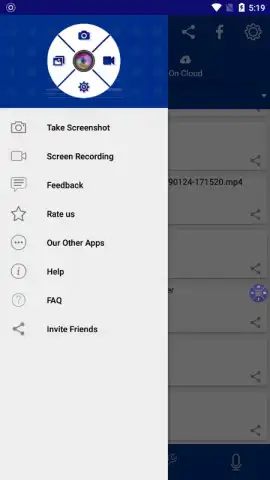
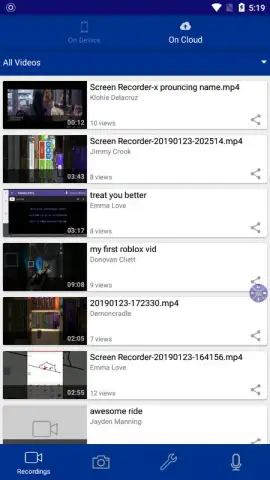
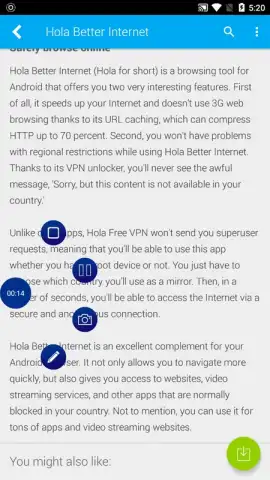
Screen Recorder by AppSmartz provides a comprehensive utility for capturing all on-device activity, from application tutorials and software bugs to full-length mobile gaming sessions. The application operates by deploying a minimal, semi-transparent floating control button on the screen, which can be repositioned to any edge or corner to avoid obstructing crucial UI elements. This button serves as the primary interface for initiating, pausing, and stopping recordings without needing to exit the active application. For users who prefer alternative controls, this floating interface can be disabled entirely within the settings menu, allowing recordings to be managed through the standard notification panel.
Core Functionality and Recording Customization
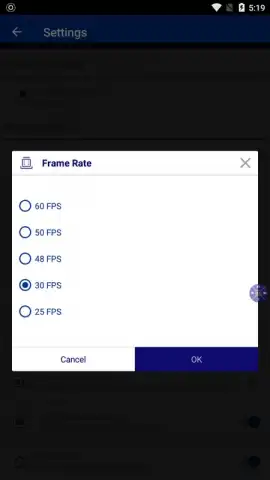
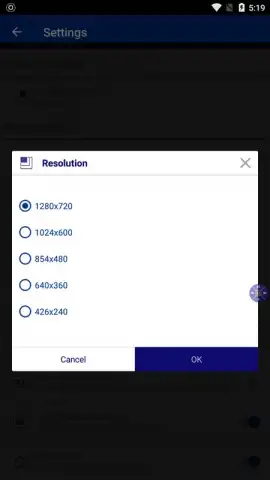
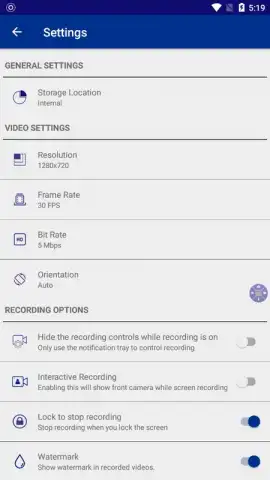
The application distinguishes itself with a dual-source recording capability, enabling the simultaneous capture of both the device screen and the front-facing camera feed. This picture-in-picture functionality is particularly valuable for creating reaction videos, detailed gameplay commentaries, or personalized video guides where presenter commentary is essential. Beyond this, the tool offers granular control over output quality through an extensive settings panel. Users can manually configure video resolution, select a specific frames-per-second rate, and adjust the bitrate to balance file size against visual fidelity. A notable feature is the option to remove the default watermark, providing a clean, unbranded video suitable for public distribution or professional use.
Operational Advantages and User Workflow
A significant operational benefit is the complete absence of advertising during the recording and editing process, a feature typically unlocked via the app's Turbo mode. This ensures an uninterrupted workflow, which is critical when recording time-sensitive content or lengthy sessions. Post-recording, the application facilitates immediate sharing of the captured video file to major social platforms, cloud storage services, or directly to contacts. The entire process—from capture to export—is designed to be contained within the device, requiring no secondary software for basic recording tasks.
- Dual-Source Capture: Record screen activity and front-camera video simultaneously in a customizable layout.
- Professional-Grade Settings: Manually define video resolution, frame rate, and bitrate for precise quality control.
- Unobtrusive Operation: Utilize a movable floating control button or disable it for notification-based recording management.
Download the Screen Recorder by AppSmartz mobile app now—exclusive, ad-free Turbo access is a limited-time offer for new users.
Disclaimer: This application requires an internet connection for initial download and potential feature verification. The app may contain in-app purchases for premium functionalities, including the ad-free Turbo mode. Use of the screen recorder may be subject to local laws regarding the recording of content; ensure you have the necessary rights to record and distribute captured material. Data usage applies for app updates and online sharing features. This tool is intended for personal or instructional use; refer to the developer's policy for age restrictions and data handling practices.
 GooglePlay


