

Screen Recorder - XRec Lite
Screen Recorder - XRec Lite screenshots (6)
Description Screen Recorder - XRec Lite
Ever wish you could capture exactly what's happening on your screen with just one tap? What if you could turn any moment, from a brilliant gaming play to an important video call, into a shareable video instantly? That's the seamless power you get with Screen Recorder - XRec Lite.
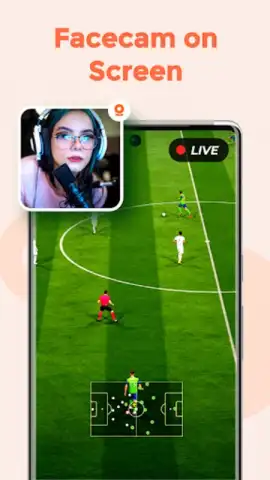
This isn't just a basic recording tool; it's your personal broadcast studio, right in your pocket. Imagine recording your screen in crystal-clear HD, with the option to include your own face via the front camera and your excited commentary through the microphone—all simultaneously. You become the director of your own content. After recording, dive into a surprisingly robust editor to trim clips, add dynamic text, or even draw directly on your video to highlight key moments. It’s designed to be so intuitive that creating professional-looking screen recordings feels effortless, turning your ideas into polished videos ready for any platform.
Why Your Videos Will Instantly Look More Professional
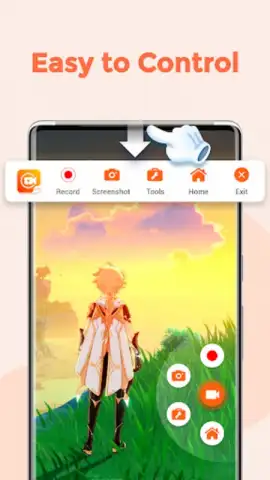
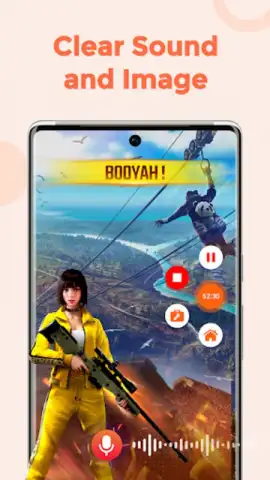
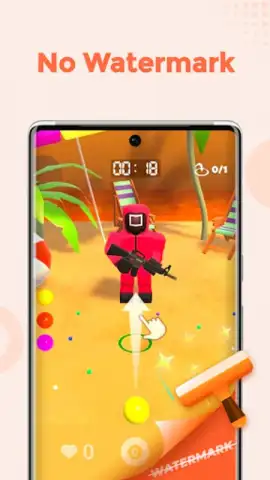
You’ll appreciate the thoughtful design that puts you in control without any complexity. The floating recording widget is a game-changer, allowing you to start, pause, or stop recordings without ever leaving the app you're capturing. Forget about shaky, low-quality videos; this tool ensures buttery-smooth recording with adjustable frame rates to match your device's performance. Plus, with no annoying watermarks on your final creations, everything you produce is truly yours to share proudly, making your tutorials, game highlights, and presentations look clean and authoritative.
- Record Screen, Face & Audio Together: Combine high-definition screen capture with your camera feed and voiceover in one seamless video for engaging, personal content.
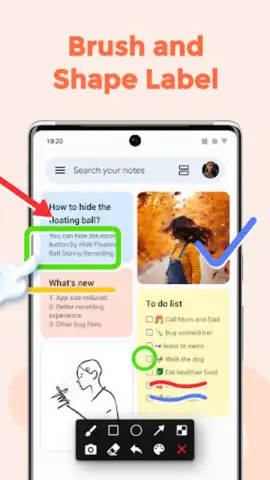
- Built-in Video Editor: Trim, cut, and enhance your recordings instantly with tools to add text, stickers, and freehand drawings directly on the clip.
- Floating Control Widget: Manage your recordings effortlessly with an always-accessible on-screen button for one-tap start, pause, and stop functionality.
Don't miss your chance to create flawless screen recordings today. For a limited time, experience premium recording features with this exclusive lite version. Download the mobile app now and start capturing your screen like a pro!
Internet required. IAP available.
 GooglePlay


