

Screen Recorder
Screen Recorder screenshots (8)
Description Screen Recorder
Ever wished you could capture exactly what's happening on your phone's screen with just a tap? Whether it's a game-winning moment, a crucial video call, or a tricky app tutorial you need to save, the process should be seamless. That's where a dedicated screen recorder steps in, transforming your device into a portable production studio without any complicated setups.
Capture and Create with Ease
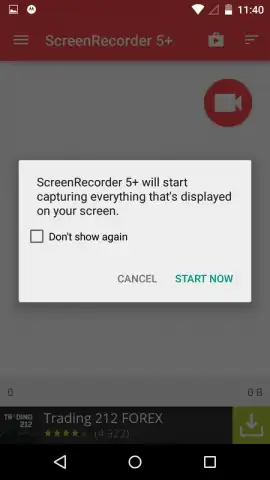
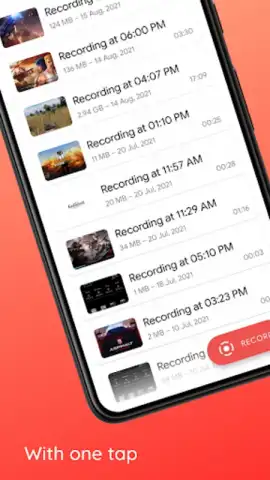
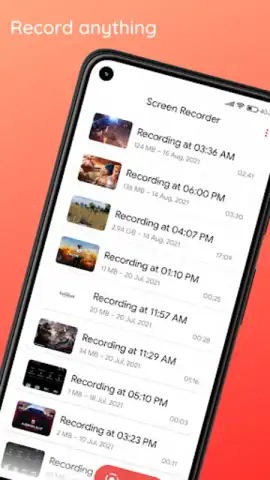
Imagine needing to record a live streaming session, a high-score gameplay run, or a step-by-step guide for a friend. This tool puts a floating control widget right on your screen, giving you one-touch access to start and stop recording. You're in complete control from the very first second. The recording begins precisely when you decide, ensuring you never miss the opening scene or that initial important detail. Once you stop, the video is instantly saved to your gallery, ready to be viewed, shared, or edited without any frustrating waiting or processing delays.
Your All-in-One Recording Toolkit
This isn't just a simple record button. It's a suite of powerful features designed to make your recordings professional and clear.
- High-Quality Video Capture: Record your screen in crisp, clear definition. Choose your preferred resolution and frame rate to balance quality and file size, perfect for sharing on social media or keeping for personal archives.
- Internal Audio & Microphone Recording: Capture the sound from your device and add your own live commentary through your microphone simultaneously. Explain your gameplay, narrate a tutorial, or react in real-time to what's happening on screen.
- Front Camera Overlay: Add a personal touch to your videos by enabling a picture-in-picture window of your face from the front camera. It’s ideal for vlogging, reaction videos, or personalized explanations, making your content more engaging.
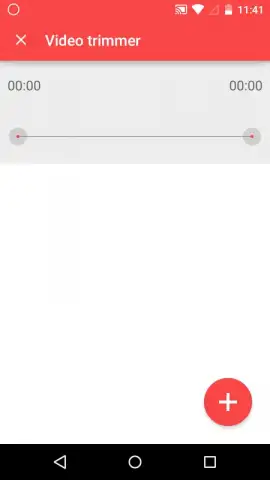
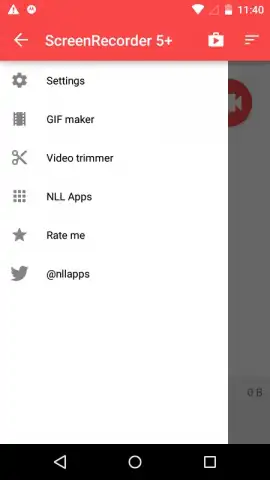
- Intuitive Editing Suite: Trim your recordings directly after capture. Cut out the boring bits, remove mistakes, and share only the best parts. No need to download a separate editing app for basic, essential cuts.
- No Root Required: The app works seamlessly on your standard Android device. There's no need for complex modifications or voiding your warranty to access powerful recording features.
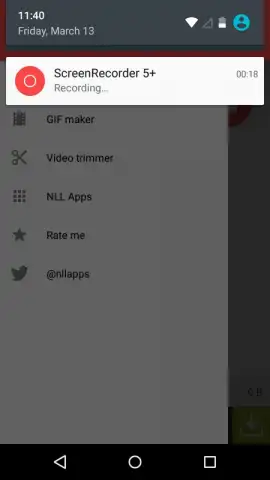
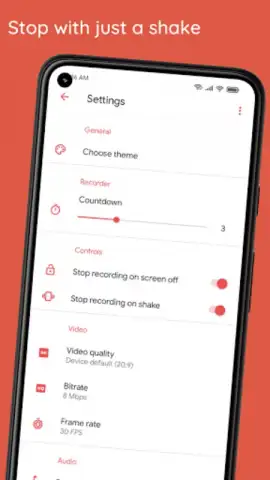
- Floating Controls & Countdown: A small, movable record button stays on top of other apps for ultimate convenience. A configurable countdown (3-2-1) gives you time to prepare before the recording officially starts.
Why This Recorder Becomes Your Go-To Tool
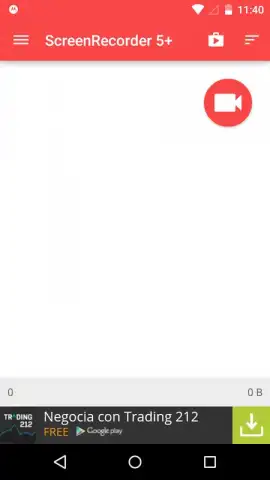
The interface is designed for immediacy. You won't waste time searching through menus; the controls are intuitive and accessible within moments of opening the app. The performance is optimized to be lightweight, ensuring that recording your screen doesn't slow down your device or cause lag in the very content you're trying to capture. It turns the often-overlooked capability of your phone into a powerful, creative outlet, empowering you to save, share, and explain anything visual.
Don't just tell people about your digital experiences—show them. This is your chance to start creating professional-looking screen captures and videos today.
Download the Screen Recorder app now! Exclusive, ad-free early access is available for the first users this week only.
Heads up: you'll need a stable internet connection for downloading and for accessing some cloud-based features if available. Some advanced editing tools and effects may be part of premium, in-app offerings. Requires Android 4.4 or above.


