

Setup Wizard
Setup Wizard screenshots (2)
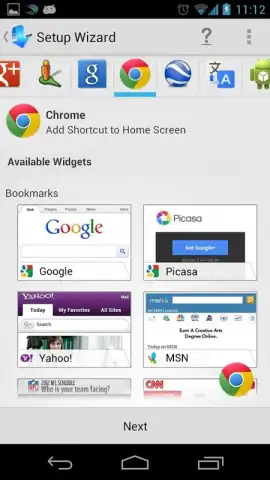
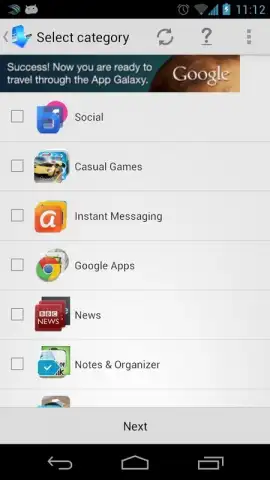
Description Setup Wizard
Streamline Your Smart Home Configuration
Configuring a new smart home device often involves navigating multiple, disjointed manufacturer apps, manually entering Wi-Fi credentials, and troubleshooting connectivity issues. This fragmented process can turn a simple setup into a time-consuming technical chore, delaying the integration of essential home automation features.
Centralized Device Onboarding and Management
Setup Wizard functions as a unified control panel for initializing and organizing smart home products. The application scans your local network to detect compatible devices awaiting configuration, presenting them in a single queue. For each device, the app retrieves the necessary setup protocol—whether it requires direct Wi-Fi pairing, Bluetooth handshake, or QR code scanning—and guides you through a standardized, step-by-step process. Post-setup, it catalogs all connected devices into a centralized inventory, allowing for basic grouping by room or function and providing quick access to each product's native app for advanced controls. The system supports a broad spectrum of common protocols and brands typically found in residential settings.
Analytical Overview of Core Functionality
The primary utility lies in its role as an aggregation layer, eliminating the need to switch between different applications during the critical first-use phase. By automating the detection and applying a consistent setup interface, it reduces user error and the time investment required per device. The inventory feature serves as a quick-reference dashboard, although it does not replace dedicated apps for complex automation routines. Performance is dependent on local network stability and the specific API permissions granted by each device manufacturer.
- Unified setup for diverse devices
- Automated network discovery
- Step-by-step visual guidance
- Centralized device inventory
Download the Setup Wizard app now and transform your device setup from a fragmented hassle into a streamlined, single-session task. Get it immediately!
Heads up: you'll need wifi for most features. Some cool stuff is extra.


