

Share Music & Transfer Files
Share Music & Transfer Files screenshots (6)

Description Share Music & Transfer Files
A Direct WiFi-Based File Transfer Solution Eliminates Cloud Dependence
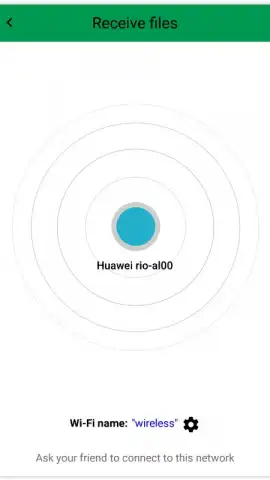
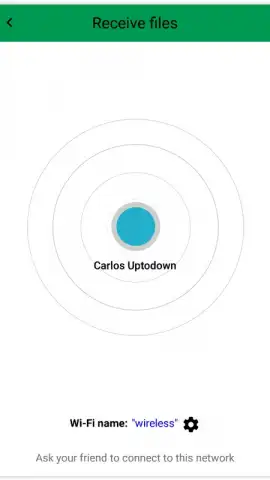
Share Music & Transfer Files provides a utility for direct device-to-device file sharing over a local WiFi network. The application functions by creating a peer-to-peer connection, bypassing the need for internet data, cloud storage subscriptions, or Bluetooth pairing. Its core operation involves selecting a file type on the sender device, which then scans the local network for other instances of the app running on receiving devices, establishing a direct transfer channel.
Core Functionality and Interface Mechanics
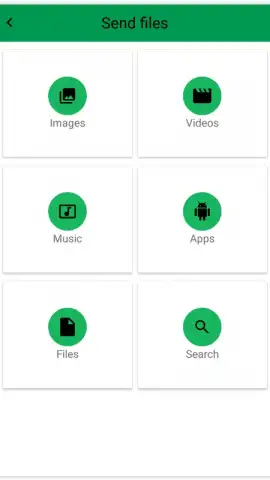
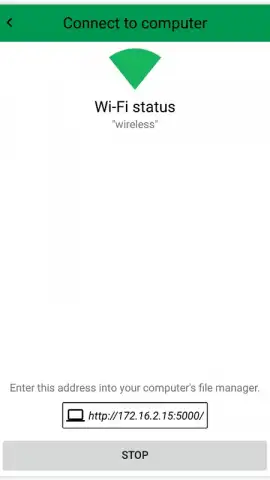
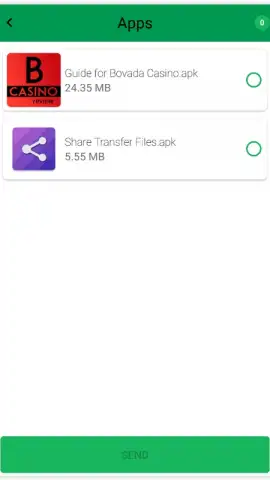
The application's primary interface is a categorized menu that inventories file types stored on the device. This includes dedicated sections for audio tracks, photo libraries, video collections, generic documents, and installed APK files. Selection of a category triggers an automatic scan of the device's internal and external storage, populating a list of available items. The transfer process initiates only after both selecting specific files and confirming a target device detected on the same WiFi network. A notable feature is its cross-platform capability, allowing identical transfer procedures between Android devices and computers, provided the computer accesses the shared network directory or uses a companion web interface.
Operational Advantages and Turbo Mode
The system's design prioritizes offline functionality, making it applicable in scenarios with limited or costly mobile data. The absence of intermediary servers means transfer speed is constrained primarily by local router performance. The mention of a 'Turbo' mode suggests an optional enhancement, likely a paid feature or one-time purchase, which presumably removes any artificial speed limits or background advertisements, focusing system resources on maximizing throughput. This positions the app as a tool for regular, bulk transfers of media libraries or project files between a user's personal devices without uploading data.
- Multi-Format Support: Handles music, photos, videos, documents, and Android app packages in one utility.
- Network-Agnostic Transfer: Uses local WiFi for high-speed, offline file movement between devices.
- Cross-Platform Compatibility: Enables seamless file exchange from Android to Android and from Android to computer.
Get your bonus of ad-free, high-speed transfers and start moving your files today.
Download mobile app now
Disclaimer: This application requires a stable WiFi network connection for core functionality. It may offer in-app purchases for additional features like Turbo mode.


