

Sketchar
Sketchar screenshots (11)
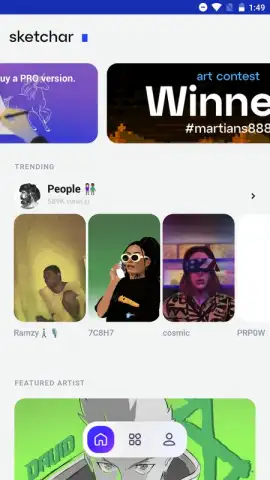
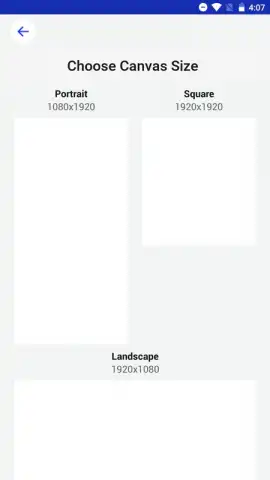
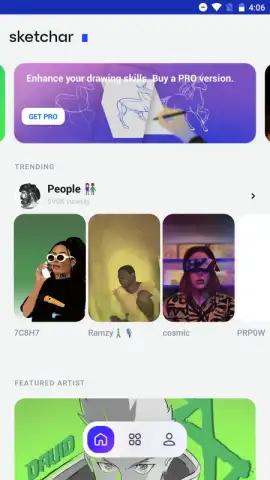

Description Sketchar
Looking for a comprehensive drawing tool that combines structured learning with advanced creative technology?
Sketchar is a multifaceted drawing application designed to facilitate skill development from foundational techniques to professional illustration. It integrates free, step-by-step courses with a full suite of digital art tools and augmented reality (AR) functionality. The platform serves both complete beginners seeking guided instruction and experienced artists looking for a versatile digital studio and new methods to experiment with their craft. Its core proposition is a blended learning environment where theoretical lessons are immediately applied through practical, interactive drawing exercises.
Core Functionality and User Experience
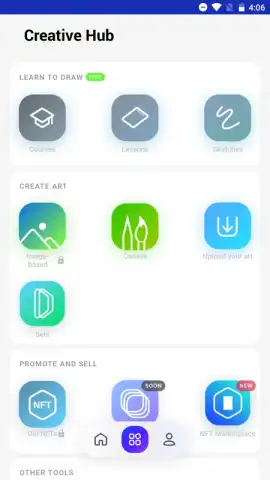
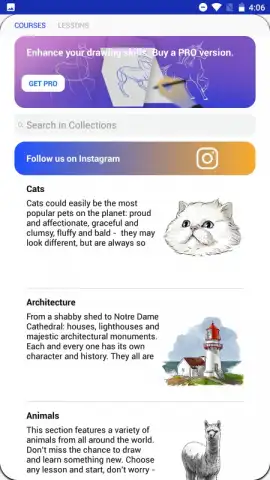
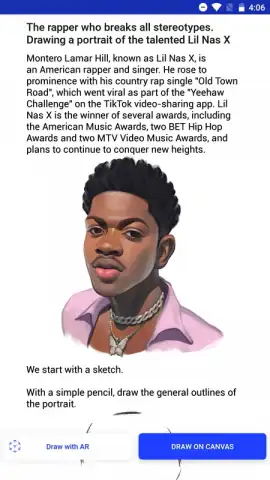
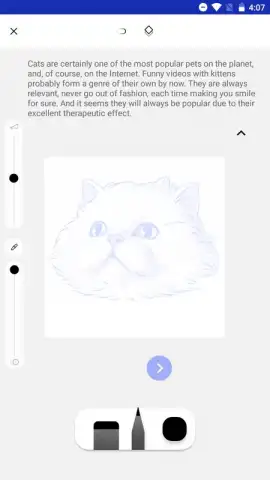
The application is structured around several key modes. The learning section offers a catalog of free, sequential courses that guide users through specific subjects, such as animal anatomy, portrait drawing, landscapes, or food illustration. These courses are dynamic, providing real-time, step-by-step visual instructions directly on the canvas, allowing you to draw along simultaneously. Beyond structured courses, masterclasses focus on developing freehand drawing skills and encouraging imaginative, unguided creation. The AR Drawing mode utilizes your smartphone's camera to overlay a virtual sketch onto a real-world surface or object; you focus the camera on your subject, and then trace the projected lines onto your device's screen to create accurate outlines and compositions.
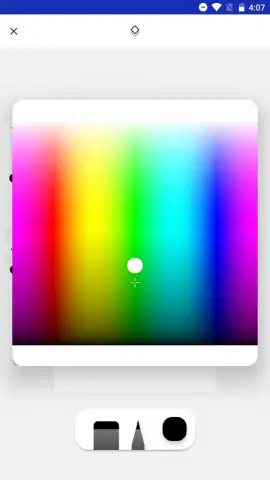
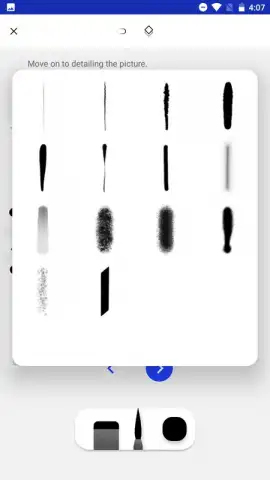
The digital studio provides an extensive array of customizable tools, including pencils, ink brushes, paintbrushes, and markers. Each tool offers adjustable parameters for thickness, opacity, and flow, granting precise control over every stroke. The color palette is virtually limitless, supporting advanced mixing and selection. A dedicated section features creative mini-games, which are designed to test illustration techniques, improve dexterity, and stimulate creativity through interactive, time-based challenges. This gamified approach offers a less formal method for skill practice and warm-up exercises.
- Step-by-Step AR Tracing: Project reference images onto any surface using augmented reality for accurate sketching and composition practice directly in your environment.
- Customizable Digital Toolkit: Access and modify a full set of brushes, pencils, and markers, each with adjustable thickness, opacity, and texture settings for detailed artwork.
- Structured Learning Paths: Complete free courses on specific subjects like anime, graffiti, or portraits with real-time guidance that adapts to your drawing pace.
Download the Sketchar mobile app now to unlock professional art lessons and AR tools for free—this exclusive access offer is limited for new users.
Requires an internet connection for some features. The app may offer in-app purchases.
 GooglePlay


