

Sketchbook 2
Sketchbook 2 screenshots (10)
Description Sketchbook 2
Looking for a professional-grade drawing app that works seamlessly on your Android device? Sketchbook 2 delivers a complete digital art studio with precision tools designed for both quick sketches and finished illustrations.
Core Features & Tools
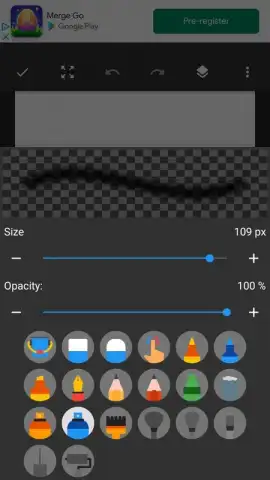
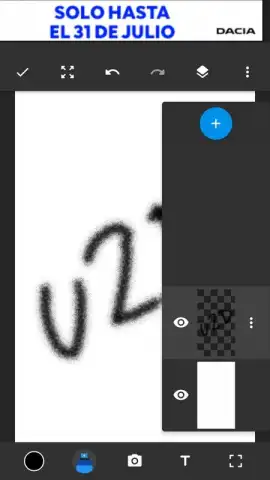
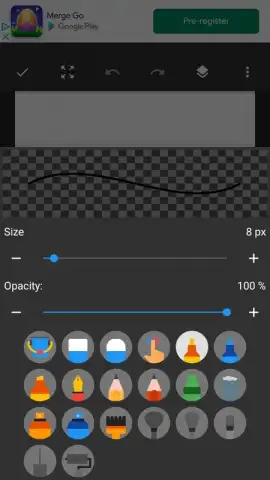
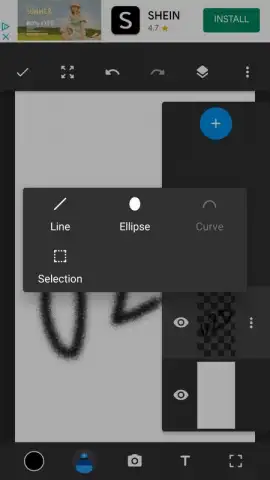
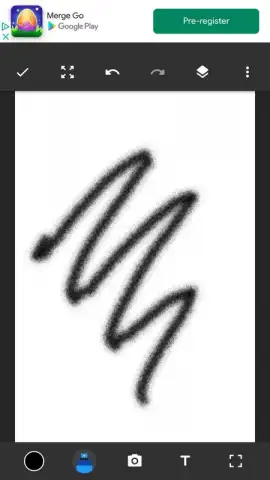
Sketchbook 2 provides a comprehensive suite of artistic instruments. The app features a full layer system with blending modes, group functions, and transformation tools for complex compositions. Its brush engine includes customizable pencils, inks, markers, and airbrushes, all responsive to tilt and pressure with supported styluses. Guide tools like predictive stroke, ellipse, and French curve rulers assist in creating clean lines and shapes.
Key Advantages
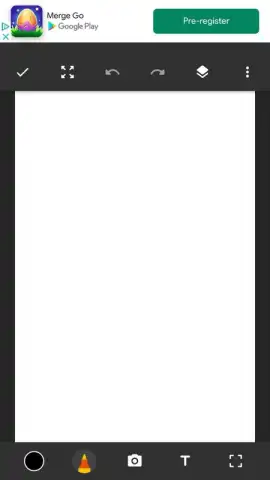
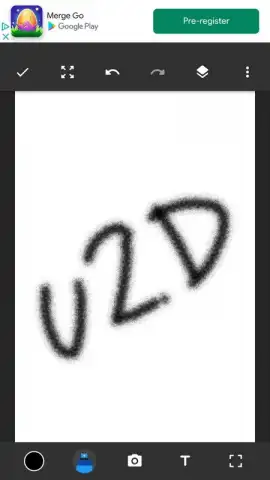
The interface is built for a distraction-free workflow, with a minimal UI that can be fully hidden. It supports high-resolution canvases suitable for print work and offers a symmetrical drawing mode for creating intricate patterns. Performance is optimized for Android, ensuring smooth brush strokes and quick file handling even on larger projects.
- Advanced Brush Library: Customize over 190 brushes with unique textures, dynamics, and opacity controls.
- Professional Layer System: Manage unlimited layers with blending modes, grouping, and selective visibility.
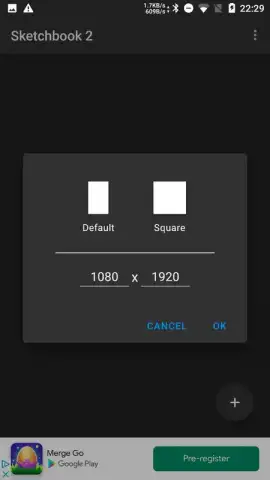
- Precision Drawing Aids: Utilize perspective, symmetry, and predictive stroke guides for accurate artwork.
Download the mobile app now and transform your device into a portable art studio!
Heads up: you'll need wifi for initial download and updates. Some premium brush packs and tools are extra. Requires Android 6.0 or later.


