

Smart controller
Smart controller screenshots (6)
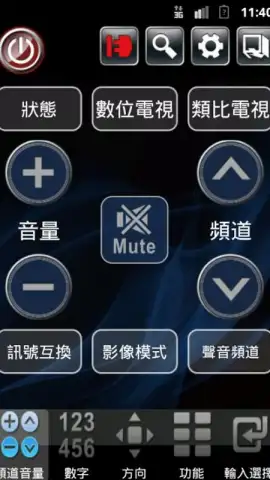
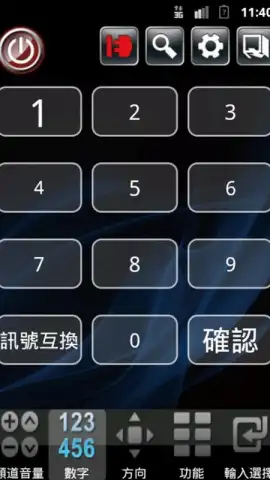
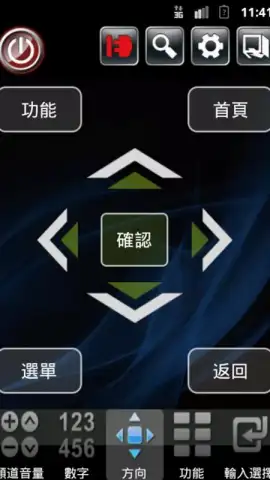
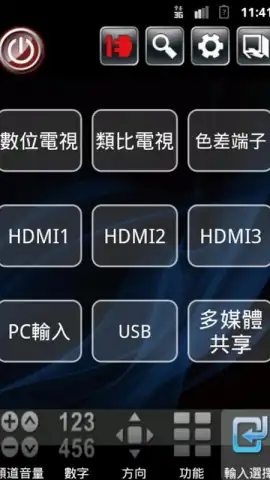
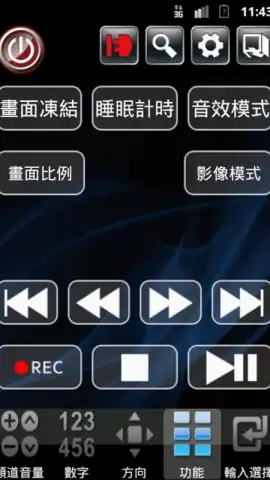
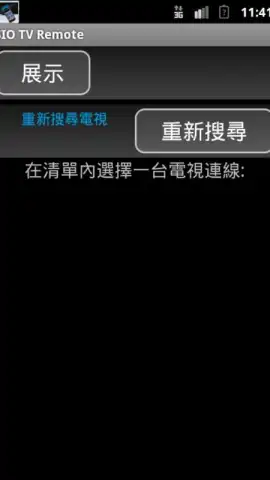
Description Smart controller
Transform Your Creative Vision into Reality with a Single Tap
Unlock a new dimension of artistic control and digital design. This smart controller app bridges the gap between imagination and execution, putting a professional suite of creative tools directly in your hands. Whether you're sketching concepts, designing interfaces, or crafting digital art, this application serves as your intelligent command center for all visual projects, streamlining complex processes into intuitive gestures.
A Central Hub for Digital Art and Design
This application functions as a powerful remote interface and management tool for your creative workflow. It connects seamlessly to compatible devices and software, allowing you to manipulate canvases, adjust tool settings, and manage layers without interrupting your creative flow on a primary screen. Experience a unified control panel for brush dynamics, color palettes, and layer effects, designed to accelerate your design process from initial concept to final polish.
Key Advantages of Your Smart Creative Partner
The app’s strength lies in its seamless integration and responsive control, eliminating cumbersome menus and keyboard shortcuts. It offers a customizable dashboard where you can pin your most-used actions, from opacity sliders to blend mode toggles. The interface is built for clarity and speed, ensuring that the technology fades into the background, letting your creativity take the forefront with minimal friction and maximum precision.
Core Features and Capabilities
- Unified Tool Dashboard: Access and adjust brush size, flow, hardness, and smoothing from a single, customizable control panel.
- Advanced Layer Management: Visually select, reorder, toggle visibility, and adjust layer opacity with dedicated touch controls.
- Dynamic Color Picker & Palettes: Instantly sample colors and switch between saved custom palettes using intuitive wheel and slider interfaces.
- Precision Canvas Navigation: Pan, zoom, and rotate your artwork canvas with multi-touch gestures and dedicated one-touch reset buttons.
- Quick-Action Custom Shortcuts: Program and trigger complex macro sequences or specific software commands with assignable buttons.
Start creating with unparalleled efficiency and turn your smart device into the ultimate artistic command center. Download the mobile app now and claim your creative advantage.
Disclaimer: This application requires an internet connection for initial setup, certain features, and updates. It may contain optional in-app purchases for advanced toolkits or expanded functionality. Use of this app is governed by our Terms of Service and Privacy Policy. Data usage may apply depending on your connection. This tool is intended for users interested in digital art and design.


