

Smart Launcher 6
Smart Launcher 6 screenshots (14)

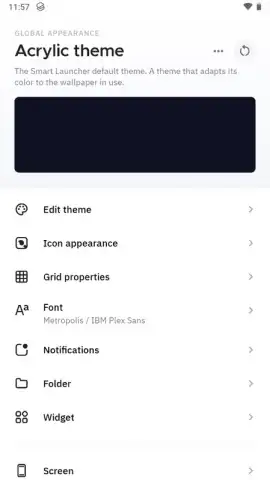

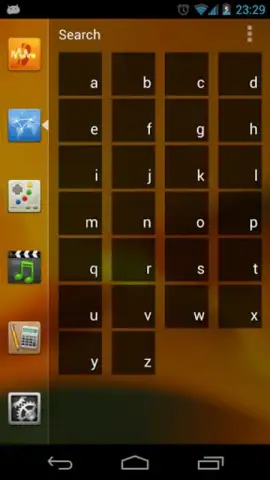
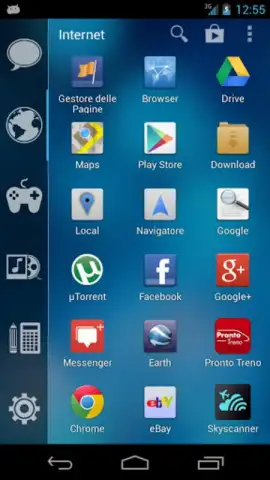
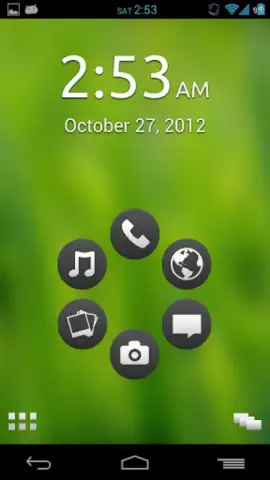
Description Smart Launcher 6
Streamline Your Android Interface for Faster Access
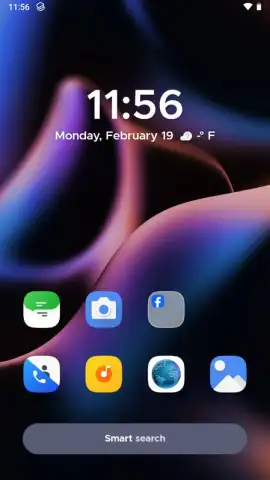
Managing a cluttered home screen can slow down your ability to find apps and tools. Smart Launcher 6 replaces the standard Android interface with a reorganized layout designed to reduce navigation time and provide immediate access to your most-used functions directly from your lock screen.
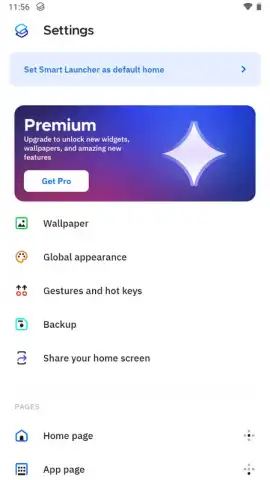
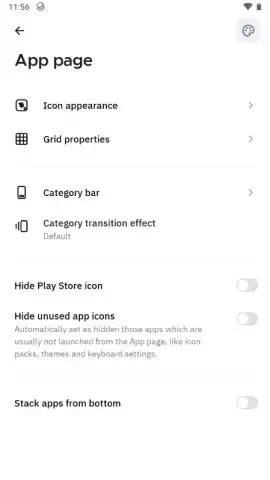
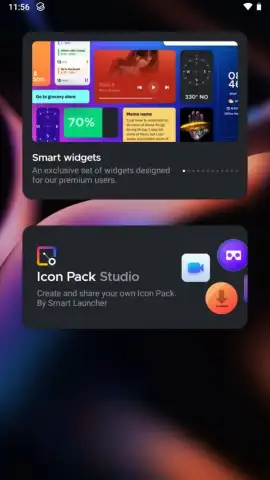
This application launcher automatically categorizes all installed programs into logical groups such as internet tools, multimedia apps, and games, eliminating the need for manual icon sorting. A key feature allows you to access your full app drawer by tapping the upper-left corner of the lock screen, bypassing the need to unlock your device for many tasks. The experience is enhanced with the Turbo feature, which provides additional benefits and ensures an interface free from advertisements.
Core Functionalities
- Automatic App Categorization: Sorts all installed applications into distinct, logical groups like utilities, media, and games without user input.
- Lock Screen Application Access: Opens the full app drawer directly from the lock screen via a tap in the upper-left corner for quicker launching.
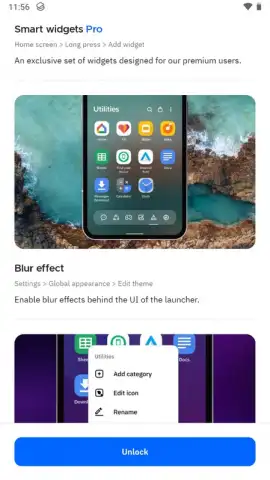
- Ad-Free Turbo Experience: Unlocks a streamlined interface with no advertisements and provides performance enhancements through the optional Turbo mode.
We suggest trying Smart Launcher 6 to experience a redefined and efficient Android navigation system.
Download Smart Launcher 6 now
Note: This application requires an internet connection for initial setup and certain features. Some functionalities, including Turbo mode, may require an in-app purchase.
 GooglePlay


