

SmartTube
SmartTube screenshots (9)

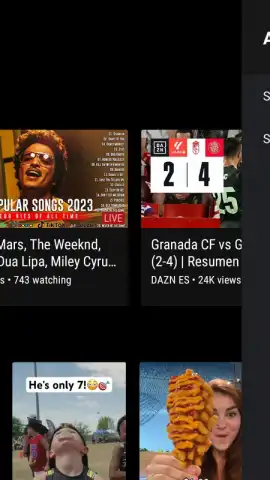

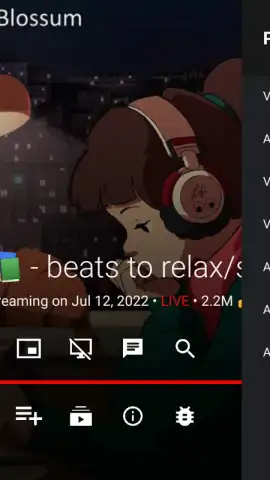
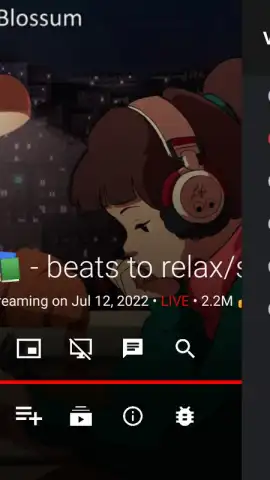
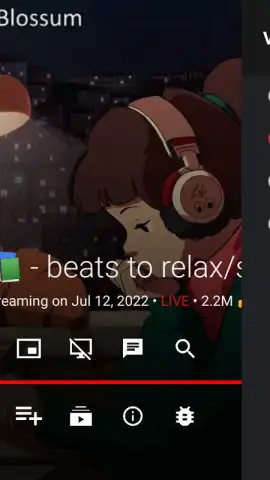
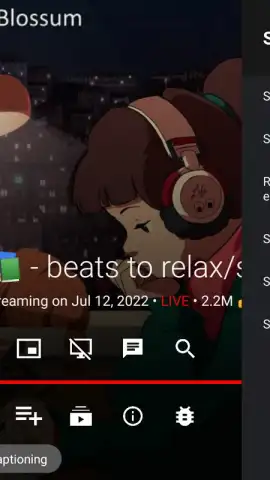
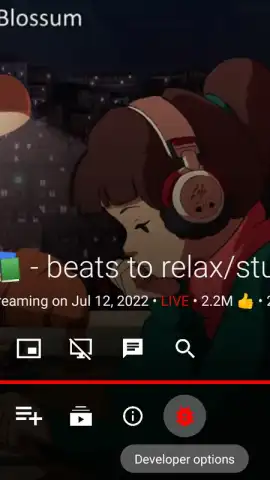
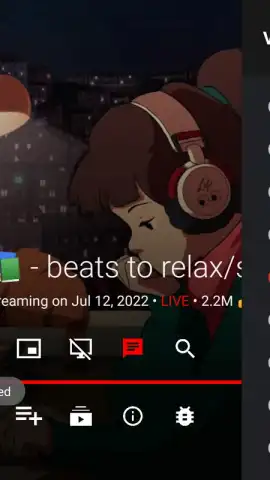
Description SmartTube
A Definitive Alternative YouTube Client for Android TV and Smart TV Platforms
SmartTube represents a specialized, feature-rich media player engineered explicitly for Android TV devices and Smart TVs running Android TV OS. It functions as a comprehensive alternative front-end to the YouTube platform, removing all intrusive advertising and introducing a suite of advanced playback and customization tools not found in the official application. This review examines its performance as a dedicated television experience, focusing on its mechanics for ad-free viewing, content control, and system-level optimizations that cater to power users seeking an uninterrupted, high-fidelity viewing session.
Core Functionality and Interface Design
The application is built from the ground up for a lean-back, ten-foot television interface, operating exclusively in landscape orientation. Its layout is logically structured, presenting users with a familiar yet enhanced home screen featuring recommended content and a robust search engine. The search functionality includes granular filtering and sorting options, allowing results to be organized by duration, upload date, or content type directly from the television remote. Playback controls are comprehensive; beyond standard pause and seek, SmartTube supports video playback up to 8K resolution at 60 frames per second, with HDR compatibility and live chat display for supported streams. Users can finely adjust playback speed and access detailed video statistics to monitor real-time performance metrics such as buffer health and codec information.
Advanced Features and System Integration
Two of its most significant features operate seamlessly in the background: a built-in, system-level advertisement blocker and integration with the SponsorBlock service. The ad blocker eliminates pre-roll, mid-roll, and banner advertisements entirely. The SponsorBlock functionality leverages a community-driven database to automatically skip non-essential segments within videos, such as sponsored integrations, intro/outro sequences, and subscription reminders, creating a uniquely streamlined viewing timeline. Furthermore, SmartTube enables genuine background audio playback, allowing video to continue as audio-only when switching to another application or turning off the TV display—a critical feature for music videos or long-form podcasts.
The settings panel offers deep system integration for performance tuning. Users can manually set video resolution and frame rate, configure buffer sizes to minimize loading interruptions, and force specific refresh rates to match content. For accessibility and convenience, subtitles can be toggled, and full video descriptions are accessible. A notable feature for OLED TV owners is the ability to disable the video panel entirely during audio-only playback to prevent potential screen burn-in. Account integration via Google sign-in enables access to personal subscriptions, watch history, and the ability to resume videos from a precise timestamp. While not automatic, the application also supports manual casting via Chromecast protocols from a smartphone or tablet when both devices are on the same network.
Key Advantages at a Glance
- Complete elimination of all video advertisements.
- Automated skipping of sponsor segments via SponsorBlock.
- Background audio playback and screen-off functionality.
- Support for high-bitrate 8K/60fps/HDR video streams.
For users frustrated by the escalating ad load and limited customization of the standard YouTube TV app, SmartTube delivers a markedly superior, user-controlled experience. We suggest trying this application if your primary consumption happens on an Android TV box, projector, or Smart TV and you value uninterrupted, high-quality playback with granular control over your viewing environment.
Download the SmartTube APK now to transform your television's YouTube experience.
Internet required. IAP available.


