
Solid Explorer
Solid Explorer screenshots (8)
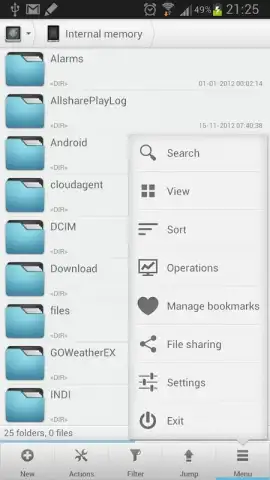
Description Solid Explorer
Ever felt lost in your own phone's files?
You know the feeling. You need that one document, that specific photo from last month, or a downloaded file, and you're swiping through endless folders with generic names. Your phone's storage becomes a digital maze, and you're just tapping around hoping to stumble upon what you need. What if you had a map, a master key, and a personal organizer for every single file on your device? That’s the control Solid Explorer hands over to you. It transforms your Android from a cluttered storage space into a meticulously organized, powerful file management hub that you command with ease.
Your phone, finally organized your way
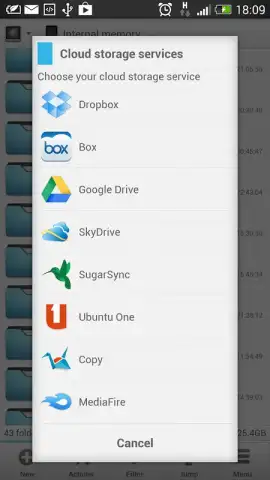
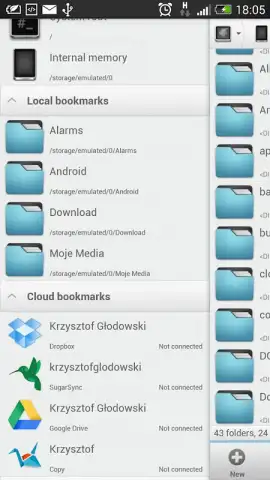
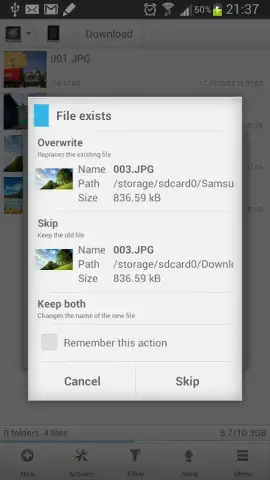
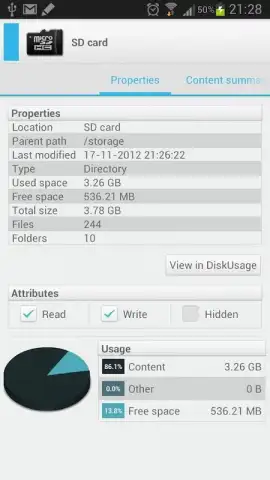
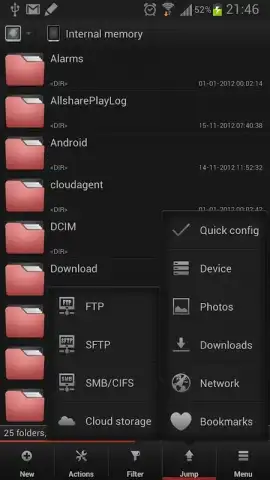
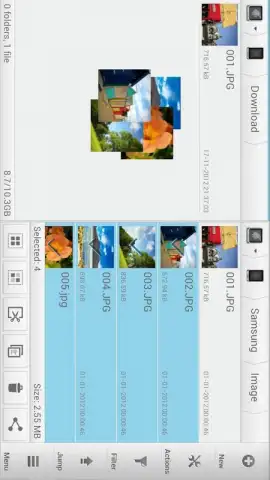
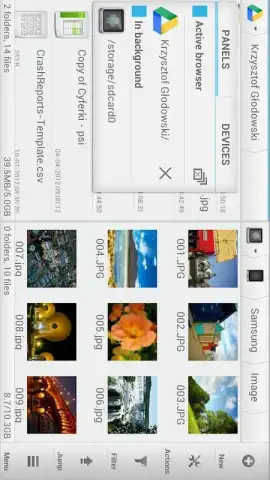
Solid Explorer isn't just another file browser; it’s a complete rethinking of how you interact with your device's storage. Built with a stunning Material Design interface, it feels both beautiful and incredibly intuitive. The core experience revolves around a dual-pane view, letting you see two folders side-by-side for effortless drag-and-drop moving or copying of files—just like on a desktop computer. You can seamlessly connect to cloud storage like Google Drive, Dropbox, and OneDrive, managing local and remote files in one unified place. It supports root access for advanced users, includes a powerful built-in archive tool (ZIP, RAR, 7zip), and features a robust media player for previewing your content without leaving the app. Every action, from searching with its blazing-fast index to applying custom color themes, is designed to give you clarity and speed.
Why your files will thank you
- Dual-pane mastery for effortless management, allowing you to copy or move files between locations in a single, fluid action.
- Total cloud integration without switching apps, accessing and managing files from all your storage services in one unified window.
- Power-user tools with a simple interface, including root explorer, archive handling, and network connections (FTP, SFTP, SMB).
Stop wrestling with a basic file manager that holds you back. Take definitive control of your digital space, streamline your workflow, and find anything in seconds.
Download Solid Explorer now and transform your phone into a powerhouse of productivity.
Heads up: you'll need wifi for cloud and network features. Some advanced capabilities and cloud storage connections require additional setup or accounts.


