

Song Cutter
Song Cutter screenshots (4)
Description Song Cutter
Transform Any Audio Track into Your Perfect Ringtone or Sample
Tired of long songs where only a small part resonates with you? Need to extract a specific chorus, verse, or instrumental break for a project, notification, or personal mix? Song Cutter provides the precise, on-device toolkit to isolate and save the exact audio segment you want, directly from your smartphone. This app turns your music library into a source of customizable audio clips without requiring complex desktop software or advanced editing skills.
Core Editing Tools and Functionality
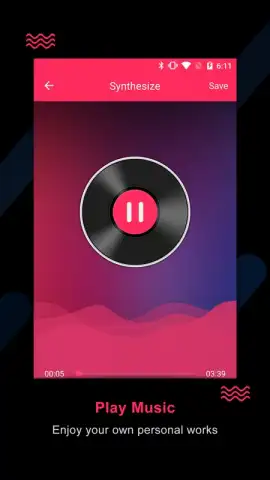
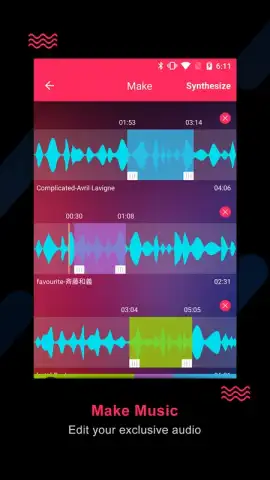
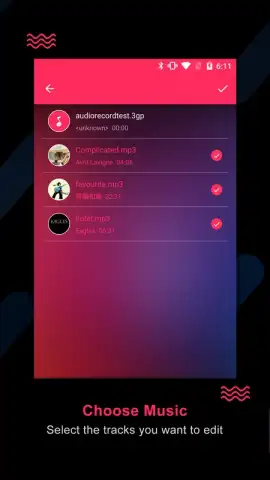
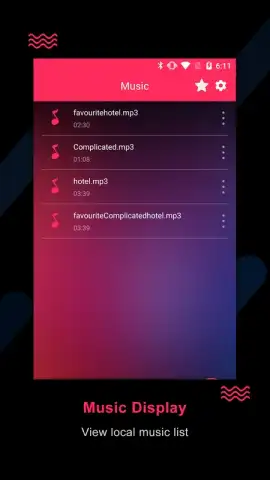
Song Cutter operates as a streamlined audio editor focused on non-destructive cutting and extraction. The primary interface loads audio files from your device storage, presenting a detailed waveform for visual navigation. You set precise in and out points by dragging markers along the timeline or by entering exact timecodes in milliseconds. The app supports a preview function to audition the selected snippet before final processing. Once satisfied, you export the trimmed clip in its original quality or choose from common formats like MP3 or M4A for compatibility. For creative use, a built-in fade-in and fade-out tool allows you to smooth the abrupt starts and ends of your cuts, making transitions sound natural when used in sequences or as standalone tones.
Key Advantages for User Workflow
The application is designed for efficiency and clarity. All processing is performed locally on your device, ensuring your audio files remain private and edits are not dependent on an internet connection. The waveform visualization is responsive and allows for zooming to pinpoint sample-accurate edit points, which is essential for working with precise drum hits or vocal phrases. The export process maintains the original audio bitrate by default, preserving sound quality for your ringtones or audio projects. The user interface follows a linear, three-step process—import, trim, export—minimizing clutter and focusing on the core task.
- Set sample-accurate cut points
- Export in original audio quality
- Fade-in and fade-out effects
- No watermark on exported files
- Supports common audio formats
- Local processing for privacy
Download Song Cutter Now
Gain instant access to professional-grade audio trimming tools directly on your mobile device. This is an exclusive utility for users who demand precision without complexity. Download today and start creating perfect audio clips in minutes.
Downloading the Song Cutter app requires an internet connection. The app is free to download and use; optional premium features may be available via in-app purchases. This application is intended for general audiences. User data is processed locally on the device; please refer to the developer's privacy policy for details on data collection and usage. Requires Android 7.0 or higher.
 GooglePlay


