

s//pad
s//pad screenshots (8)
Description s//pad
A Minimalist Note-Taking Solution for a Cluttered Digital World
The core challenge for many users seeking a note-taking application is not a lack of features, but an overabundance of them. Modern productivity suites often bundle complex formatting tools, media embedding, and synchronization ecosystems that can overwhelm the simple act of recording a thought. This creates friction, where the tool itself becomes a distraction from the task. The s//pad app, developed by rupeshbanshkar, addresses this specific problem by implementing a strict, single-purpose design philosophy. It operates on the premise that the fastest way to capture an idea is through a direct, unadorned text interface, eliminating all procedural overhead between thought and record.
Functional Analysis and Core Mechanics
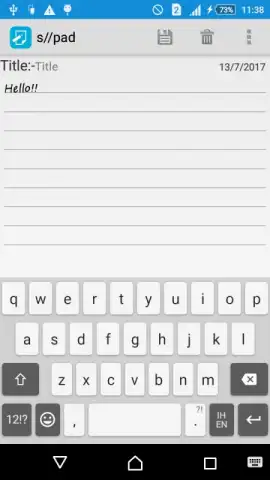
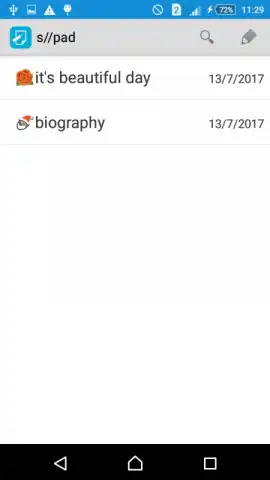
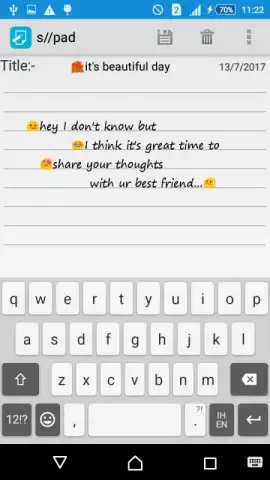
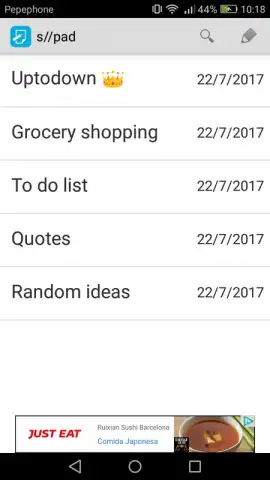
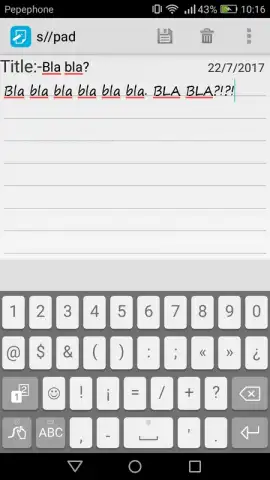
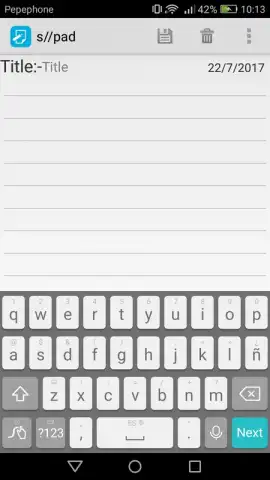
s//pad is architected as a lifestyle utility focused exclusively on text-based note management. Its operational scope is deliberately narrow: create, save, delete, and share notes. There is no support for embedding audio files, images, or other multimedia elements within the note body. Similarly, typographical customization is absent; users cannot alter font family, size, or color. This constraint is a definitive design choice, not an oversight, channeling all development resources into optimizing the fundamental input and retrieval workflow. The interface presents a clean, two-field structure for title and body entry, with the option to use emojis for visual categorization or tone. The absence of advertisements in the standard operation is a noted technical characteristic, contributing to an uninterrupted user flow.
The application's value proposition hinges on execution speed and cognitive simplicity. By removing discretionary formatting decisions, it reduces the time and mental load required to initiate a note. The trade-off is clear: users gain immediacy and a clutter-free environment but forfeit the rich-content capabilities and customization found in comprehensive editors. This makes s//pad a specialized tool best suited for rapid logging, simple lists, and text-based brainstorming, rather than for creating formatted documents or multimedia journals. Its efficiency is derived from its limitations, positioning it as a complementary tool within a broader productivity toolkit.
Key Feature Specifications
- Execute instant note creation with a streamlined two-field input structure.
- Permanently remove distractions through a completely ad-free user interface.
- Utilize emoji support for fast, visual note categorization and identification.
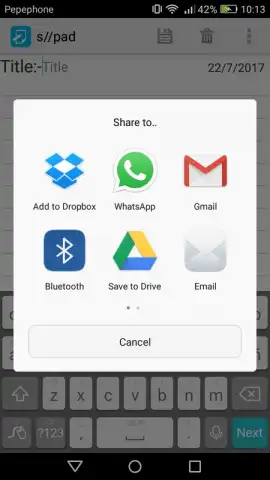
- Export and distribute notes externally using the integrated share functionality.
- Maintain absolute focus by design, with no font or color customization options.
Download the Mobile App Now
For users fatigued by feature-bloated applications, s//pad offers a definitive alternative. This is a time-limited opportunity to experience a purely functional note-taking tool. Exclusive access to this minimalist platform is available for early adopters today—install it now to streamline your digital capture process.
Disclaimer: This application requires a stable internet connection for initial download and potential sharing functions. It may offer optional in-app purchases for enhanced features or versions. Always review the specific terms within the app.


