

Speedtest by Ookla
Speedtest by Ookla screenshots (12)



Description Speedtest by Ookla
How can you objectively verify your internet provider's performance claims or troubleshoot a persistent connectivity issue? Speedtest by Ookla provides a technical, data-driven solution for measuring the real-time performance of any internet connection. This utility operates by conducting a series of data transfers to and from a global network of servers, generating precise metrics for download speed, upload speed, and latency. The results offer a clear, quantitative assessment of network health, useful for both casual diagnostics and professional network analysis.
Core Performance Metrics and Testing Methodology
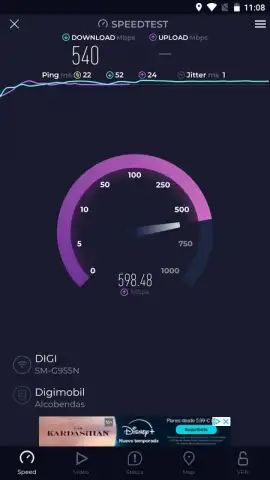
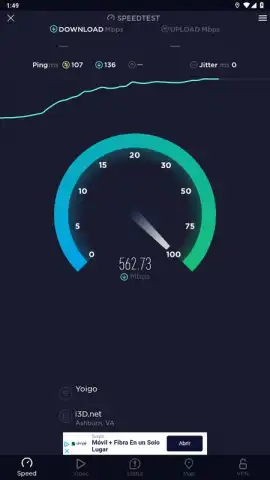
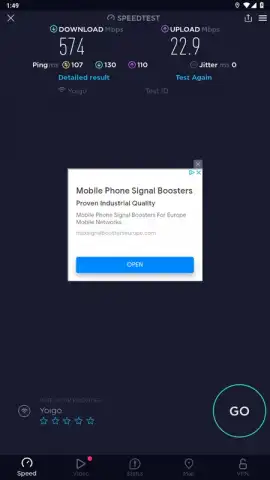
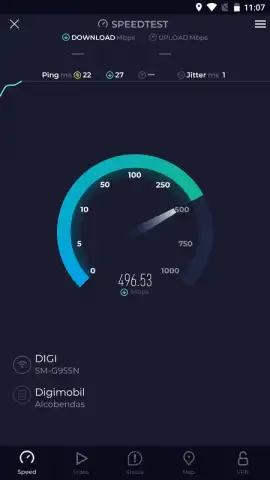
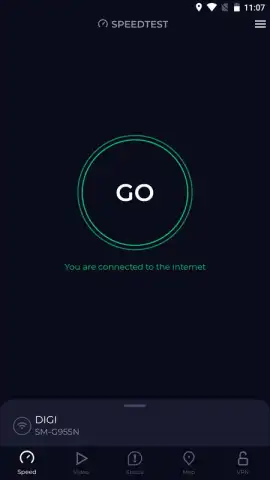
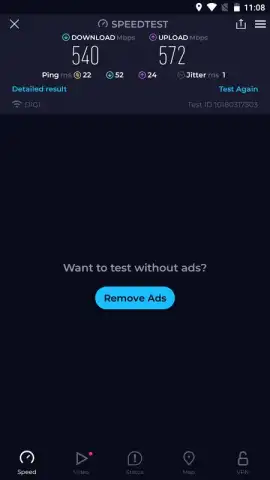
The application's primary function is a one-tap test initiated by a central button. Upon activation, it establishes a connection to the optimal server within Ookla's extensive global infrastructure. The test sequentially measures download bandwidth by pulling data from the server, upload bandwidth by pushing data to it, and ping latency by calculating the round-trip time for data packets. Results are displayed in Mbps or Gbps for bandwidth and milliseconds for latency, providing a standardized benchmark. The reliability of these results stems from the constantly maintained and upgraded server network, designed to handle high-volume testing without becoming a bottleneck itself.
Analytical Tools for Longitudinal Tracking
Beyond a single test, the app functions as a diagnostic suite. A comprehensive history logs every test performed, including timestamp and location data. This log allows users to track performance trends over hours, days, or months, identifying patterns like peak-hour slowdowns. For broader context, interactive coverage maps visualize internet speed data aggregated from users worldwide. These maps can inform decisions by showing typical performance levels from different internet service providers in specific geographic areas.
Interface and Operational Considerations
The interface prioritizes immediate functionality, with past results and tools accessible from the main screen. The testing process itself is designed to consume a significant amount of data in a short period to accurately saturate the connection. For users seeking an ad-free experience and access to features like connection quality metrics for jitter and packet loss, a subscription-based Turbo mode is available.
- One-tap automated speed test
- Global server network for accuracy
- Historical results and performance tracking
- Interactive coverage and speed maps
We suggest trying Speedtest by Ookla for an empirical, tool-based approach to managing your internet connectivity. Consider downloading the application to establish a baseline for your network performance.
Internet required. IAP available.
 GooglePlay


