
Splashtop 2 - Remote Desktop
Splashtop 2 - Remote Desktop screenshots (6)
Description Splashtop 2 - Remote Desktop
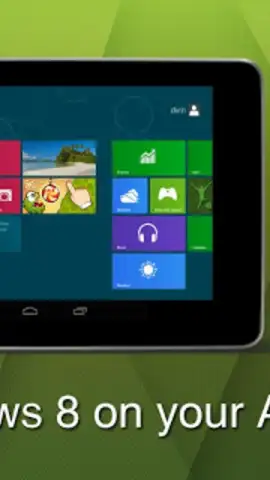
Imagine needing a specific file from your office desktop while you're miles away, or wanting to pick up a PC game from your couch without moving to the desk. Splashtop 2 - Remote Desktop transforms your Android tablet or phone into a direct portal to your computer, enabling you to execute nearly any desktop task remotely as if you were sitting in front of it. This application establishes a persistent, high-performance connection that mirrors your computer's interface and capabilities directly on your mobile device's screen.
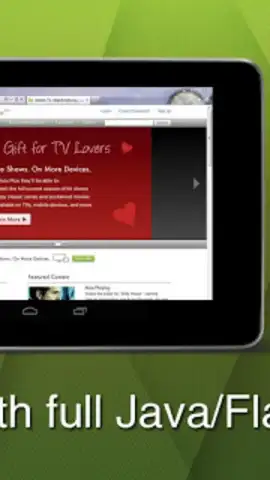
The core functionality provides full remote control over your computer's operating system, allowing you to navigate the desktop, manage files, and run software natively from your Android terminal. A key technical feature is its robust support for web technologies, including Java and Flash within the remote browser session, enabling access to dynamic web pages, interactive web applications, and social platform games like those on Facebook that typically require a desktop environment. Furthermore, the application facilitates direct multimedia streaming, allowing you to browse and play your entire library of computer-stored video and audio files through your Android device without the need for prior file transfers or conversions.
Core Feature Set
Splashtop 2 delivers comprehensive remote access by focusing on high-fidelity interaction and broad compatibility.
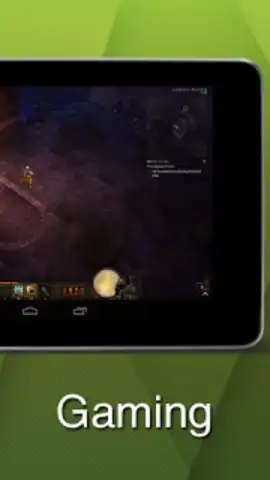
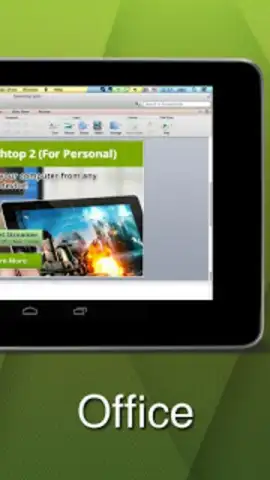
- Full Desktop Operation & Software Execution: Remotely launch and use any application installed on your computer, from professional office suites and development tools to desktop-only games, with direct input from your Android device.
- Advanced Web Browser with Plugin Support: Access the complete internet by remotely running a desktop web browser that supports Java and Flash, ensuring compatibility with legacy web content and interactive media.
- Direct Multimedia Library Streaming: Instantly stream and play your entire collection of stored video and audio files from your computer's hard drives using the native media players on your remote desktop.
The application operates by creating a secure, low-latency connection that prioritizes responsiveness for a seamless control experience. It is designed for users who require practical, extended access to their primary computing resources from a secondary mobile device, effectively turning the Android terminal into a wireless monitor and input device for the host computer. The absence of in-app advertisements, coupled with performance enhancements, aims to provide an unobstructed and efficient remote session.
Consider downloading Splashtop 2 - Remote Desktop to integrate your Android device deeply into your personal or professional computer workflow.
Internet required. IAP available.
 GooglePlay


