

STANLEY Floor Plan
STANLEY Floor Plan screenshots (11)


Description STANLEY Floor Plan
Ever wished you could magically transform a quick photo of a room into a precise, professional floor plan? What if you could skip the tedious tape measure, the graph paper, and the hours of drafting, and jump straight to a finished, interactive layout of your space in minutes? That’s the reality offered by STANLEY Floor Plan, a mobile tool that turns your device’s camera into a powerful spatial mapping instrument. This app redefines interior visualization, making detailed planning accessible not just to architects and contractors, but to every homeowner, real estate agent, or DIY enthusiast.
A Revolutionary Approach to Space Planning
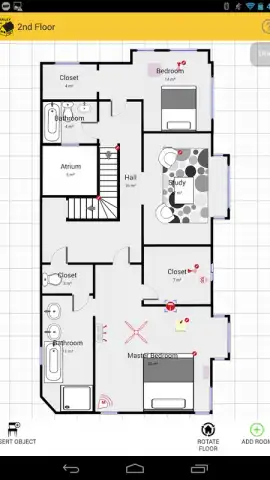
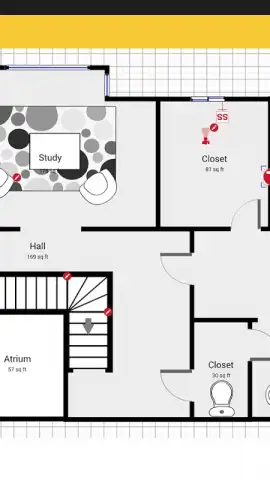
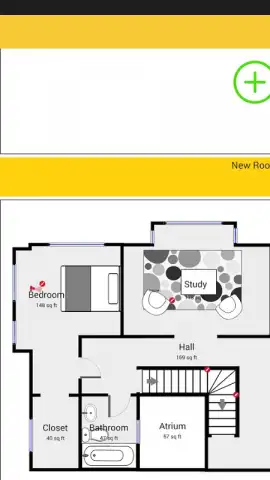
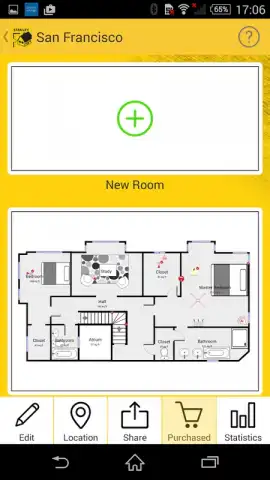
Gone are the days of moving furniture to take measurements or struggling with complex CAD software. STANLEY Floor Plan utilizes a sophisticated, patented technology that allows you to create accurate interior maps simply by photographing your environment. The app intelligently interprets these images, measuring your rooms and auto-generating a detailed floor plan. This foundational blueprint is just the start. You then enter a streamlined editing workspace where creativity takes over. The process is designed for intuitive, frictionless use, letting you focus entirely on design and functionality rather than technical hurdles.
From Basic Sketch to Detailed Master Plan
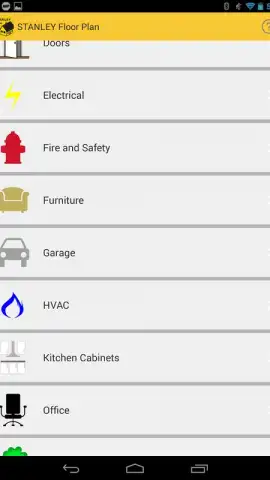
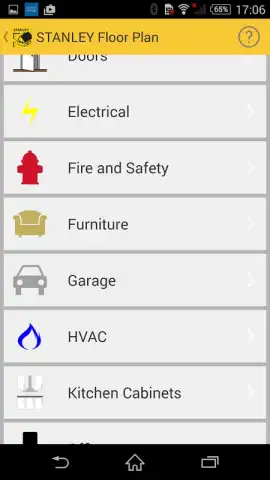
The core, free functionality provides immense value, but the app’s true power is unlocked through its expansive toolkit. You can enrich your basic plan by dragging and dropping a library of furniture, fixtures, and architectural elements onto the canvas. Add detailed annotations, custom attributes, and specific dimensions to create a comprehensive visual document. This digital plan becomes a living blueprint for your project, whether you’re planning a renovation, staging a home for sale, or simply documenting your property’s layout.
For professional-grade output, the app offers robust export capabilities. Transform your creation into a universally shareable format. Generate high-resolution PDFs for client presentations, JPG or PNG images for listings, or technical SVG and DXF files for use in other design programs. One of the most innovative features is the ability to publish your plan as an interactive online map, providing a dynamic, navigable view of the space that can be shared with a simple link.
Optimized for Serious Users
STANLEY Floor Plan is built for productivity without distraction. The experience is streamlined and ad-free, especially with the enhanced Turbo mode, which provides a smoother, more powerful workflow. Your projects are securely backed up to cloud storage, ensuring your plans are safe and accessible from any Android device, allowing you to pick up where you left off anytime, anywhere.
The app offers flexible access to its premium features to suit different needs. You can purchase individual property maps for one-off projects, or opt for a subscription that provides unlimited creation and full access to all premium objects and export formats. This model makes it a versatile tool, equally viable for a single home redesign or the daily demands of a professional property manager.
- Camera-Based Measurement: Create floor plans instantly by scanning rooms with your phone’s camera—no manual measuring required.
- Rich Editing Suite: Populate plans with detailed furniture, add text annotations, and customize every element for a complete visual story.
- Multi-Format Export: Download your plans as PDF, JPG, PNG, SVG, DXF, or CSV files for any use case, from printing to professional CAD work.
- Interactive Publishing: Share your floor plan as a live, navigable web map with clients, contractors, or potential buyers.
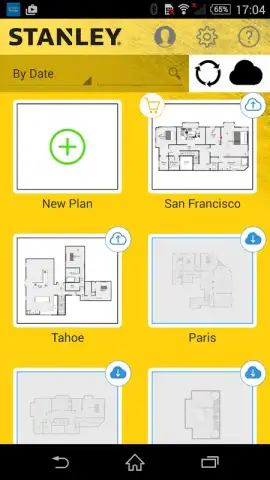
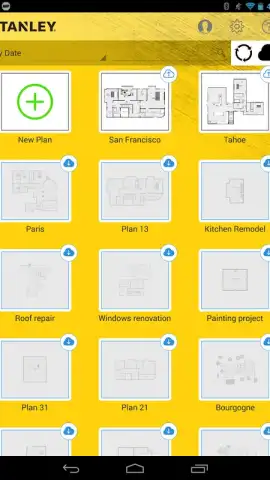
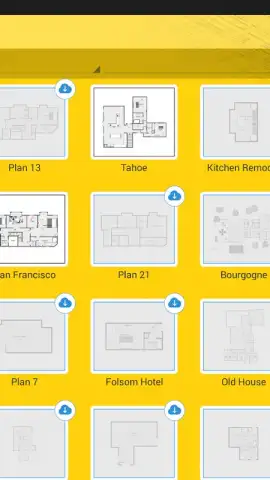
- Cloud Storage & Sync: Securely save all your projects online and access them seamlessly across multiple devices.
- Flexible Purchase Models: Choose to buy individual maps or subscribe for unlimited access, tailoring the cost to your project volume.
- Ad-Free, Turbo Experience: Enjoy a clean, focused interface with enhanced performance for uninterrupted design work.
Stop sketching on napkins and wrestling with inaccurate measurements. Transform how you see, plan, and share any interior space. Download STANLEY Floor Plan now and claim your advantage as a master planner—start creating professional, precise floor plans today.
Disclaimer: This application requires an internet connection for certain features, including cloud storage and map publishing. The app is free to download and use with basic features; advanced tools, objects, and export options require in-app purchases. Requires Android 4.0 or later.


