

Sync for iCloud Contacts
Sync for iCloud Contacts screenshots (6)
Description Sync for iCloud Contacts
Never Lose a Contact Again
Imagine this: you get a new Android phone, excited to set it up, only to hit a wall. Your entire life—friends, family, colleagues, every important number and email—is locked in your old iCloud account. Manually transferring them feels like a digital prison sentence, a tedious, error-prone task that steals hours from your day. That sinking feeling of potentially losing connections stops you cold. What if you could bridge that gap with a single tap, moving your entire contact world securely and perfectly intact?
Seamless Synchronization, Effortless Control
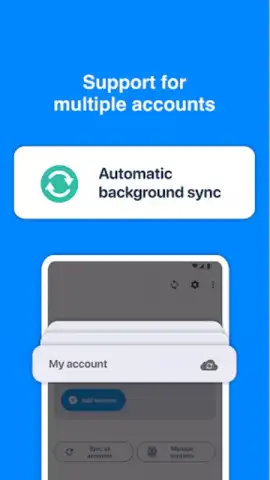
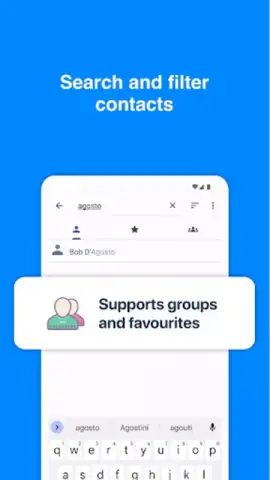
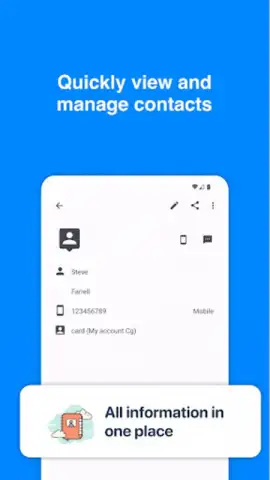
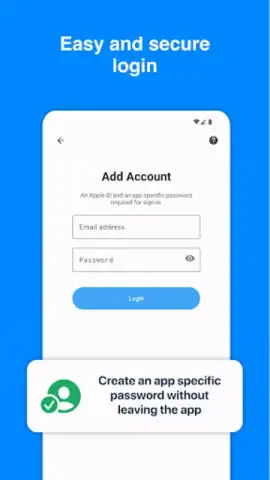
Sync for iCloud Contacts is your dedicated bridge between Apple's ecosystem and your Android device. The core mechanic is elegantly simple: you securely sign in with your Apple ID, and the app gets to work. It doesn't just copy a few numbers; it performs a deep, intelligent sync, pulling every detail from your iCloud contacts—phone numbers, email addresses, homepages, notes, and even profile pictures—directly into your Android's native address book. The app operates as a powerful background tool, giving you complete control. You can initiate a one-time transfer to migrate everything at once, or set up automatic, two-way synchronization to ensure any new contact you add on either platform is always mirrored on the other. It handles merging duplicates to keep your list clean and offers selective syncing if you only want to move certain groups or recently added contacts.
Why This Sync Tool Feels Different
- Military-Grade Security for Your Privacy: Your Apple ID credentials are never stored on any server. The authentication uses Apple's own secure OAuth system, and all data transfer is encrypted end-to-end. Your personal information stays strictly between your device and iCloud.
- Set It and Forget It Convenience: After the initial simple setup, the app can run silently in the background. With configurable automatic sync intervals, your contacts are constantly harmonized without you ever having to think about it again.
- Native Integration, Not a Clunky Workaround: Contacts appear directly in your phone's default Contacts app. You don't have to open a separate application to call or message; everyone is right where your phone expects them to be, making the experience completely seamless.
- Full-Fidelity Data Transfer: It’s not just names and numbers. The sync captures all fields, preserving birthdays, relationships, social profiles, and notes attached to each contact, ensuring no valuable detail is left behind in the transition.
- Intelligent Conflict Resolution: If the same contact exists in both places with different details, the smart merge feature helps you review and combine the information, preventing clutter and duplication in your address book.
Stop letting different ecosystems dictate your connectivity. Reclaim your network and ensure your most important people are always with you, regardless of the device in your hand.
Download Sync for iCloud Contacts now and unify your digital world in minutes.
Heads up: A stable internet connection is required for syncing. You'll need your valid Apple ID credentials. The app requires permissions to access your device's contacts to perform its core function.
 GooglePlay


