
Termux
Termux screenshots (11)
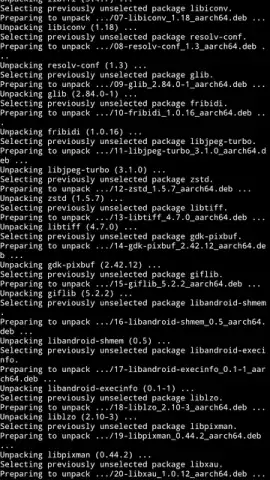
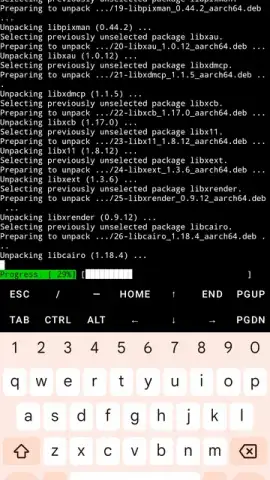
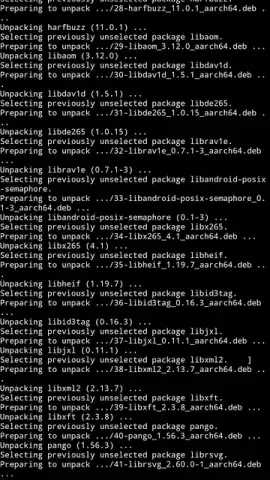
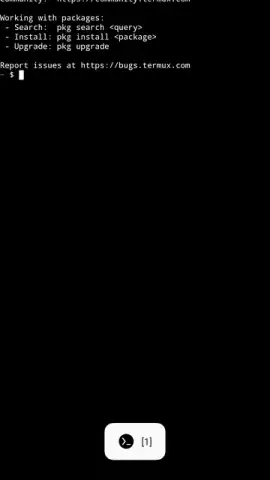
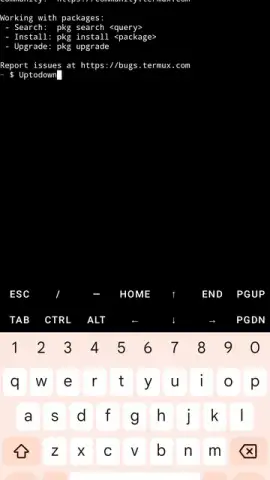
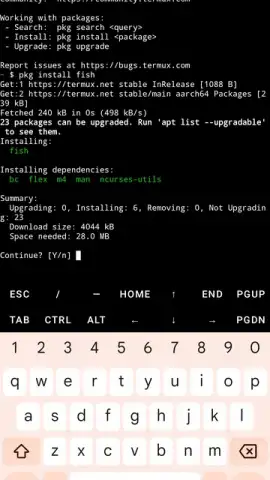
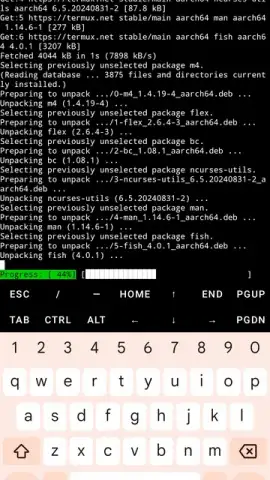
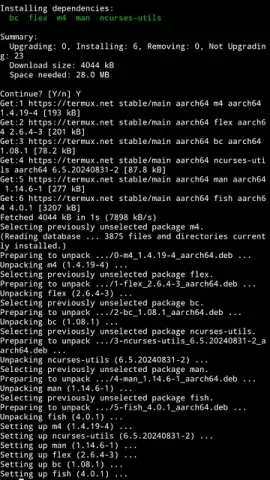
Description Termux
Transform Your Android Device into a Full Linux Terminal
Unlock the raw power of a Linux command-line environment directly on your Android smartphone with Termux. This groundbreaking open-source terminal emulator delivers a complete, unrooted shell experience, putting thousands of standard Linux packages and development tools at your fingertips. It's not just an app; it's a portable development powerhouse that turns your mobile device into a serious workstation for coding, scripting, and system automation, all through a meticulously designed minimalist interface.
Core Functionality and Advanced Features
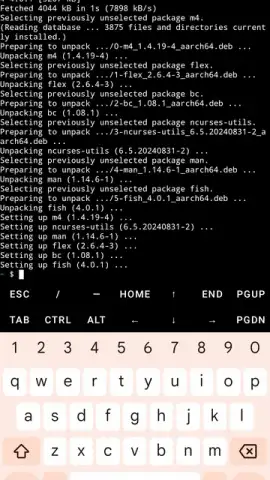
Termux provides a genuine Linux terminal environment without requiring root access, making advanced operations safe and accessible. The interface is built for productivity: you can tap and hold anywhere on the screen to bring up a context menu for efficient copy, paste, and command editing. A dedicated navigation sidebar allows you to manage multiple active terminal sessions simultaneously—rename them, create new ones, or switch between tasks with a single touch. For ultimate convenience, a persistent notification bubble keeps the terminal session alive and easily accessible, optimizing your workflow whether you're running quick commands or lengthy scripts.
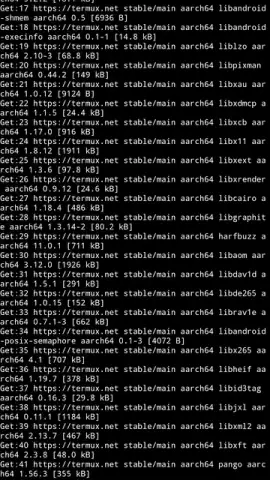
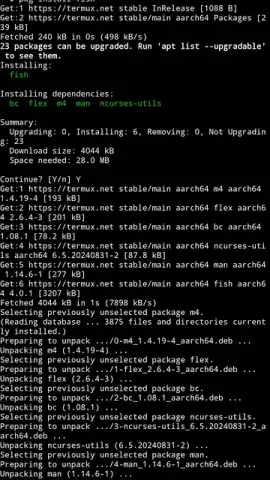
The true strength of Termux lies in its extensive package ecosystem. Access a vast repository with thousands of pre-compiled Linux packages. Install powerful compilers like GCC, interpreters for Python, Node.js, and Ruby, or essential development tools including Git, Vim, and Curl in minutes, all without needing separate mobile apps. For users with rooted devices, Termux unlocks even deeper potential, allowing the installation of full Linux distributions and the automation of complex, repetitive system tasks.
For those seeking a desktop-like experience, the Termux-X11 add-on serves as an X11 server, enabling you to run lightweight desktop environments directly on your Android device. This expansion bridges the gap between mobile and desktop, offering a graphical user interface experience that closely mirrors a full Linux system, perfect for running GUI applications or managing windows.
- No Root Required by Default
- Massive Linux Package Library
- Multi-Session Terminal Management
Stop limiting your mobile device to basic apps. Seize the capability to code, debug, and administer systems from anywhere. Download Termux APK for Android now and immediately begin executing Linux commands—transform your smartphone into your most versatile computer. Get it today and never be without your development environment!
Download the mobile app now!
Disclaimer: This application may require an internet connection for package installation and updates. Some advanced features or community add-ons may involve separate processes.
 GooglePlay


