

Tesla Proxy
Tesla Proxy screenshots (5)



Description Tesla Proxy
Struggling with geo-restrictions and slow, unreliable proxy connections?
Tesla Proxy provides a high-performance mobile proxy solution designed to bypass regional blocks and maintain stable, secure internet access. It establishes a private connection through its global server network, allowing you to access content and services as if you were in a different location. The app manages your proxy settings directly on your device, offering a streamlined alternative to complex VPN configurations or desktop-based tools.
Core Functionality & Tools
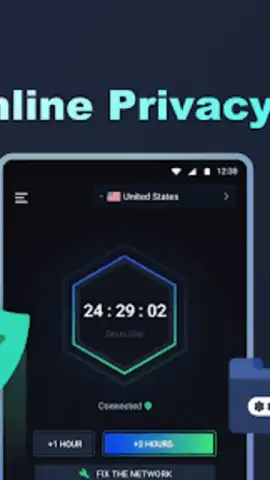
The application operates by routing your mobile device's internet traffic through its dedicated proxy servers. You can manually select from a list of available server locations or use the automatic connection feature for optimal performance. The main interface displays your current IP address, connection status, and data usage statistics. A connection log provides details about session duration and data transferred for monitoring purposes.
Key Technical Advantages
Tesla Proxy is built for efficiency and user control. The connection protocol is optimized for low latency, aiming to minimize speed loss during browsing or streaming. The app includes a built-in connection speed test tool to evaluate server performance before use. Configuration is handled within the app, requiring no manual input of proxy details into your device's system settings. The service supports both Wi-Fi and mobile data networks for flexible connectivity.
- Global server network access
- Real-time connection statistics
- Integrated speed testing tool
- One-tap automatic server selection
Get your secure, high-speed connection and access the open web today.
Download mobile app now
Disclaimer: This application requires an active internet connection. Continued use may consume significant mobile data. Some features or server locations may require a subscription or in-app purchase. Use of this tool must comply with all local laws and regulations regarding internet access and data privacy. The developer is not responsible for any service interruptions or how the tool is utilized. Data collection practices are outlined in the app's privacy policy.


