

Texpand
Texpand screenshots (10)
Description Texpand
Streamline Repetitive Typing on Android with Text Expansion
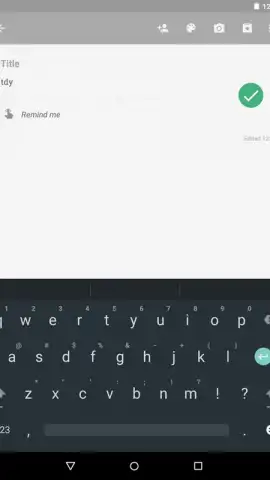
For users who frequently compose messages, emails, or documents on an Android device, manually typing the same phrases, addresses, or standard responses represents a significant drain on time and efficiency. Texpand addresses this core productivity challenge by implementing a system of text shortcuts, automating the insertion of predefined blocks of text. This utility functions by monitoring the input field and replacing a user-defined keyword with a longer, associated phrase instantly, turning brief abbreviations into full sentences or paragraphs.
Core Functionality and User Configuration
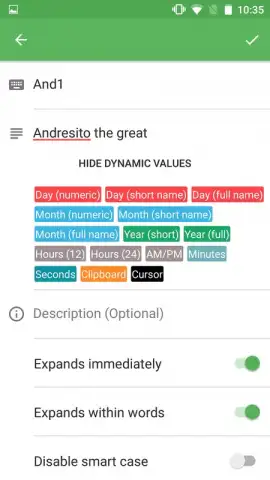
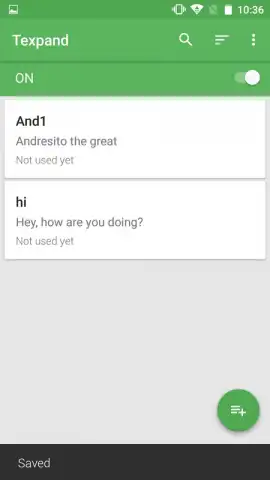
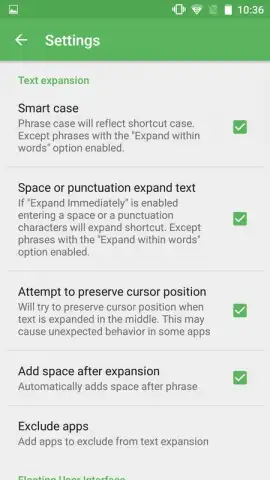
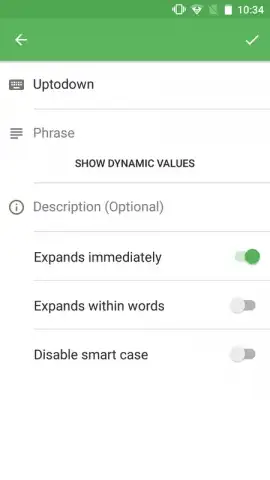
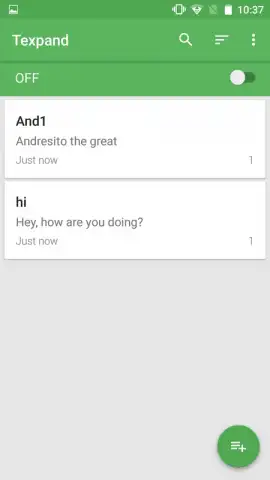
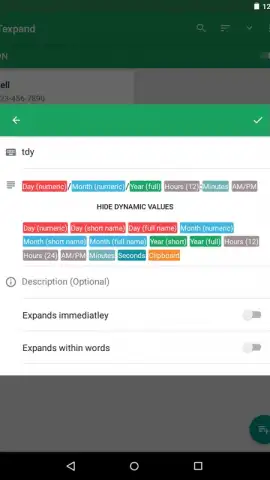
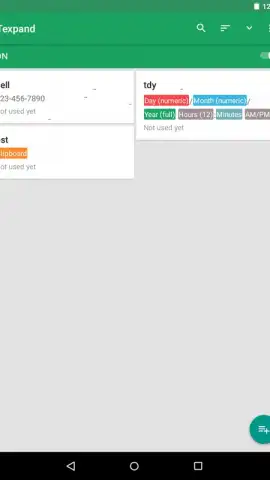
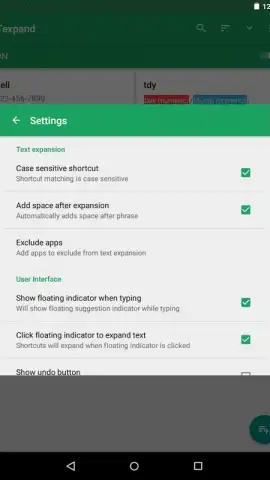
The application operates by allowing the user to create a direct pairing between a short trigger word and an expanded text snippet. The primary interface is a management screen listing all created shortcuts alongside a usage counter, providing clear analytics on which expansions are utilized most frequently. A key operational setting lets users determine the replacement behavior, choosing between automatic instant substitution or a manual activation method that offers a preview before insertion. Beyond static text, the utility supports dynamic values, enabling the automatic insertion of the current date or time in various configurable formats directly within the expanded text.
The free version of the application permits the creation and active use of up to ten distinct shortcut combinations. For power users requiring a larger library, an upgrade path is available to remove this limit and access additional organizational features.
- Create custom text shortcuts to replace brief codes with full sentences, emails, or addresses instantly.
- Monitor shortcut usage frequency with an integrated counter on the main management dashboard.
- Choose between automatic or manual expansion modes for controlled text insertion.
- Insert dynamic data like dates and times directly into your expanded text snippets.
- Manage up to ten active shortcuts in the free version, ideal for handling common repetitive phrases.
Implementing this tool transforms tedious typing tasks into a matter of a few keystrokes, directly boosting writing speed and consistency across all applications on your device.
Claim your typing advantage now and install the app to eliminate repetitive typing.
This application requires an internet connection for initial download and may offer optional in-app purchases for premium features.
 GooglePlay


