

Thunderbird
Thunderbird screenshots (10)
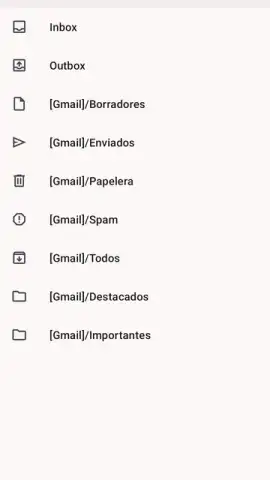
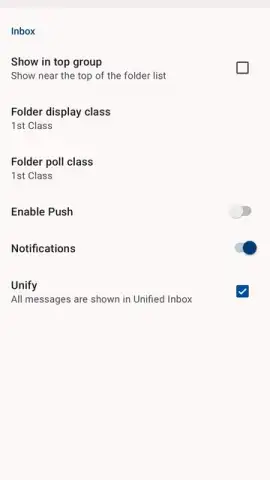
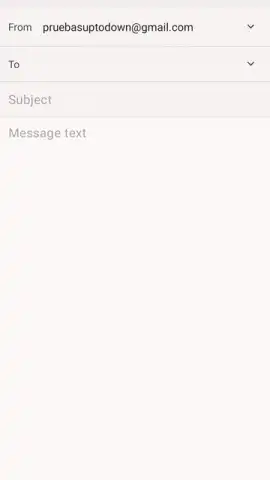
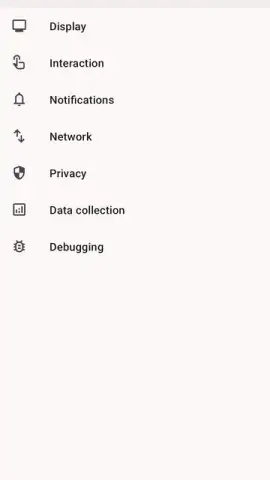
Description Thunderbird
A Veteran Email Client Reclaims Its Place on Mobile
For years, managing multiple email accounts on an Android device meant choosing between cumbersome official apps or third-party clients laden with compromises. The landscape was dominated by services tied to specific ecosystems, leaving users who value independence and unified control with few robust options. This gap becomes particularly apparent for those who rely on open-source solutions or maintain professional, personal, and project-based emails across different providers. The need for a secure, ad-free, and powerfully integrated mobile email experience has long been a persistent challenge for a significant segment of users.
Enter Thunderbird for Android, the mobile incarnation of the iconic open-source email client. Initially launched in 2003, the desktop application faced a period of reduced development in the early 2010s. However, a pivotal shift occurred in 2022 when project stewardship was assumed by MZLA Technologies Corporation, which committed to comprehensive updates, a modern design philosophy, and crucially, this dedicated mobile version. This move directly addresses the reality that hundreds of millions now primarily access email via smartphones and tablets. The Android app is not a simplified port but a core priority, engineered to bring Thunderbird's renowned capability for centralized management to the mobile form factor.
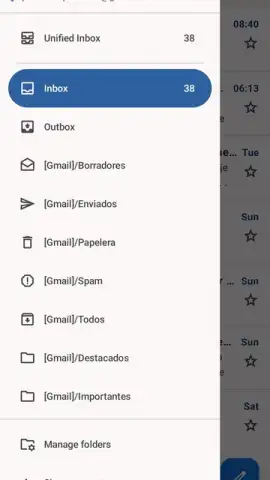
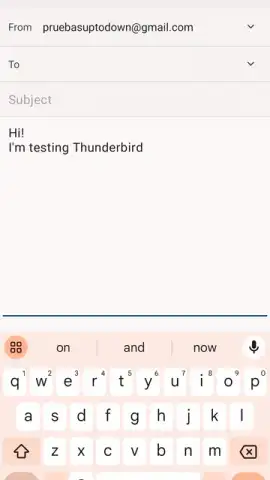
The application's mechanics are built around the principle of unified control without clutter. It allows for the simultaneous synchronization of multiple email accounts from various platforms into a single, streamlined interface. Within this workspace, you can perform the full spectrum of email management: reading, replying, forwarding, archiving, flagging for spam, or deleting messages. The system provides complete visibility over your mail flow, including dedicated views for received, sent, deleted, and draft items. Beyond the inbox, it includes integrated tools for managing an address book, enabling quick access to contacts for new correspondence. For navigating dense archives, the app supports the application of custom filters to pinpoint specific emails based on sender, subject, or other criteria. A foundational advantage of this environment is the complete absence of advertising, a direct result of its development model and support structure.
- Synchronize multiple email accounts seamlessly
- Full inbox management: reply, forward, archive
- Integrated address book and contact management
- Apply custom filters for precise email search
We suggest trying Thunderbird for Android if you seek a consolidated, privacy-respecting hub for your disparate email accounts. Consider downloading it to experience a mature, open-source approach to mobile communication.
Heads up: you'll need wifi or a mobile data connection for syncing and sending mail. Some advanced organizational features may be part of future premium developments.
 GooglePlay


