
To Do Reminder
To Do Reminder screenshots (5)
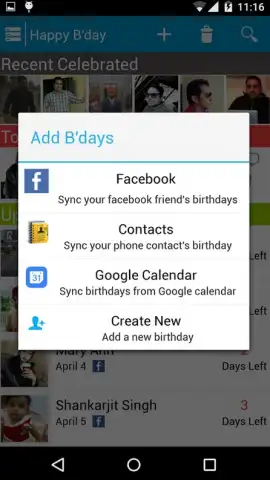
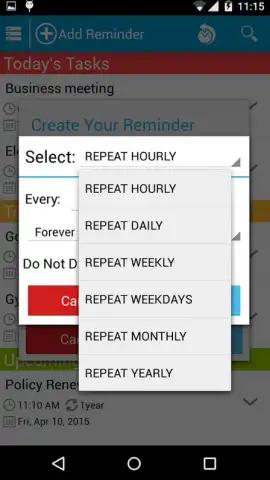
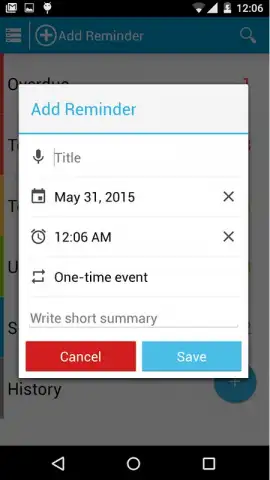
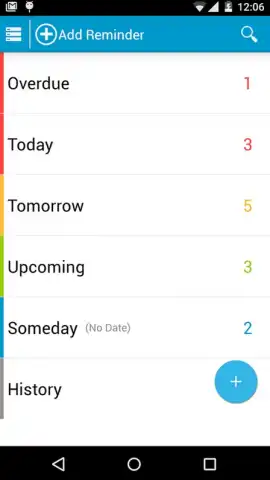
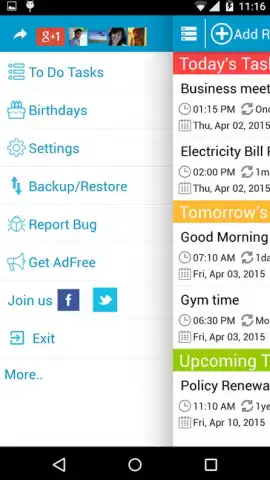
Description To Do Reminder
Stop Forgetting What Matters
You know that sinking feeling when a critical task slips your mind, or when your day feels chaotic because you're trying to remember everything. That mental clutter ends here. This is your personal command center, designed to capture every thought, chore, and goal before it can vanish. Imagine a day where you're in complete control, moving from one completed item to the next with calm confidence. This app transforms that feeling from a wish into your daily reality.
Your Intuitive Task Management Hub
This isn't just another list app. It's a smart system that adapts to how you work. You start by instantly adding tasks with your voice or a quick tap, freeing your mind on the spot. Each reminder can be set with precision—choose a specific time, set a recurring schedule for daily habits, or pick a location so the app nudges you when you arrive at the grocery store. Organize your life into clear projects or categories, like "Work," "Home," or "Personal Goals," to see exactly what needs your attention and when. The clean, focused interface ensures you see your immediate priorities without distraction, making execution effortless.
Why This Becomes Your Go-To Organizer
- Smart, Flexible Reminders: Go beyond simple time alerts. Set location-based reminders, recurring tasks for daily or weekly routines, and priority flags to ensure the most important things never get buried.
- Effortless Task Capture: Add items in seconds using voice input or quick-add templates. No more fumbling with menus when an idea strikes.
- Clear Visual Organization: Sort your tasks into customizable lists and projects. Use color-coding and subtasks to break down complex projects into manageable steps.
- Focus on What's Next: The "Today" and "Upcoming" views cut through the noise, presenting a clear, actionable plan for your day and week ahead.
- Seamless Sync & Backup: Your lists are securely synced across your devices, so your plans are always with you, and you never lose your data.
We suggest trying To Do Reminder to finally clear the mental clutter and experience the satisfaction of a well-organized day. Consider downloading it now to start your journey toward effortless productivity.
Download the mobile app now.
Heads up: you'll need an Android 6.0+ device. A stable connection is recommended for syncing across devices. Some advanced features may be part of optional premium plans.
 GooglePlay


