

Transfer Files & Share Anything
Transfer Files & Share Anything screenshots (10)



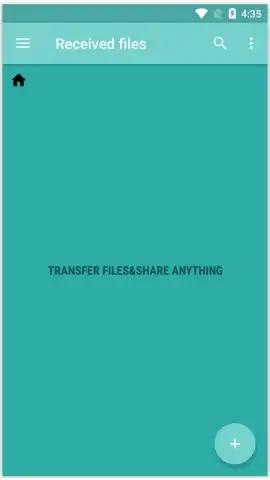


Description Transfer Files & Share Anything
Effortlessly Move Data Between Devices Without Cloud Delays or Cables
Transferring large videos, application files, or document bundles between phones often requires slow uploads to cloud services or cumbersome cable connections. Transfer Files & Share Anything provides a direct, local wireless transfer protocol that handles any file type at high speed, functioning as a dedicated alternative to platforms like ShareCloud or SHAREit. It establishes a peer-to-peer connection, ensuring your data moves directly between devices without intermediary servers, which enhances both transfer rates and privacy during the exchange.
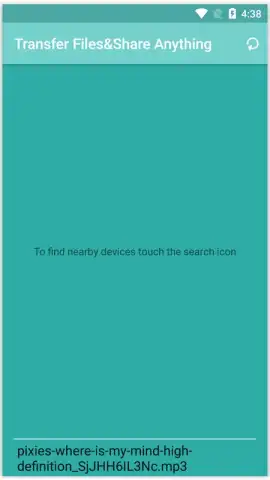
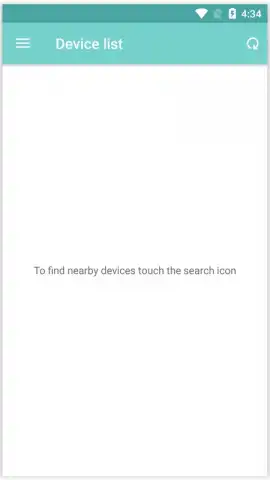
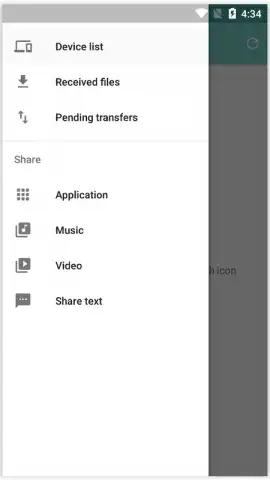
The application interface is built around three core actions: Send, Connect, and Receive. The Send module organizes your device's content into categorized tabs for Video, Images, Audio, Apps, and Documents, allowing for precise file selection. A long-press on any file selects it and activates the send icon, initiating the device discovery phase. The system performs a localized network scan to list all available recipient devices in proximity, enabling you to select the target for your transfer. A persistent connection mode allows for continuous file sharing once devices are paired, streamlining multiple transfers.
Core Functionality for Direct File Sharing
- Categorized Media Selection: Browse and send files from dedicated tabs for Videos, Images, Audio, Apps, and Documents directly from your phone's storage.
- Proximity-Based Device Discovery: Scan your local network to instantly detect and list all available smartphones and tablets ready to receive files.
- Long-Press Send Activation: Select any file by holding it for two seconds to trigger the send menu and choose a nearby recipient device.
The process eliminates dependency on internet bandwidth for transfers, as it uses a direct Wi-Fi or Bluetooth-based connection protocol. The absence of advertisements within the core transfer workflow minimizes interruptions. For users seeking accelerated throughput, the application offers a proprietary Turbo mode, which optimizes the data packet protocol to maximize transfer speed for large batches of files. This makes it particularly effective for moving high-resolution video libraries or extensive application data between devices on the same local network.
Get your files moving at top speed—download the app and claim your transfer advantage now.
Disclaimer: This application requires devices to be in close proximity to establish a connection and may use Wi-Fi Direct or Bluetooth. Internet access is not required for core file transfer functionality but may be used for optional features. The app may contain in-app purchases for enhanced capabilities like Turbo mode. Data usage is limited to local network traffic during transfers. Please be aware of your local data privacy regulations. This service is intended for users over the age of 4.


