

Troid VPN
Troid VPN screenshots (8)

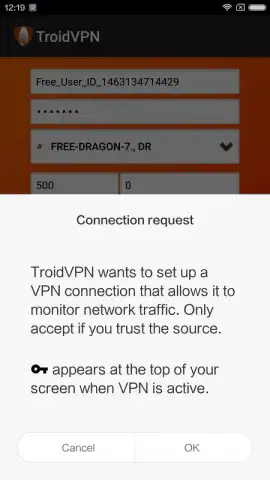
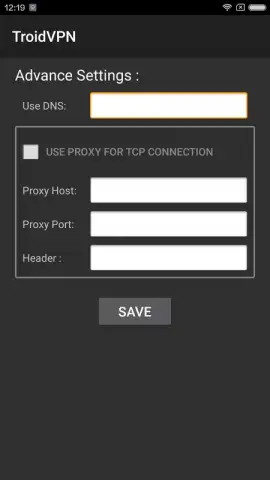
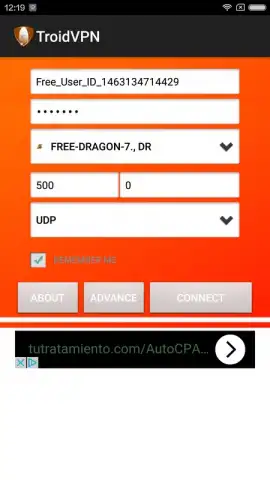
Description Troid VPN
A Closer Look at Troid VPN for Android
In the current digital landscape, the search for a straightforward VPN solution that balances functionality with simplicity is a common user journey. Troid VPN, developed by TunnelGuru, enters this space as a utility-focused Android tool designed for anonymous and secure browsing. Its core proposition is not an overwhelming suite of features, but rather a streamlined process that prioritizes immediate, one-touch connectivity. This review examines its operational mechanics, daily utility, and where it positions itself within the spectrum of freemium privacy tools.
Functional Analysis and User Experience
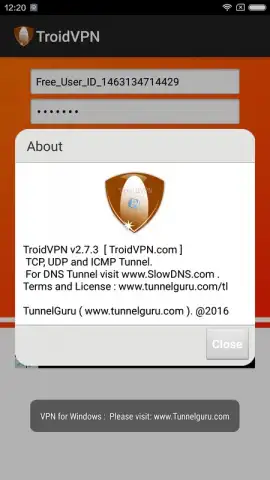
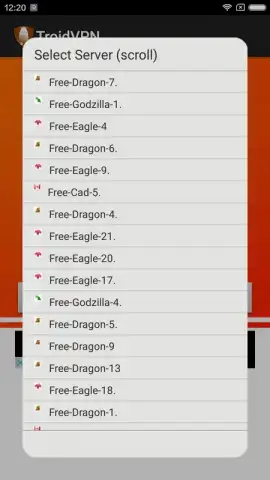
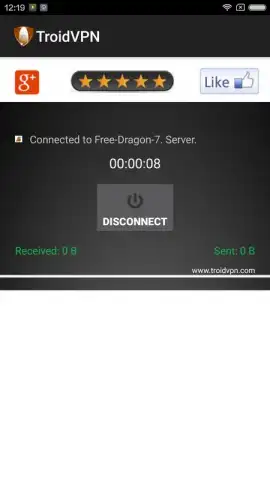
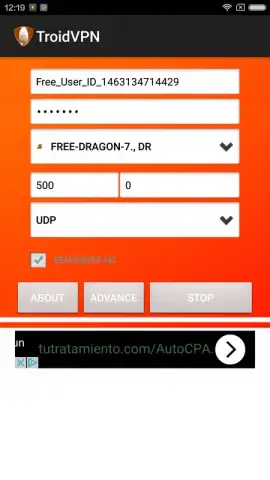
The application operates on a principle of minimal configuration. Upon installation, which is indeed a matter of seconds, the user is presented with a connection toggle. Engaging this single control activates the VPN, routing your internet traffic through a secure server without necessitating further input. For users with more technical requirements, the app provides access to backend settings, including the ability to manually select a preferred server or adjust the connection port. This layered approach—default simplicity with optional customization—forms the basis of its design philosophy. It’s important to note that the interface is utilitarian, prioritizing function over aesthetic form, which may appeal to those seeking a no-frills utility.
A significant operational point is its data policy. Troid VPN operates on a freemium model, allocating 100 megabytes of free encrypted traffic per day. This serves as a functional trial period, suitable for light browsing or checking emails on public Wi-Fi. For sustained use, such as streaming or frequent downloading, upgrading to a paid plan is necessary. The absence of advertisements within the app, a noted advantage, contributes to an uninterrupted user experience. This creates a clear value proposition: a friction-free, ad-free interface for basic daily protection, with transparent limitations on its free tier.
Core Feature Breakdown
- One-Touch Secure Connection: Initiate anonymous browsing instantly with a single tap, requiring no complex setup or configuration for standard use.
- Customizable Network Parameters: For advanced users, manually adjust technical settings like your connection port and select a specific VPN server for tailored performance.
- Ad-Free Freemium Operation: Experience the core VPN functionality without disruptive advertisements, utilizing a daily 100MB data allowance for basic privacy needs.
We suggest trying Troid VPN if your primary need is a rapid, uncomplicated method to secure casual web browsing on your Android device, particularly on unfamiliar networks.
Download the Troid VPN mobile app now to test its streamlined connection protocol.
A stable internet connection is required for operation. The app offers in-app purchases to upgrade data plans beyond the initial free daily allowance.


