
TV Remote 2
TV Remote 2 screenshots (7)
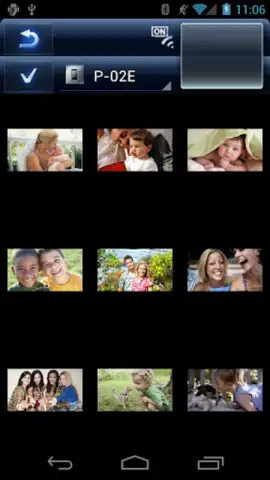
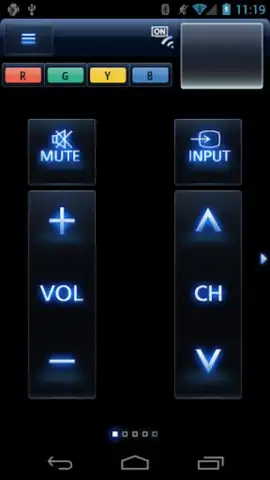
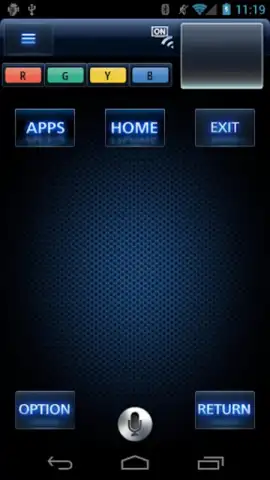
Description TV Remote 2
What if your smartphone could become the most intuitive, powerful remote control you've ever owned, eliminating the clutter of multiple clickers and simplifying your entire viewing experience?
Core Functionality & Integration
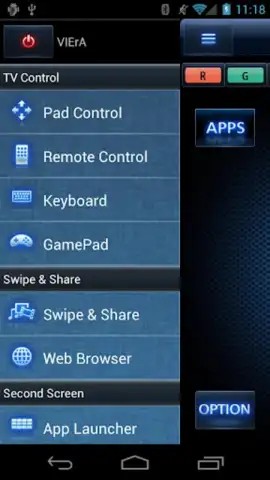
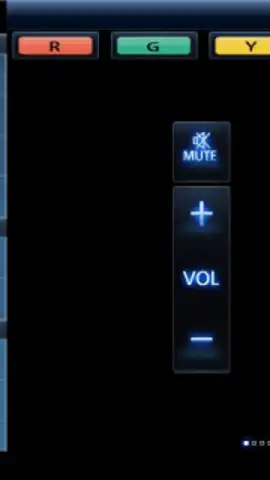
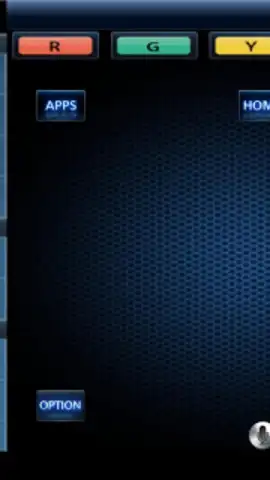
TV Remote 2 by Panasonic transforms your Android device into a sophisticated universal remote. The application establishes a connection with compatible Panasonic smart TVs and media devices over your local Wi-Fi network, bypassing the need for infrared hardware and enabling control from anywhere within signal range. The interface replicates a high-end physical remote with a clean, tactile layout, offering direct access to power, volume, channel navigation, input selection, and a responsive directional pad. Beyond basic commands, it provides deep integration with the TV's smart platform, allowing for seamless text input via your phone's keyboard for search functions and app logins, which is a significant upgrade over tedious on-screen typing.
Key Advantages & User Experience
The primary advantage lies in its unification and convenience. The app consolidates control into a single, always-available device—your phone. The user experience is defined by its reliability and thoughtful design; button presses register with minimal latency, and the connection process is typically automatic once the devices are on the same network. Visually, it opts for a professional, uncluttered aesthetic that prioritizes legibility and quick access over flashy graphics. Performance is stable, with a minimal footprint on your phone's resources, ensuring it remains ready in the background without draining your battery.
- Universal Wi-Fi Control: Operate compatible Panasonic TVs without line-of-sight using your home network.
- Smart Keyboard Input: Effortlessly enter text for searches and accounts using your phone's keyboard.
- Customizable Quick Access: Pin your most-used functions or apps to a dedicated shortcut panel.
- Program Guide Integration: Browse and select live TV channels directly from an integrated electronic guide.
- Device Management Hub: Switch control between multiple compatible Panasonic devices from one screen.
We suggest trying TV Remote 2 to experience a streamlined and modern approach to managing your home entertainment system.
Heads up: you'll need Wi-Fi for all core features. Your phone and TV must be on the same network. Compatibility depends on your specific Panasonic TV model and software version.


