
TVLauncher
TVLauncher screenshots (8)

Description TVLauncher
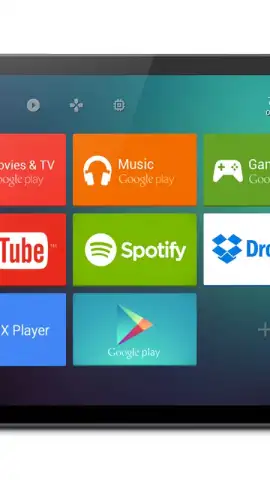
Imagine your Android home screen transformed into a sleek, intuitive interface designed for effortless navigation and control, directly from your couch. TVLauncher re-engineers the standard smartphone or tablet experience into a TV-optimized dashboard, putting your essential apps, widgets, and media front and center with a simple, grid-based layout perfect for larger displays and remote-style interaction.
Core Functionality & Customization
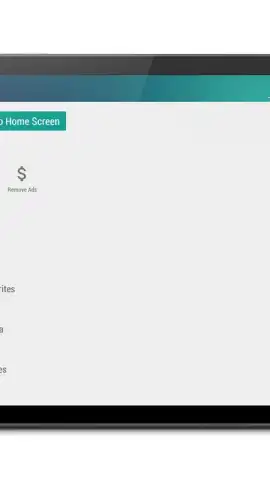
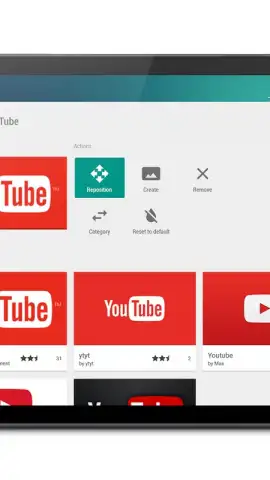
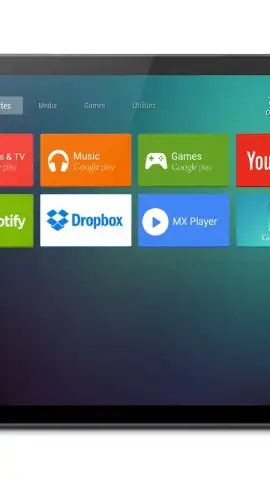
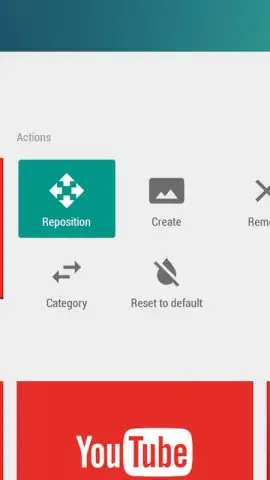
TVLauncher replaces your default home screen with a focus on simplicity and efficiency for lean-back use. The app organizes content into a customizable grid, allowing you to pin your most-used applications, streaming services, and tools for instant access. It supports direct integration with media players and system settings, enabling you to adjust volume, brightness, or launch Netflix without navigating through standard menus. The interface is built with clarity in mind, featuring large, legible icons and widget support for at-a-glance information like weather, news feeds, or calendar events.
Key User Experience Advantages
The primary strength of TVLauncher lies in its user-centric design that prioritizes discoverability and reduced clutter. It minimizes on-screen text and complex folders, opting for a visual hierarchy that can be navigated intuitively. Performance is optimized for stability on a wide range of Android devices, ensuring smooth transitions and responsive inputs. The launcher offers deep personalization, letting you adjust grid sizes, icon packs, and background wallpapers to create a unique home screen environment tailored for media consumption and smart home control.
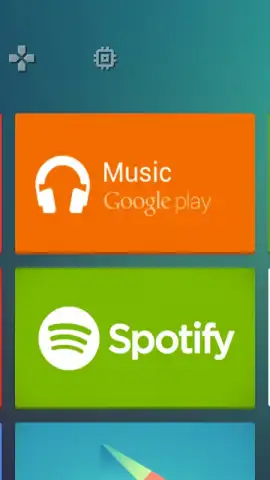
- TV-Optimized Grid Layout: Navigate using a simple, spacious grid of large icons designed for visibility from a distance.
- Direct Media & Settings Control: Integrated quick-access panel for essential system functions like volume, brightness, and Wi-Fi.
- Customizable Home Screen Grid: Adjust the number of rows and columns to fit your preferred app density and layout style.
- Support for Resizable Widgets: Add functional widgets for information, music players, or smart home controls directly to the main screen.
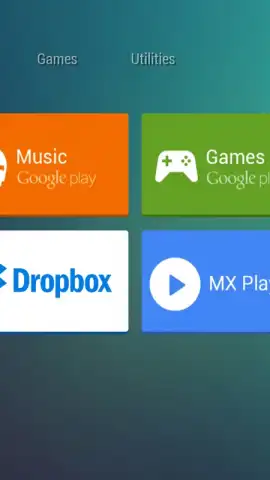
- Dedicated App Drawer & Categories: Access all installed applications through an organized drawer, with optional sorting into user-defined categories.
Transform your device into a powerful media center and command hub. Download TVLauncher now and experience a streamlined, big-screen interface.
Internet required. IAP available.


